How to delete a survey in SurveyMonkey
Here is how to delete a survey in surveymonkey
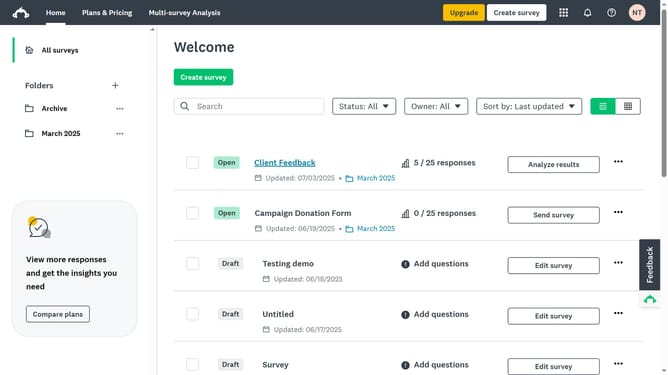
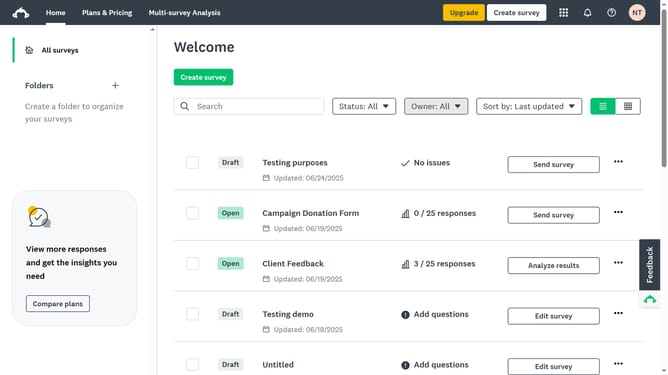
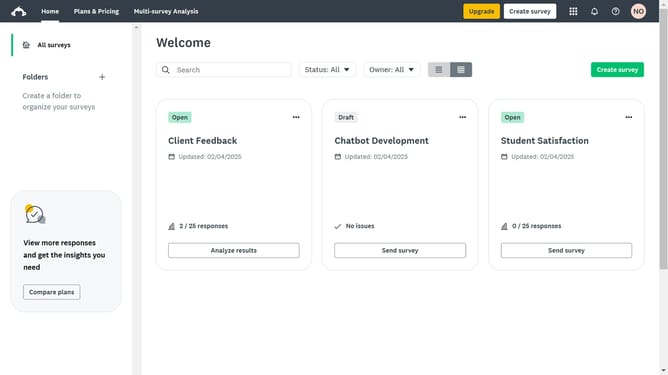
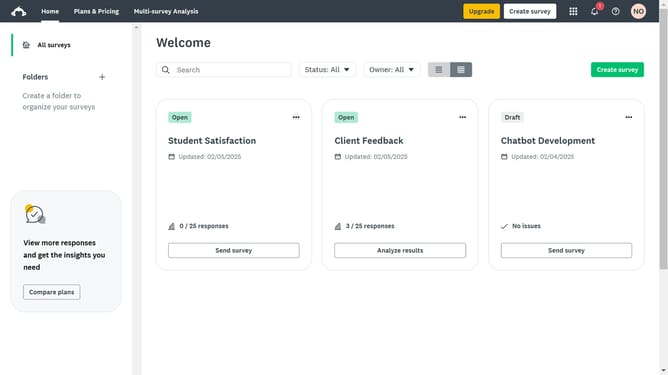
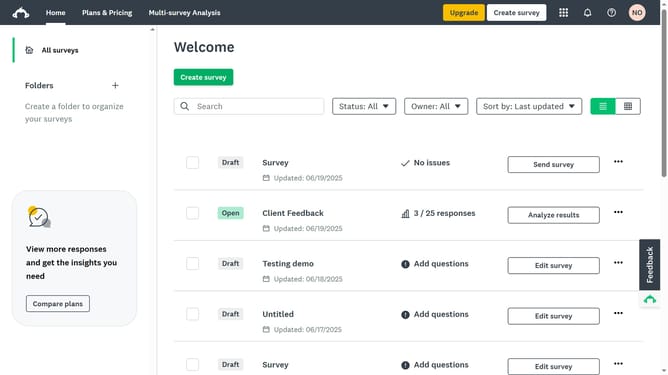
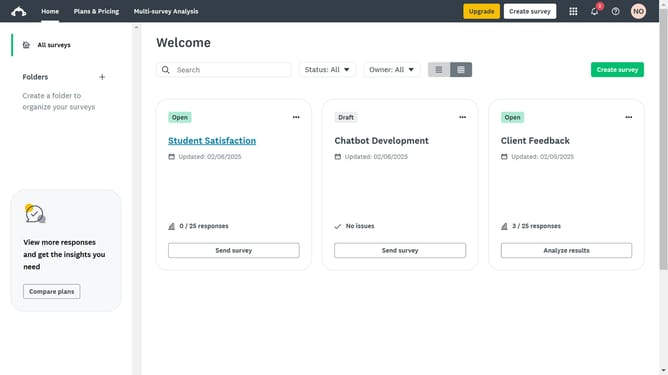
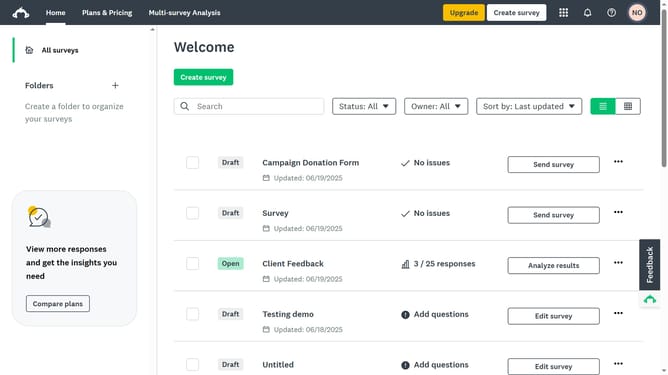
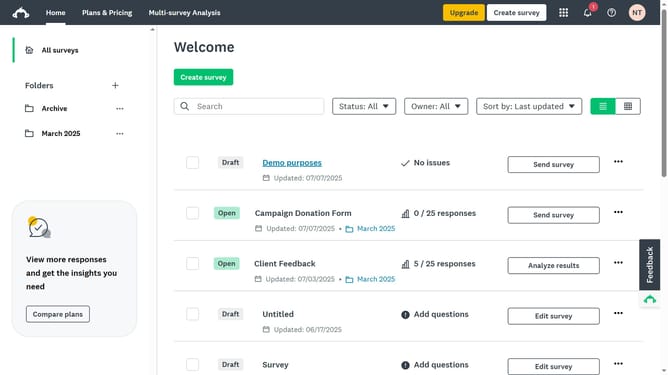
- First click the "More actions" menu (three dots) button next to the survey you want to delete
- Then click the "Delete" button from the dropdown menu
- Finally click the "Delete" button in the modal confirmation dialog to permanently remove the survey
Why should you delete a survey in SurveyMonkey
SurveyMonkey is a versatile tool designed to simplify the process of collecting and analyzing feedback through surveys.
The feature to delete a survey in SurveyMonkey provides users with an easy way to manage their data by removing outdated or irrelevant surveys.
This ability ensures that you can maintain an organized workspace, allowing for a focus on the most pertinent data.
By clearing unnecessary surveys, you can enhance your efficiency, making it easier to access the surveys that matter most to your decision-making processes.
Last update