Here is how to move a page to another position in surveymonkey
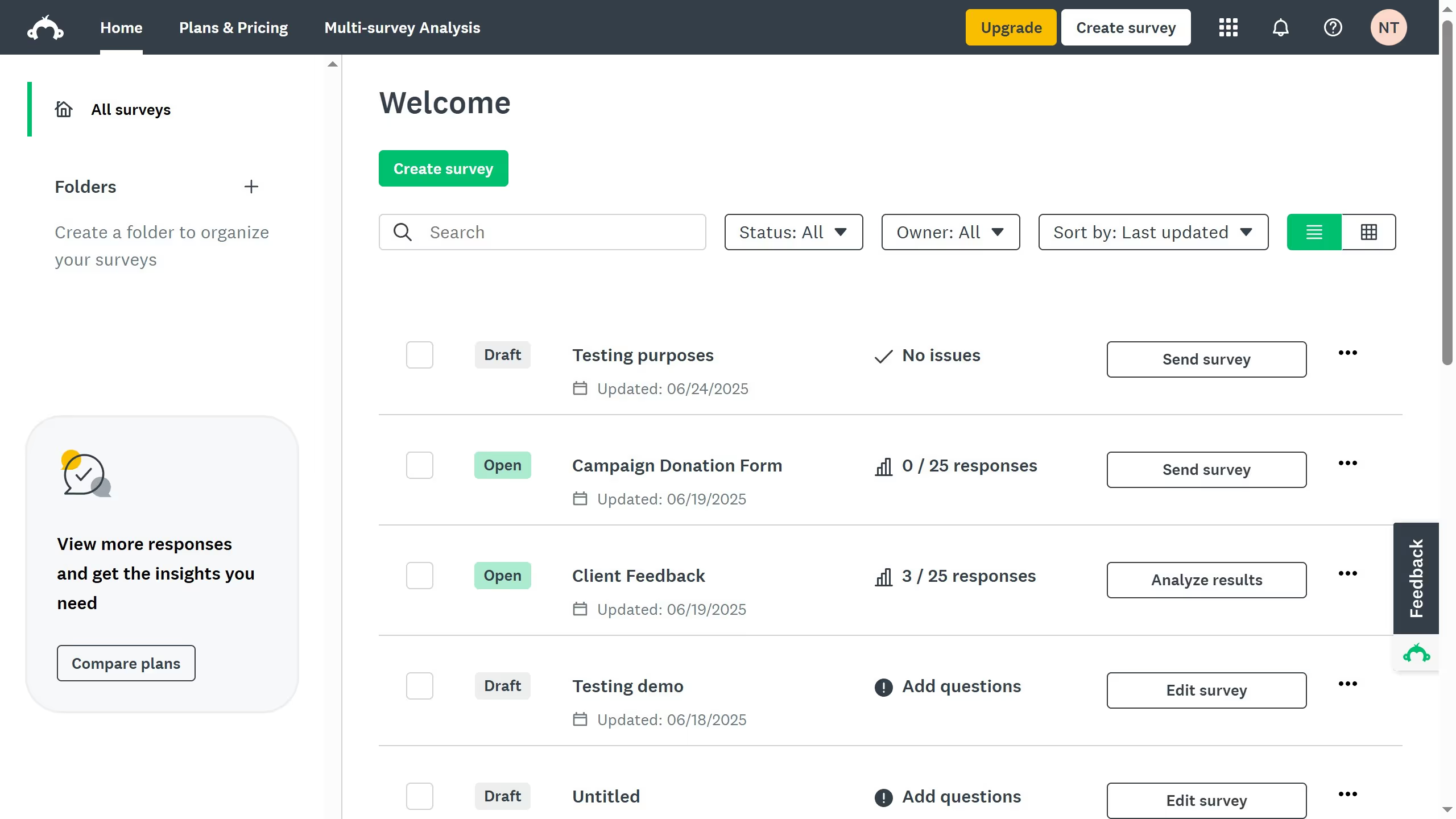
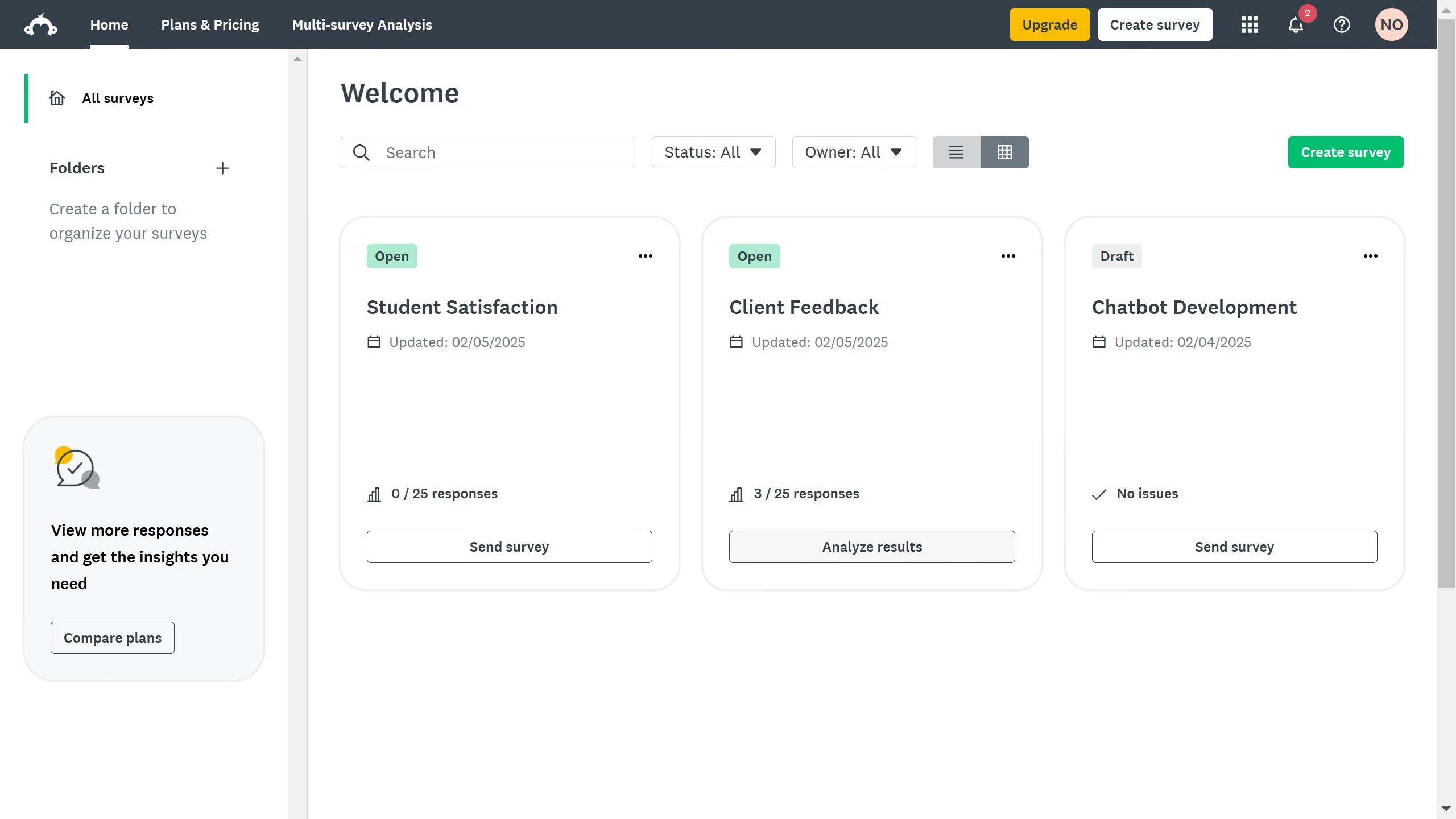
- First click the survey you want to edit
- Then click on the "DESIGN SURVEY" tab in the survey navigation menu
- Click on the "More actions" dropdown button of the page you want to move
- Select "Move page" option from the dropdown menu
- Choose the new position for the page in the list of pages
- Finally click the "Apply" button to save your changes