SurveyMonkey
SurveyMonkey is an online survey and feedback collection platform for customer insights.
Website
Industry
Marketing
Share this article:

How to view total survey responses in SurveyMonkey

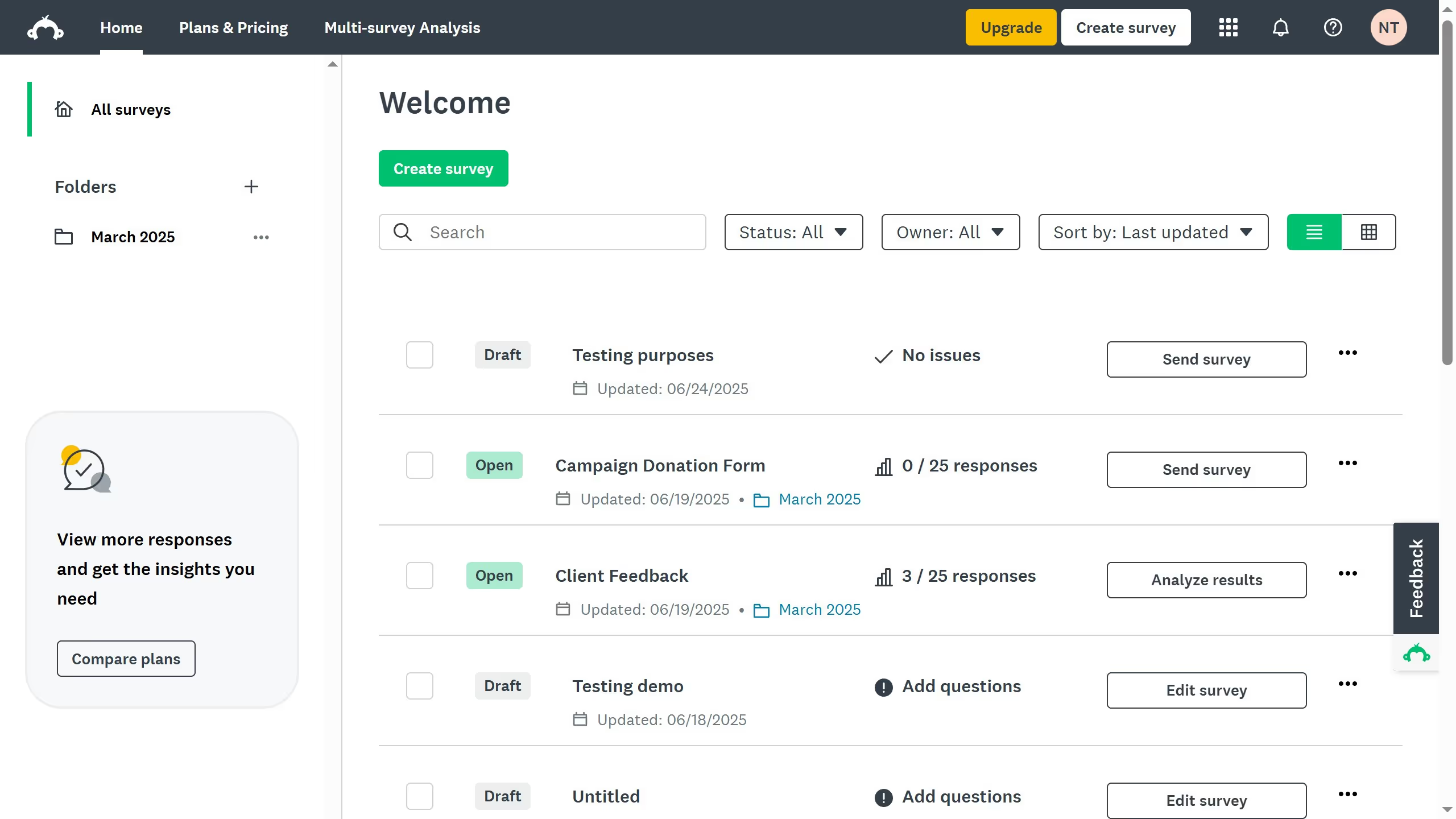
Here is how to view total survey responses in surveymonkey

  1. First click the survey you want to analyze
  2. Here you will find the total responses in the survey summary dashboard
  3. You can also see which collector received the most responses from the dashboard

Create your own interactive guide with Guideflow

Why should you view total survey responses in SurveyMonkey

SurveyMonkey simplifies the process of collecting valuable insights through surveys.

Viewing total survey responses in SurveyMonkey is a fundamental feature that boosts your understanding of participant engagement.

This feature provides a clear overview of your survey's reach, helping you gauge its effectiveness and identify trends.

By easily monitoring total responses, you can quickly make informed decisions, optimizing your strategies for better outcomes.

Last update
June 23, 2026
Cursor MariaA cursor points to a button labeled "James."

Create your first demo in less than 30 seconds.