How to enable anonymous responses in SurveyMonkey
Here is how to enable anonymous responses in surveymonkey
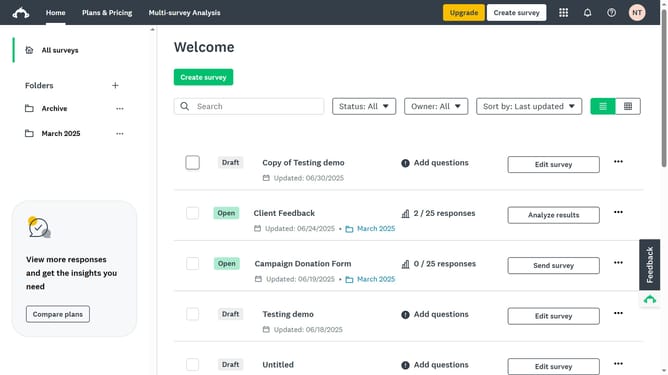
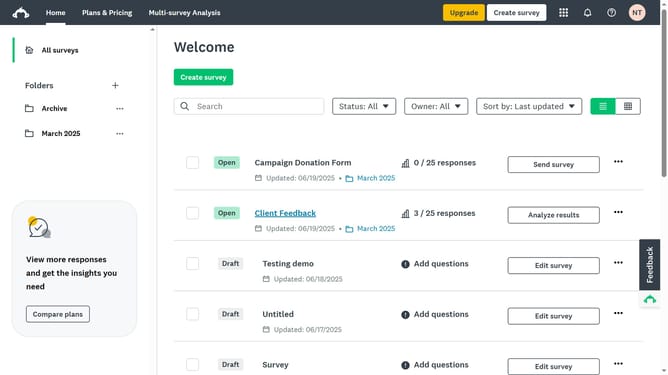
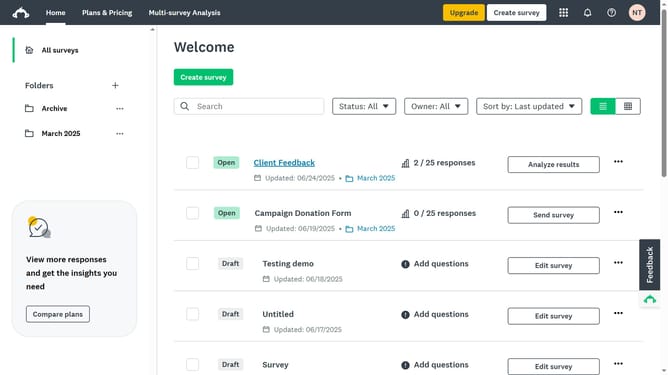
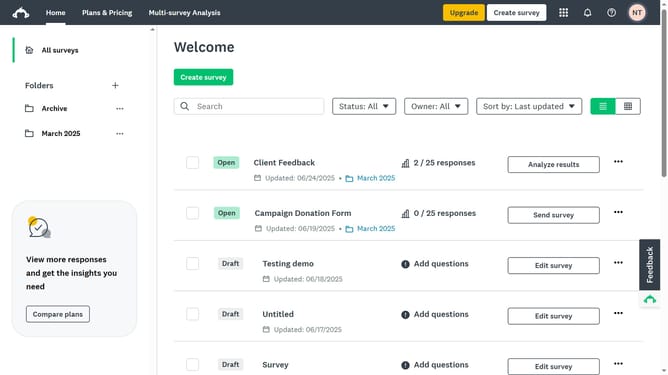
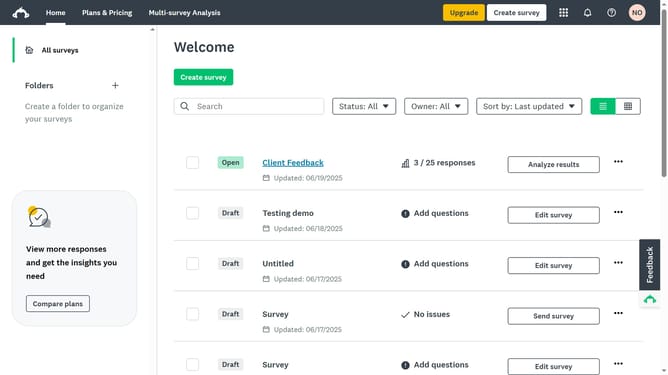
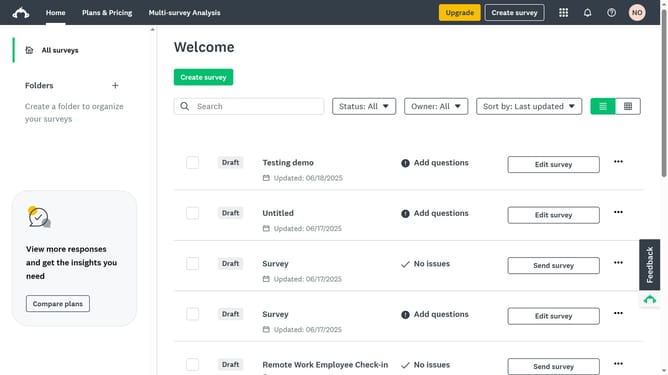
- First click the survey title in the main content area
- Then click on the "COLLECT RESPONSES" tab in the survey navigation menu
- Next click on the collector in the collectors list
- Then click on the "Anonymous responses" settings option in the collector settings
- Finally select the "On, your respondents will be anonymous" radio button in the anonymous responses dropdown
Why should you enable anonymous responses in SurveyMonkey
SurveyMonkey is a powerful tool designed to easily create and distribute surveys, enabling insightful data collection.
Enabling anonymous responses in SurveyMonkey ensures participant confidentiality and can significantly improve response rates.
This feature is particularly beneficial for gathering honest feedback, as it assures respondents that their identities and responses are protected.
Overall, using anonymous responses can lead to more genuine and candid insights, thus enhancing the quality of data collected.
Last update