SurveyMonkey
SurveyMonkey is an online survey and feedback collection platform for customer insights.
Website
Industry
Marketing
Share this article:

How to create a contact group in SurveyMonkey

Here is how to create a contact group in surveymonkey

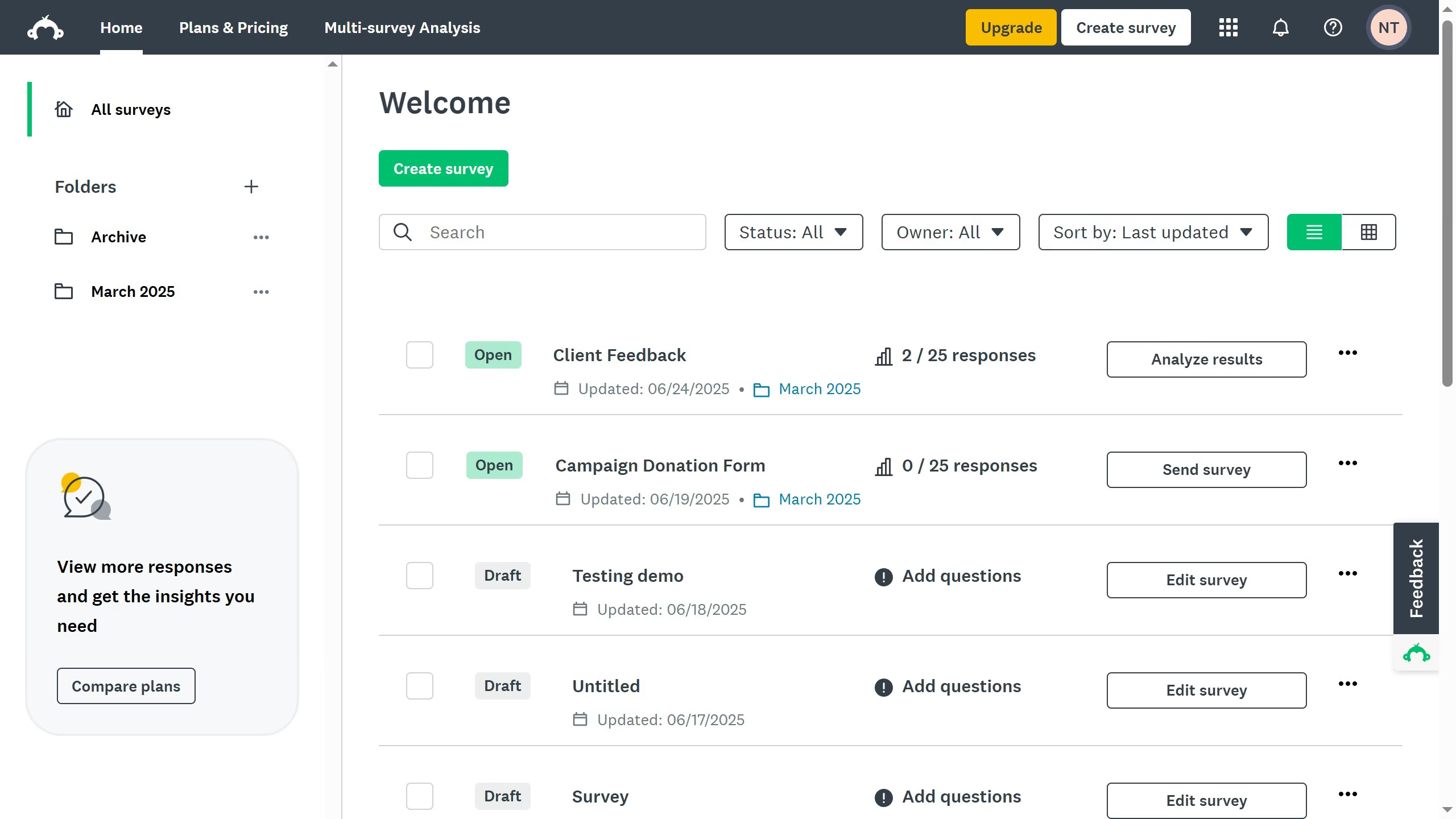
  1. First click on the user profile button in the top-right header
  2. Then click on "Contacts" option in the dropdown menu
  3. Next click on "GROUP" button in the left sidebar to create a new contact group
  4. Then enter a name for your group to help you identify it later
  5. Finally click on "SAVE" button to create the new group

Create your own interactive guide with Guideflow

Why should you create a contact group in SurveyMonkey

SurveyMonkey is a versatile tool designed to simplify the creation and analysis of surveys.

Creating a contact group in SurveyMonkey streamlines communication by organizing your audience into manageable segments.

This feature allows for personalized interaction, enhancing participant engagement and response rates. Leverage the contact group feature for efficient survey distribution and improved data collection.

By segmenting your audience, you ensure that your surveys reach the right people at the right time, maximizing the effectiveness of your survey campaigns.


Last update
June 23, 2026
Cursor MariaA cursor points to a button labeled "James."

Create your first demo in less than 30 seconds.