SurveyMonkey
SurveyMonkey is an online survey and feedback collection platform for customer insights.
Website
Industry
Marketing
Share this article:

How to view IP addresses of respondents in SurveyMonkey

Here is how to view ip addresses of respondents in surveymonkey

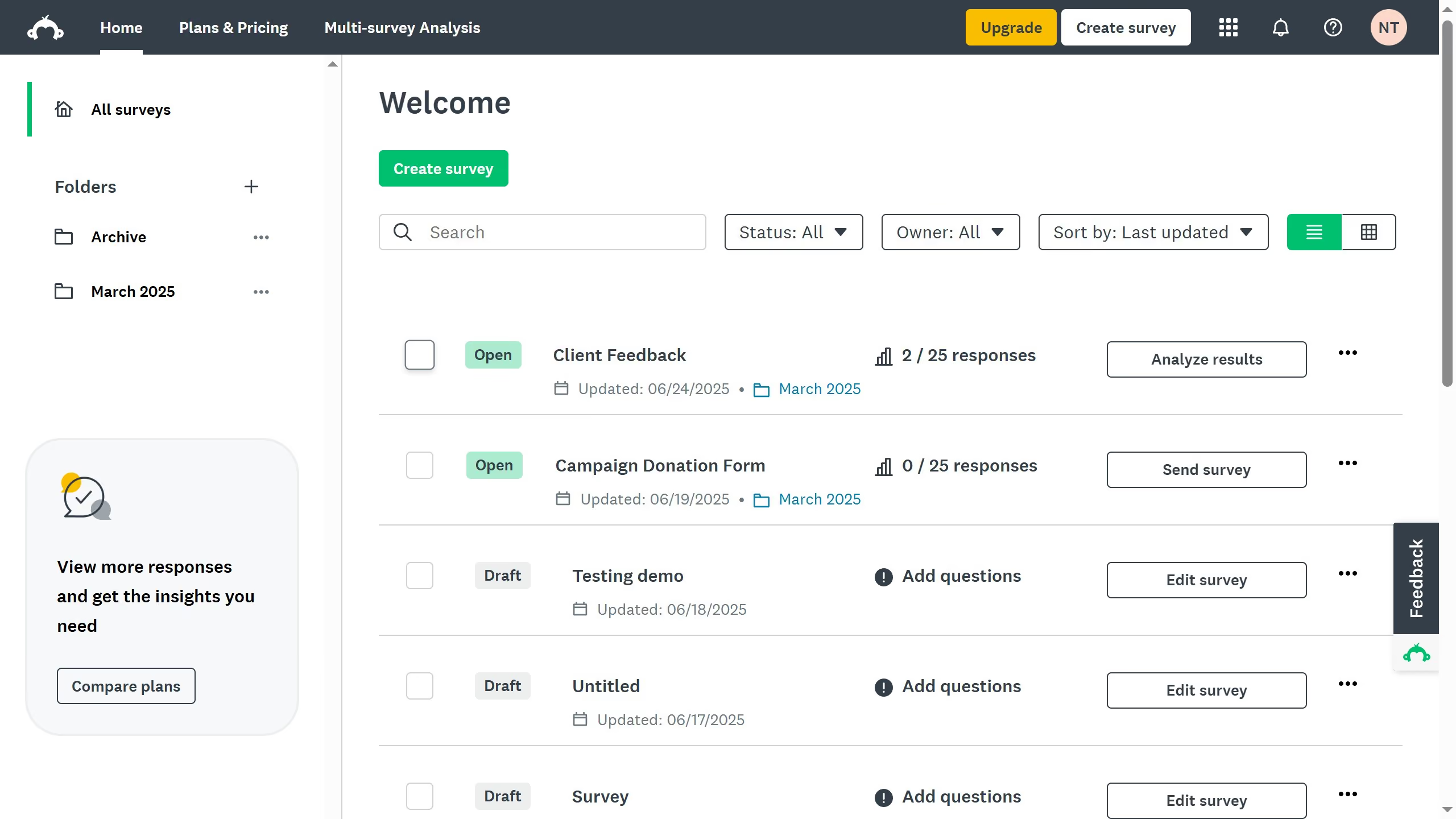
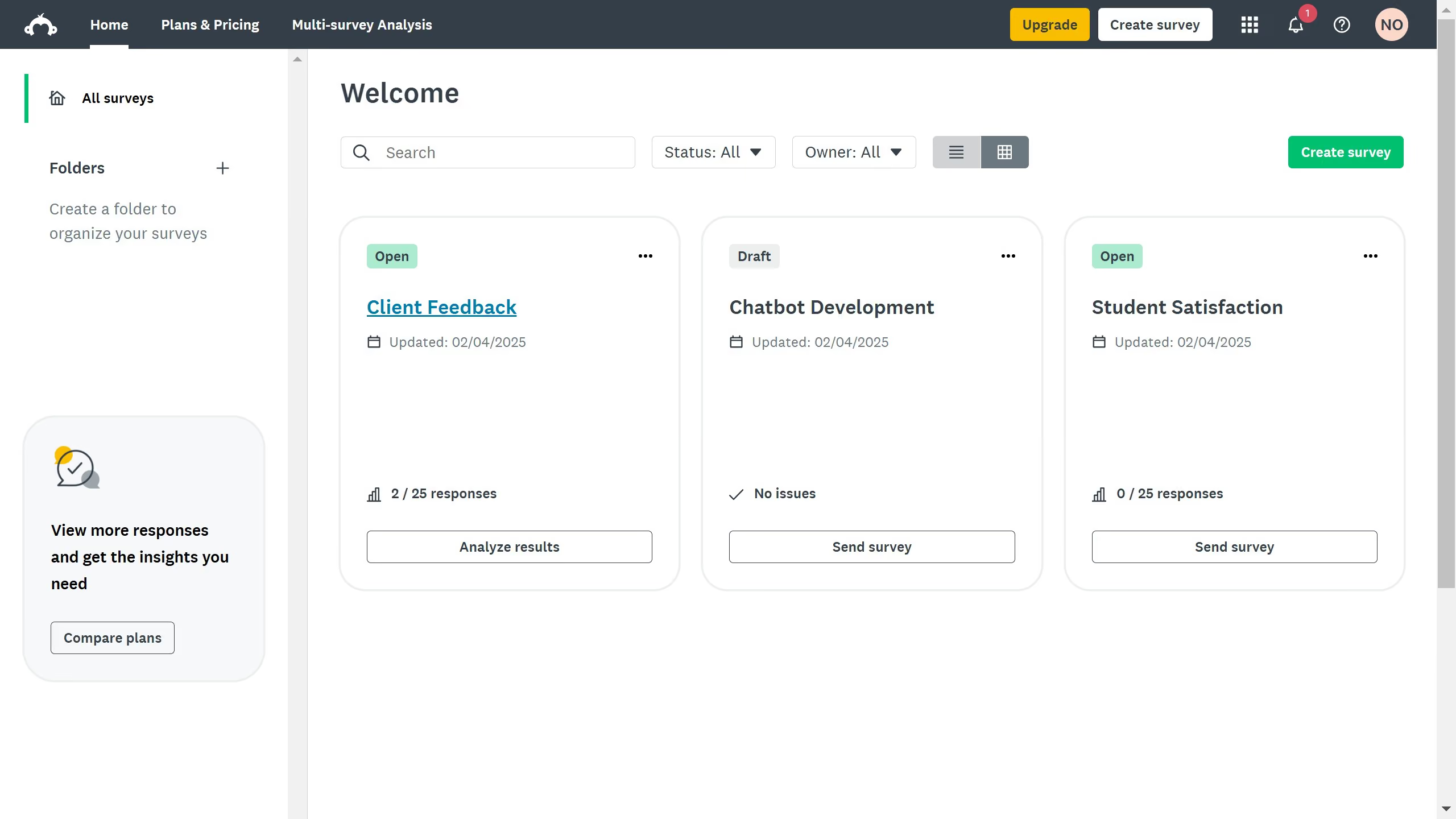
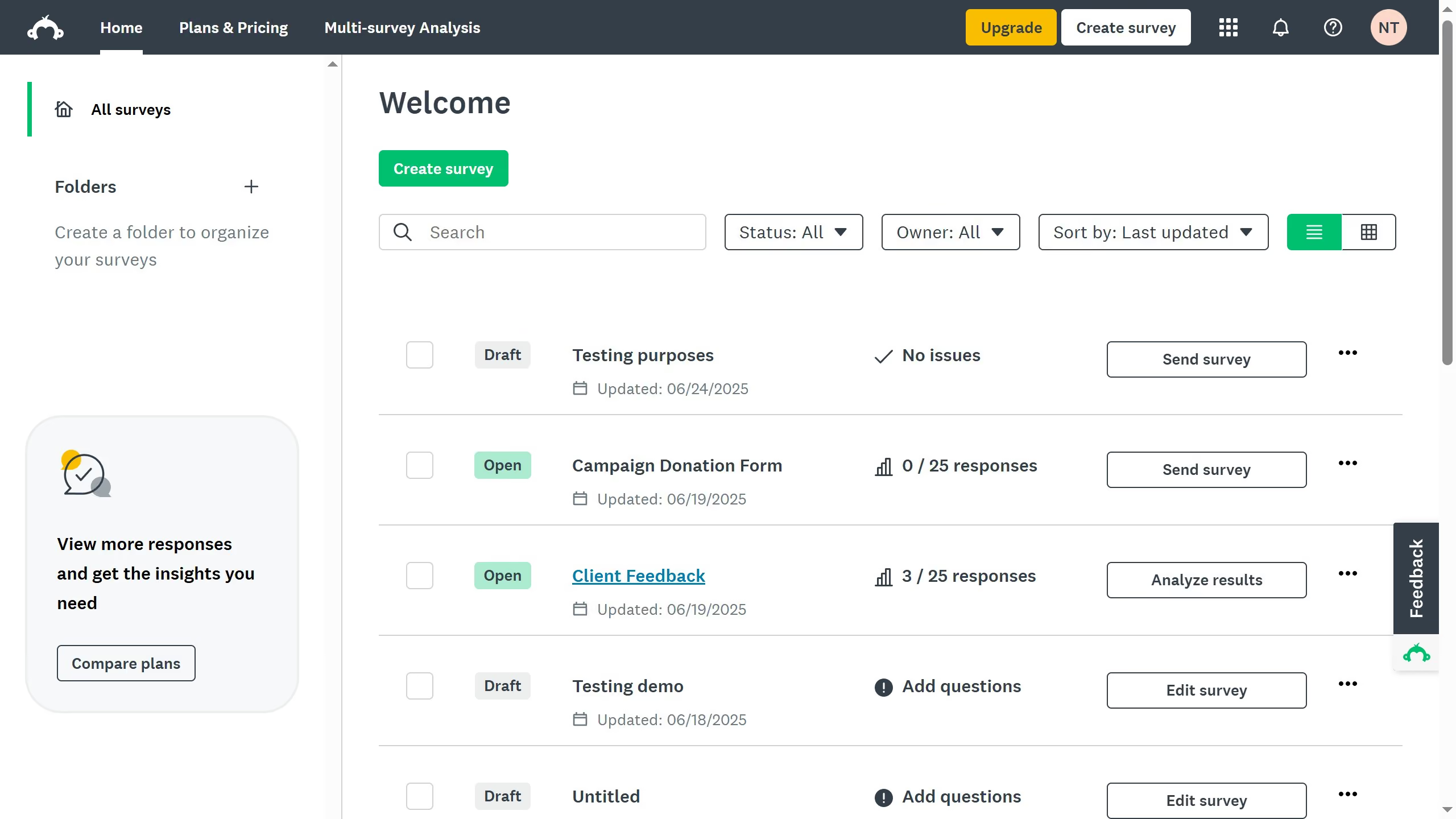
  1. First open the survey you want to analyze
  2. Then click on the "ANALYZE RESULTS" tab
  3. Next click on the "Individual Responses" tab
  4. Check the "IP Address" column to see collected IPs, if tracking is turned on

Create your own interactive guide with Guideflow

Why should you view IP addresses of respondents in SurveyMonkey

SurveyMonkey is a leading online platform designed to gather and analyze valuable feedback through customizable surveys.

One notable feature is the ability to view IP addresses of respondents. This feature helps in identifying the geographical location of your respondents, offering a deeper understanding of your audience demographics.

Knowing your respondents' IP addresses can enhance data integrity and ensure that responses are genuine and not duplications, providing you with more reliable insights and aiding in precise decision-making.


Last update
June 23, 2026
Cursor MariaA cursor points to a button labeled "James."

Create your first demo in less than 30 seconds.