SurveyMonkey
SurveyMonkey is an online survey and feedback collection platform for customer insights.
Website
Industry
Marketing
Share this article:

How to manually add contacts in SurveyMonkey

Here is how to manually add contacts in surveymonkey

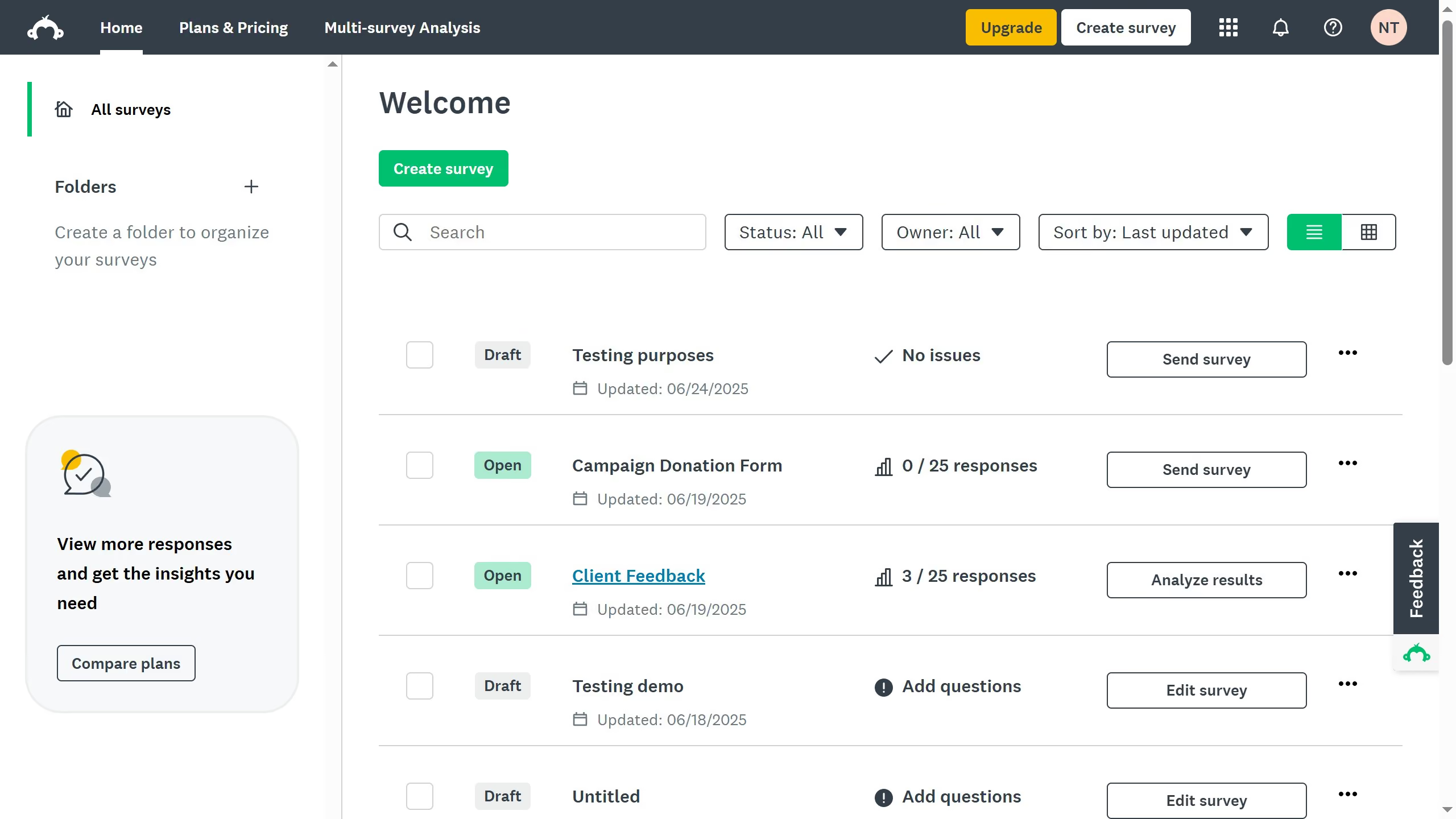
  1. On your SurveyMonkey dashboard, click your profile icon at the top right corner
  2. Click "Contacts" from the dropdown menu
  3. Click the "Add Single Contact" tab
  4. Fill in the "First Name" and "Last Name" input fields
  5. Next, fill up the "Email Address" input field
  6. Finally click the "Add Contacts" button to save the contact

Create your own interactive guide with Guideflow

Why should you manually add contacts in SurveyMonkey

SurveyMonkey is an intuitive platform designed to help you create, distribute, and analyze surveys seamlessly.

Manually adding contacts in SurveyMonkey is a feature that empowers users to build a personalized contact list effortlessly.

This capability is essential for tailoring your survey distribution, ensuring that you're reaching the right audience every time.

By manually managing your contacts, you can easily organize and categorize your recipients, enhancing the precision and effectiveness of your survey campaigns.


Last update
June 23, 2026
Cursor MariaA cursor points to a button labeled "James."

Create your first demo in less than 30 seconds.