How to duplicate a survey in SurveyMonkey
Here is how to duplicate a survey in surveymonkey
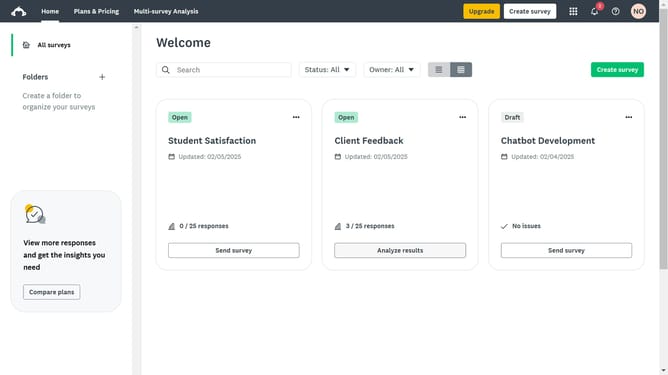
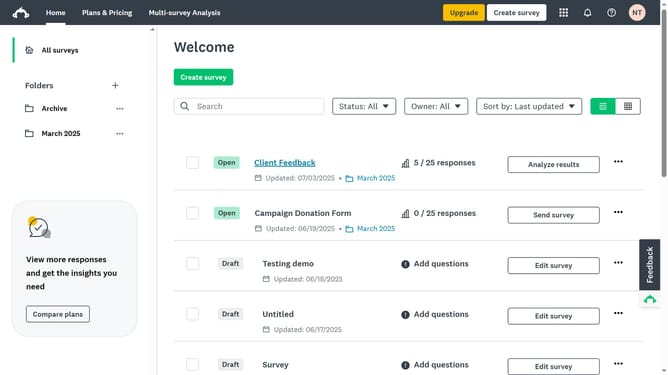
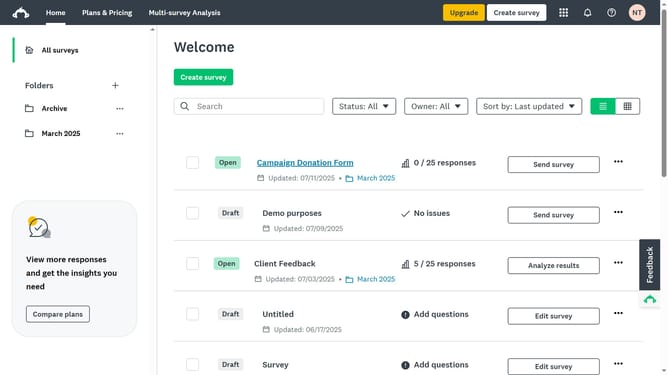
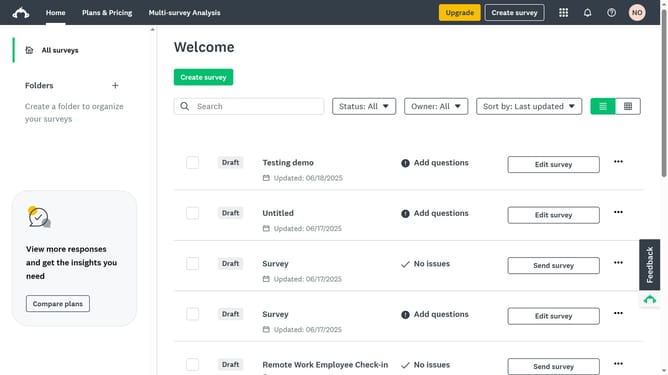
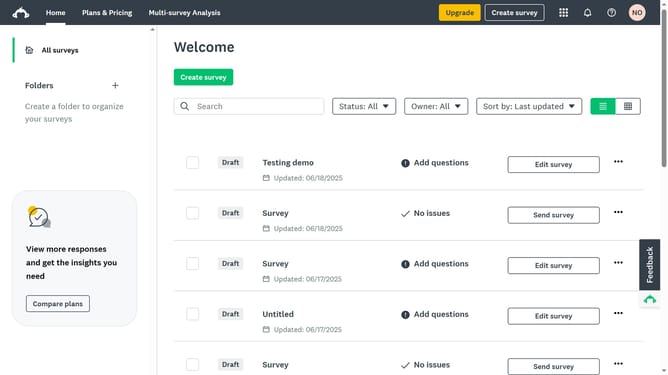
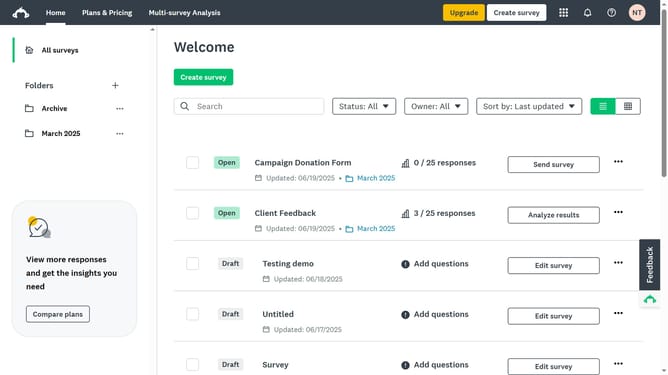
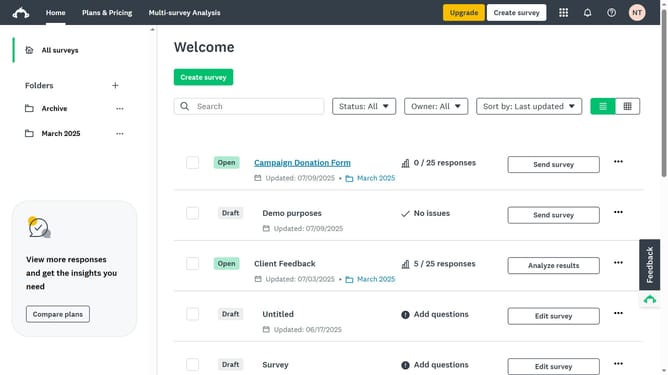
- First click on the options menu (three dots) next to the survey you want to duplicate
- Then select "Make a Copy" option from the dropdown menu
- Finally, click the "Home" tab to view the newly duplicated survey, which will have “Copy” added to the original title
Why should you duplicate a survey in SurveyMonkey
SurveyMonkey is a powerful tool for creating and distributing surveys with ease.
The feature to duplicate a survey in SurveyMonkey provides a streamlined way to recreate existing surveys, saving time and effort.
By replicating surveys, users can maintain consistency across multiple studies or projects without starting from scratch. This feature is invaluable for those conducting similar surveys regularly, as it ensures consistency while allowing for quick adjustments and modifications.
Ultimately, it enhances productivity, allowing more time to focus on analyzing results rather than rebuilding surveys.
Last update