SurveyMonkey
SurveyMonkey is an online survey and feedback collection platform for customer insights.
Website
Industry
Marketing
Share this article:

How to integrate Zendesk in SurveyMonkey

Here is how to integrate zendesk in surveymonkey

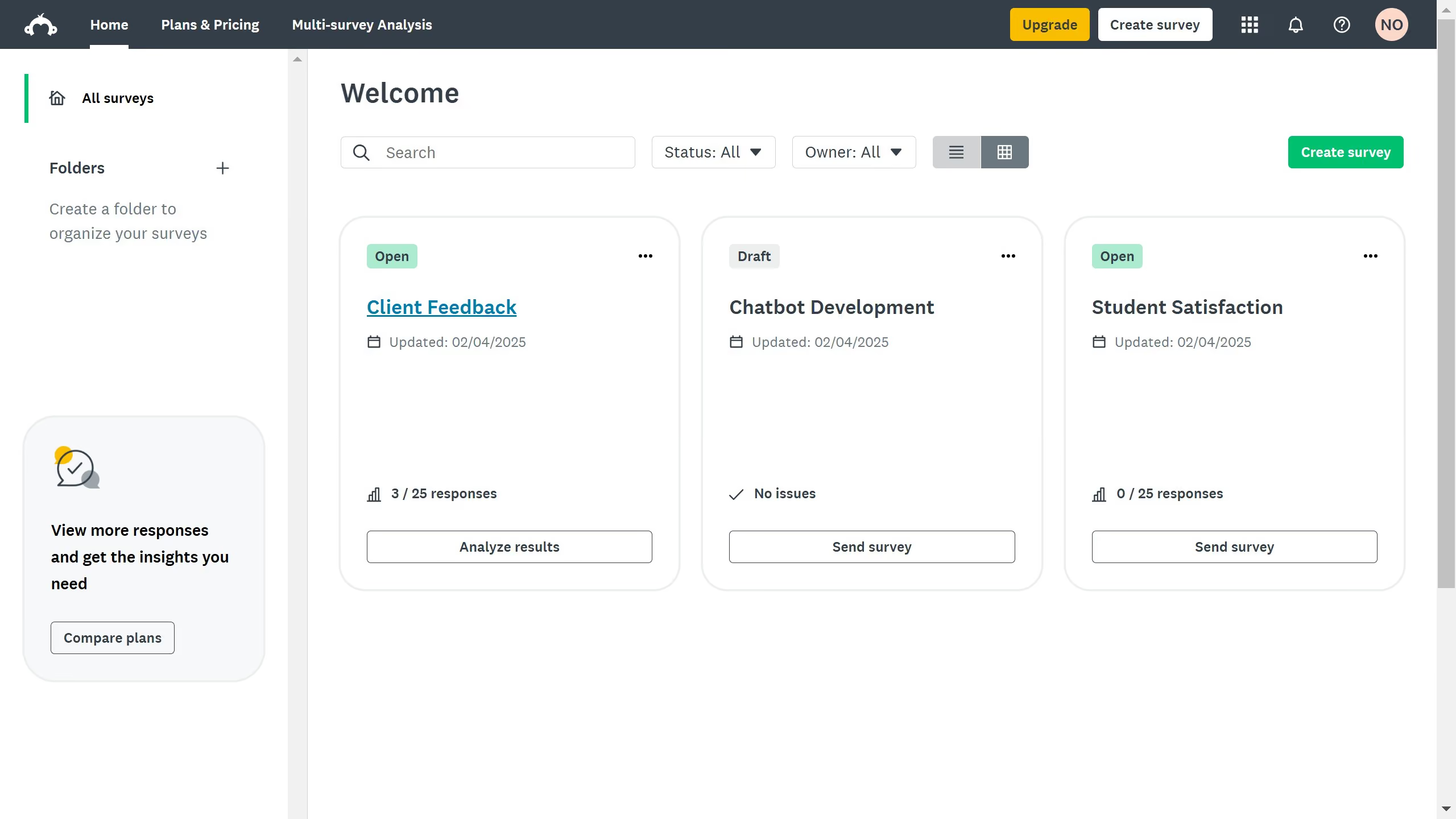
  1. First click on the menu icon in the top navigation bar to open the Products menu
  2. Then click on the "Apps & integrations" option in the Products menu
  3. Next click on the search field and type "Zendesk"
  4. Then click on the first "Zendesk" integration card in the search results
  5. Finally click on the "Install" button to begin installing the Zendesk integration

Create your own interactive guide with Guideflow

Why should you integrate Zendesk in SurveyMonkey

SurveyMonkey is a leading online survey platform designed to gather insights effortlessly.

Integrating Zendesk with SurveyMonkey allows businesses to seamlessly blend customer service feedback with survey data.

This integration enhances the customer support experience by providing context-rich feedback to agents directly within Zendesk, allowing for quicker and more informed responses.

Utilizing this feature promotes efficiency, with unified data streams that empower teams to make data-driven improvements effectively.


Last update
June 23, 2026
Cursor MariaA cursor points to a button labeled "James."

Create your first demo in less than 30 seconds.