SurveyMonkey
SurveyMonkey is an online survey and feedback collection platform for customer insights.
Website
Industry
Marketing
Share this article:

How to customize charts from results in SurveyMonkey

Here is how to customize charts from results in surveymonkey

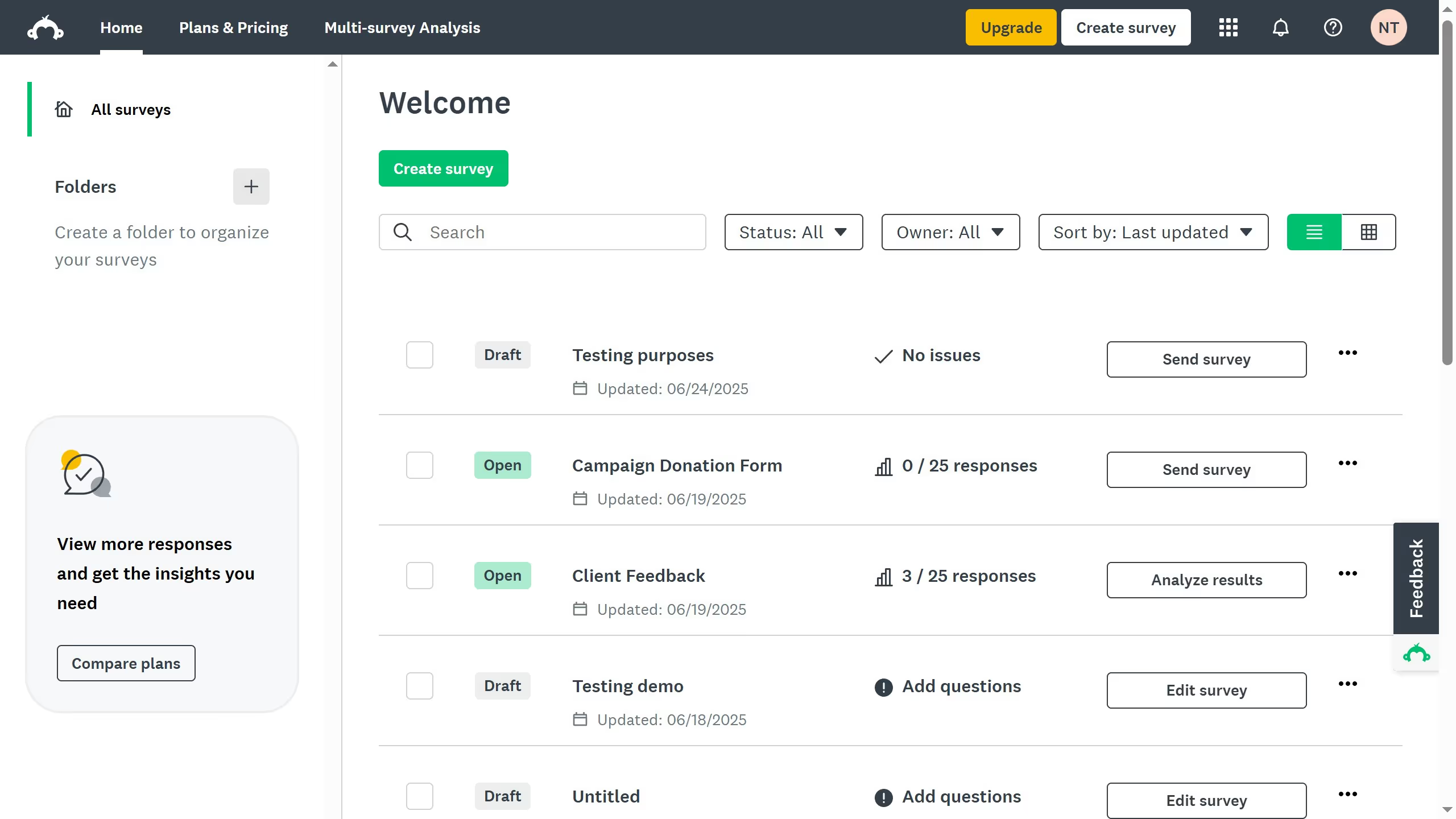
  1. On your SurveyMonkey dashboard, choose the survey you want to edit from your list
  2. Click the "ANALYZE RESULTS" tab at the top
  3. Stay on the "Question Summaries" view to see response data for each question
  4. Choose over a question and click "Customize" to select the chart type, color, and labels
  5. Then click on a chart type of your choice
  6. Click "Save" to apply changes

Create your own interactive guide with Guideflow

Why should you customize charts from results in SurveyMonkey

SurveyMonkey is an intuitive platform designed to create and analyze surveys effortlessly.

Customizing charts from survey results in SurveyMonkey enhances data interpretation by allowing you to tailor visual representations to specific needs.

This feature invites clarity and insight, making it easier to identify trends and patterns that matter. Tailored charts can effectively communicate data-driven decisions in presentations and reports.

The ability to customize charts boosts collaboration by helping teams focus on relevant insights quickly and efficiently.


Last update
June 23, 2026
Cursor MariaA cursor points to a button labeled "James."

Create your first demo in less than 30 seconds.