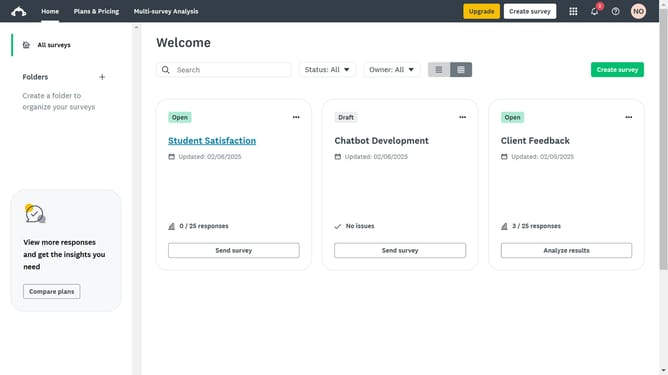
How to move questions between pages in SurveyMonkey
Here is how to move questions between pages in surveymonkey
- First click the survey you want to open
- Then click on "DESIGN SURVEY" tab in the top navigation menu
- Click on the question you want to move
- Then click the "Move" button
- Next click the "Page" dropdown to select the page where you want to move the question
- Finally click the "Move Question" button to complete the move successfully
Why should you move questions between pages in SurveyMonkey
SurveyMonkey is a robust platform dedicated to creating insightful and user-friendly surveys.
One of its versatile features is the ability to move questions between pages, which significantly enhances survey organization and flow.
This functionality not only aids in structuring complex surveys more efficiently but also ensures that respondents have a seamless and logical experience.
Ultimately, relocating questions as needed can lead to richer data and more actionable insights by preventing survey fatigue and maintaining engagement.
Last update