SurveyMonkey
SurveyMonkey is an online survey and feedback collection platform for customer insights.
Website
Industry
Marketing
Share this article:

How to generate a QR code for surveys in SurveyMonkey

Here is how to generate a qr code for surveys in surveymonkey

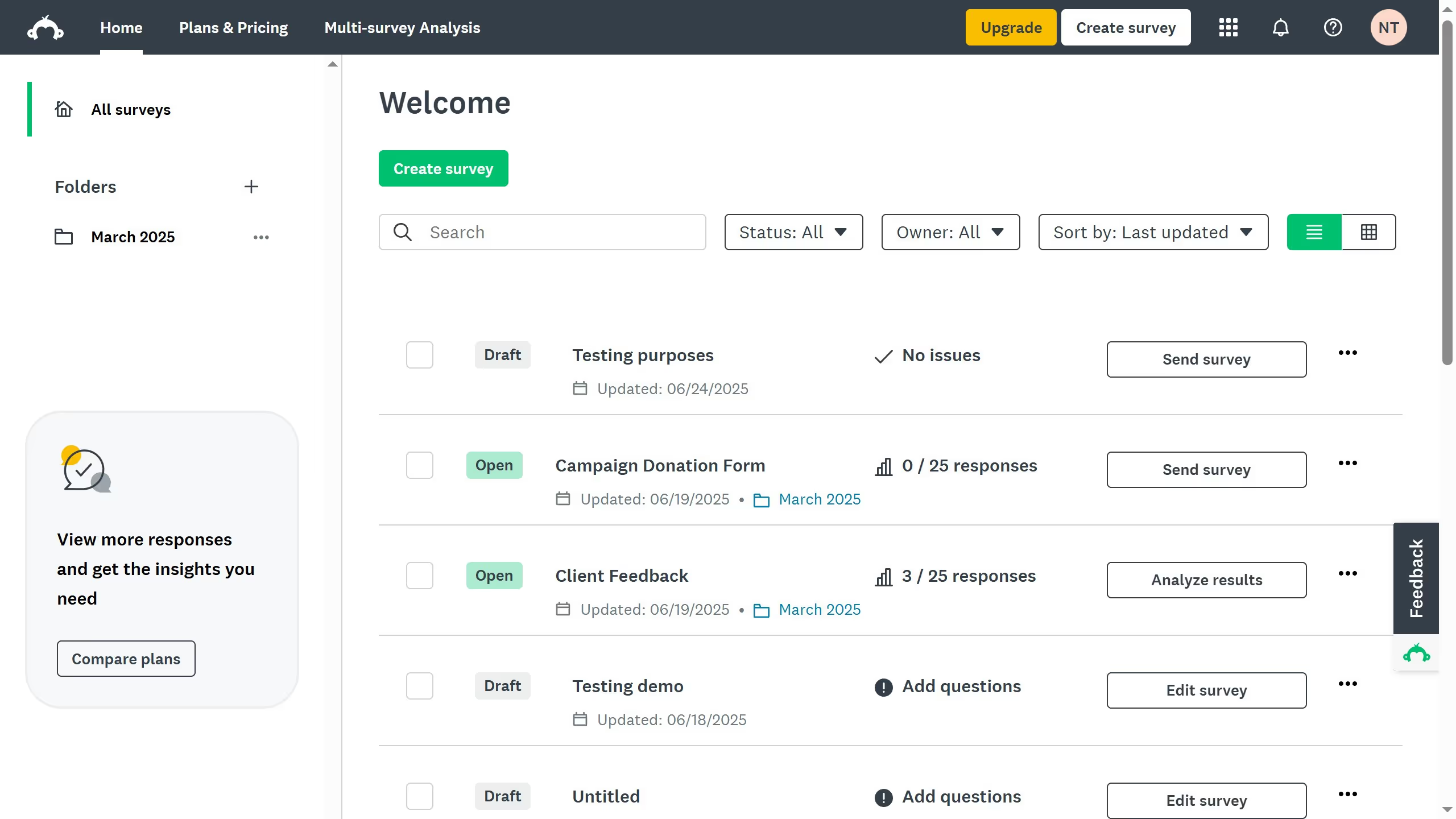
  1. First open the survey you want to share
  2. Then click on the "COLLECT RESPONSES" tab in the survey navigation menu
  3. Next click the collector name in the collectors table
  4. Finally click on the "Download QR code" link at the bottom of the Facebook Link collector details page

Create your own interactive guide with Guideflow

Why should you generate a QR code for surveys in SurveyMonkey

SurveyMonkey is an intuitive platform that empowers you to create, distribute, and analyze surveys with ease.

One standout feature is the ability to generate a QR code for your surveys. This feature ensures seamless access, allowing respondents to quickly participate using their mobile devices.

Utilizing QR codes enhances engagement by removing barriers, making it simple for users to interact with your survey anytime, anywhere. This convenience can lead to higher response rates, providing you with more comprehensive data insights.


Last update
June 23, 2026
Cursor MariaA cursor points to a button labeled "James."

Create your first demo in less than 30 seconds.