SurveyMonkey
SurveyMonkey is an online survey and feedback collection platform for customer insights.
Website
Industry
Marketing
Share this article:

How to add a survey logo in SurveyMonkey

Here is how to add a survey logo in surveymonkey

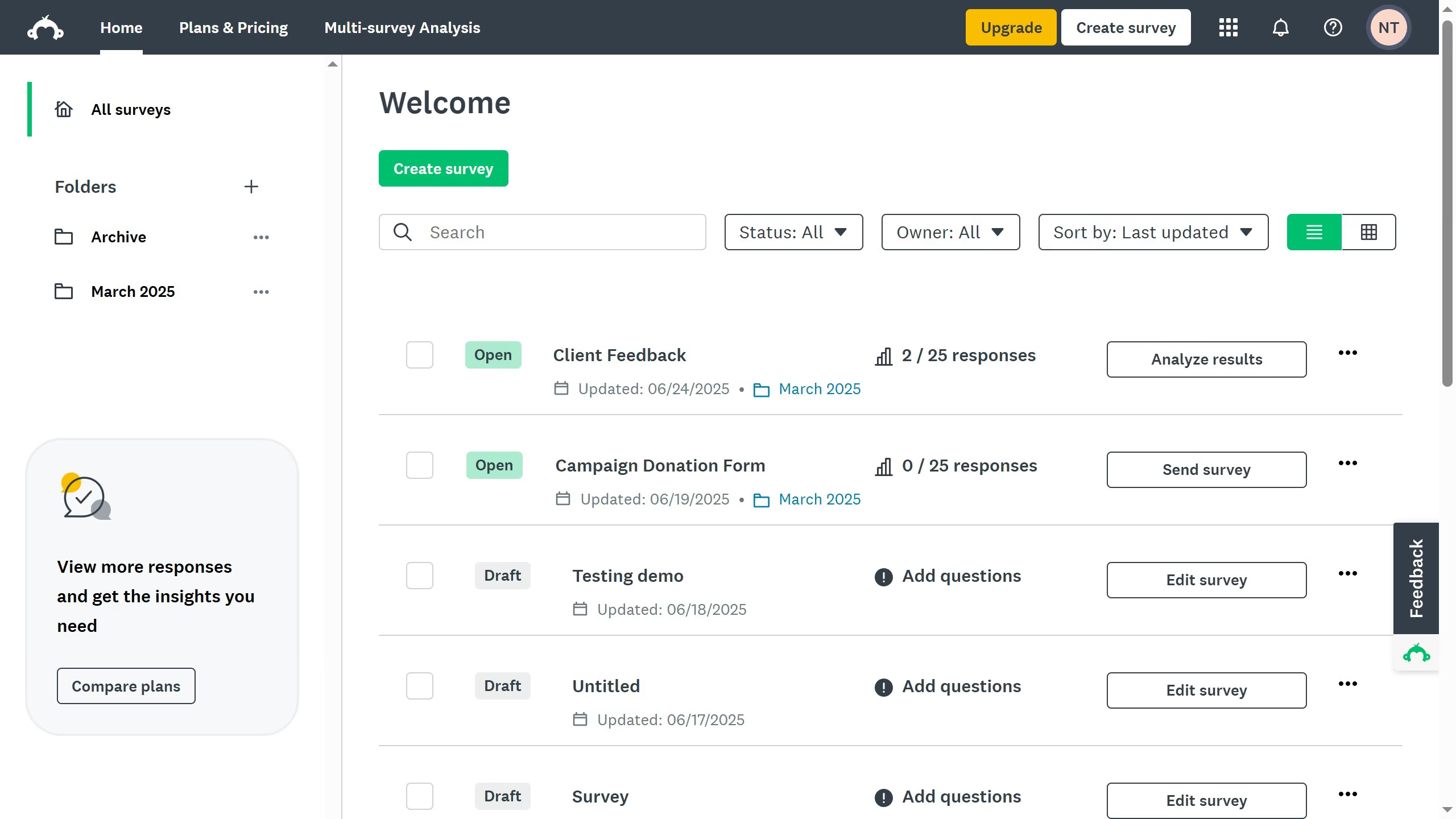
  1. On your SurveyMonkey dashboard, choose the survey you want to edit from your list
  2. Then click on "DESIGN SURVEY" tab in the survey navigation menu
  3. Finally click on the "Add logo" button to upload your file

Create your own interactive guide with Guideflow

Why should you add a survey logo in SurveyMonkey

SurveyMonkey is a powerful tool for creating and distributing surveys effortlessly.

Adding a survey logo in SurveyMonkey enhances your survey's visual appeal and aids in establishing your brand identity seamlessly.

Incorporating a logo helps reinforce brand recognition, ensuring that respondents associate the survey with your organization. This small touch can increase your survey's credibility and engagement.

The logo feature in SurveyMonkey makes it easy to add your brand’s touch, promoting professionalism and trust among your audience.


Last update
June 23, 2026
Cursor MariaA cursor points to a button labeled "James."

Create your first demo in less than 30 seconds.