SurveyMonkey
SurveyMonkey is an online survey and feedback collection platform for customer insights.
Website
Industry
Marketing
Share this article:

How to delete templates in SurveyMonkey

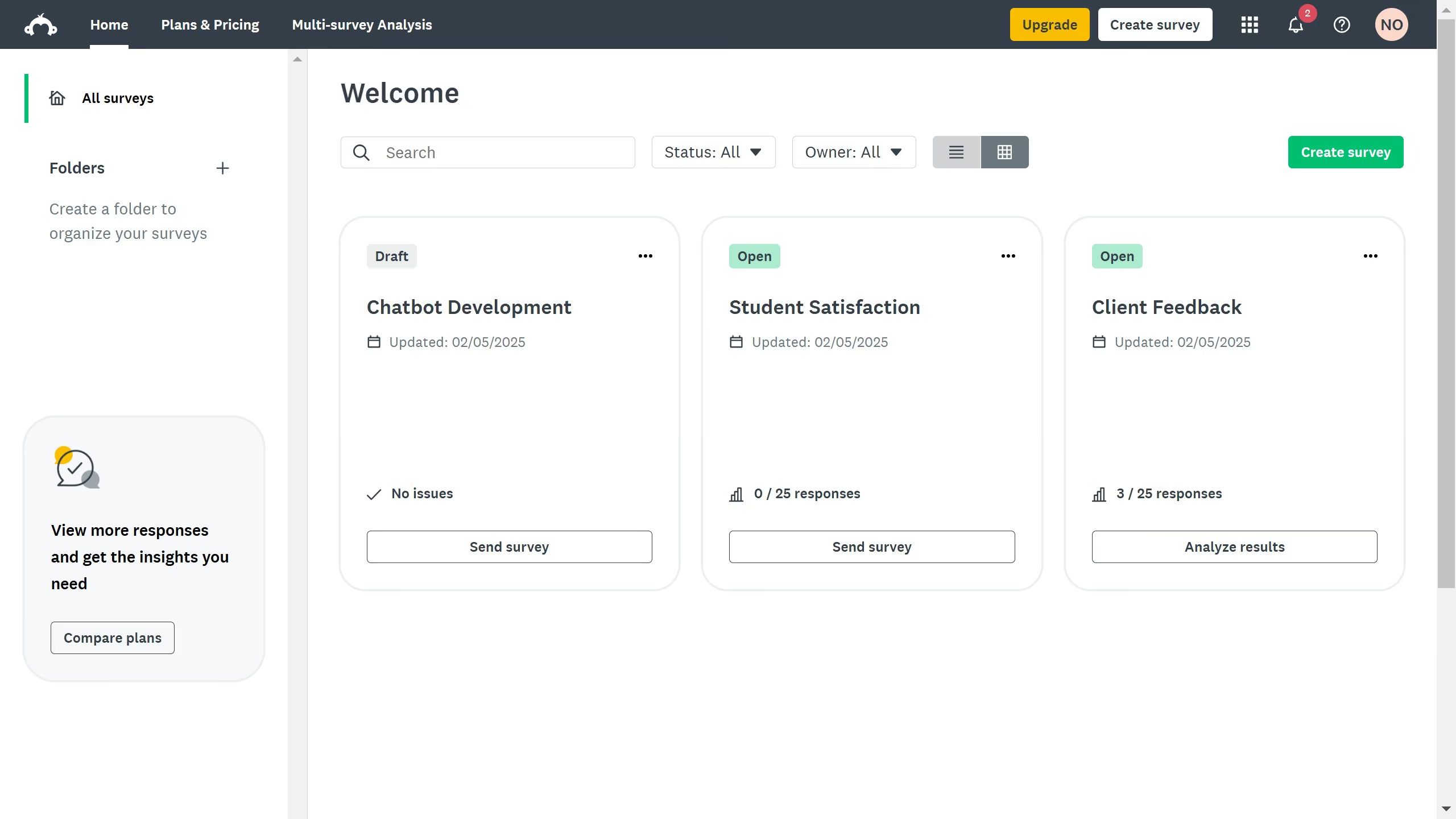
Here is how to delete templates in surveymonkey

  1. On your dashboard, find the template you want to delete and click the three dots (...) 
  2. Then click "Delete" from the dropdown menu
  3. Finally, confirmation window will appear, click on "Delete" to confirm survey deletion
  4. A confirmation message will appear confirming the deletion

Create your own interactive guide with Guideflow

Why should you delete templates in SurveyMonkey

SurveyMonkey is a dynamic platform designed to create and analyze surveys with ease.

The ability to delete templates in SurveyMonkey is a functional feature that ensures your workspace remains organized and efficient. Removing old or unused templates creates space for new and more relevant projects, keeping your portfolio up to date and tailored to current needs.

This feature also enhances productivity by reducing clutter, allowing users to focus on the templates that matter most, ultimately leading to better survey management and faster workflow.


Last update
June 23, 2026
Cursor MariaA cursor points to a button labeled "James."

Create your first demo in less than 30 seconds.