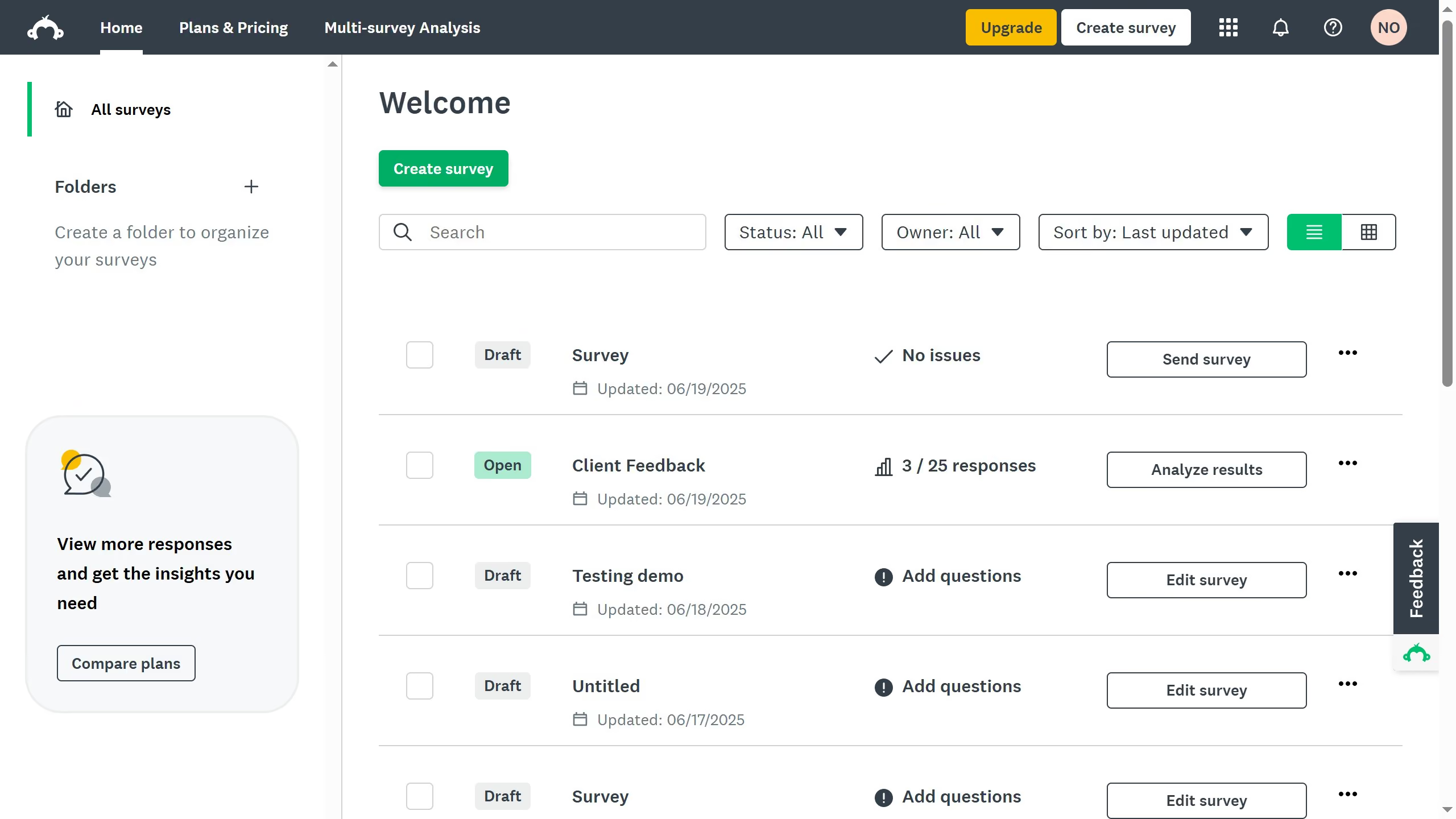
Here is how to generate a qr code for a surveymonkey survey
- First select a survey in your home page
- Then click on the "Collect Responses" tab in the top menu
- Next choose a "Web Link" collector and click on it
- Then click on the pencil icon to edit the collector name
- In the popup dialog, click "Save" after entering the new name
- Finally, click "Download QR code" to get a shareable URL and QR code