SurveyMonkey
SurveyMonkey is an online survey and feedback collection platform for customer insights.
Website
Industry
Marketing
Share this article:

How to edit survey questions in SurveyMonkey

Here is how to edit survey questions in surveymonkey

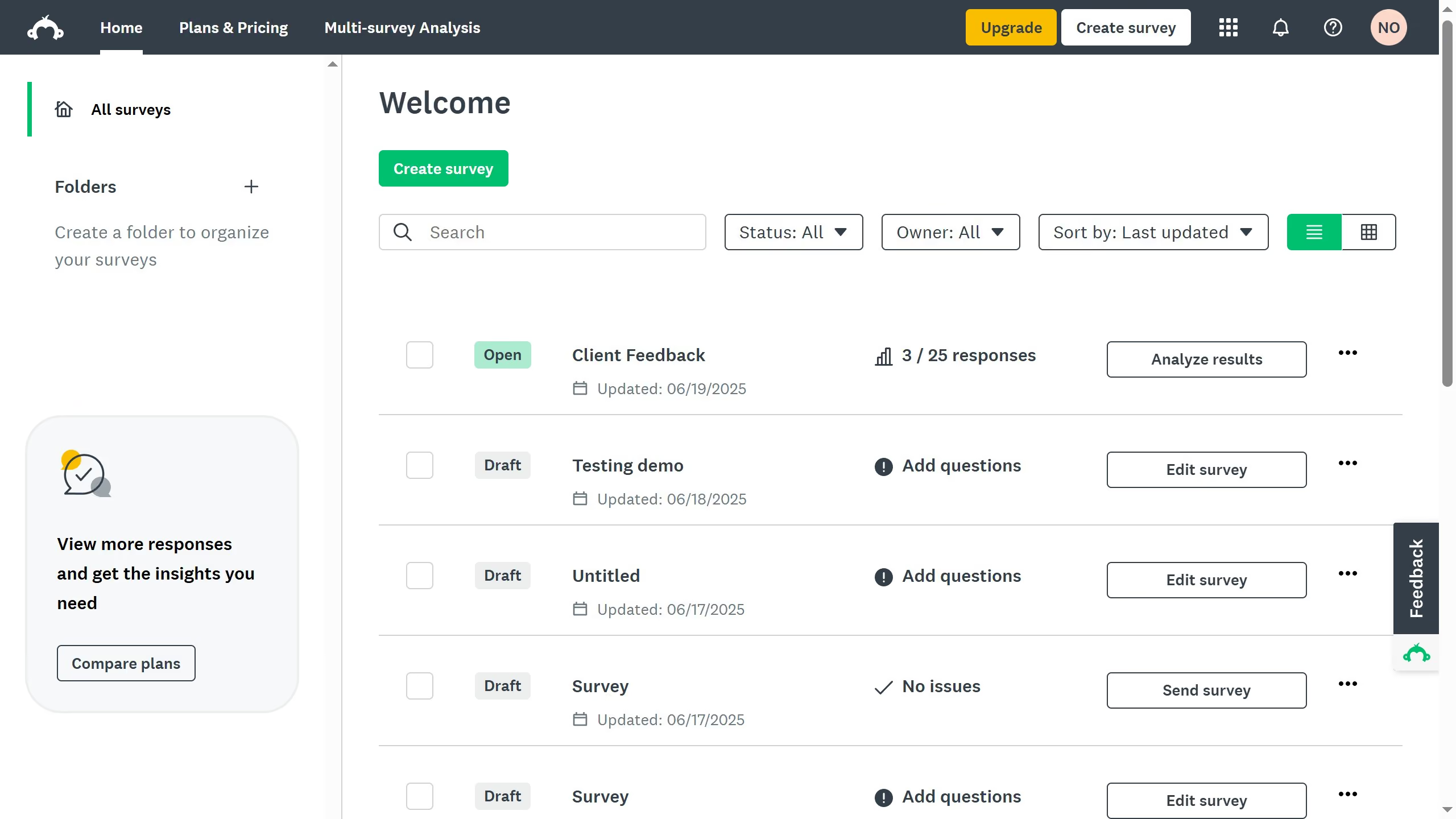
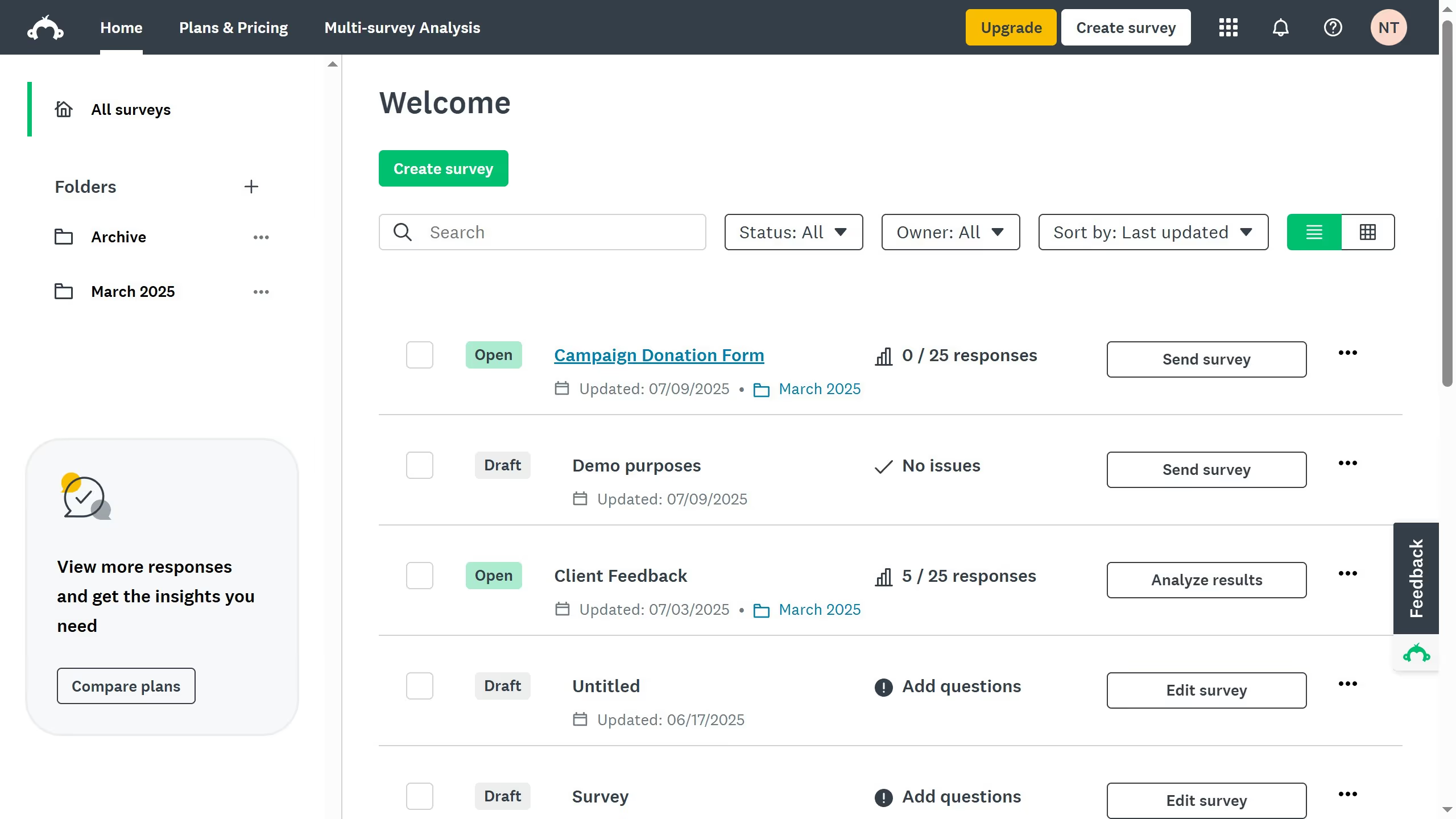
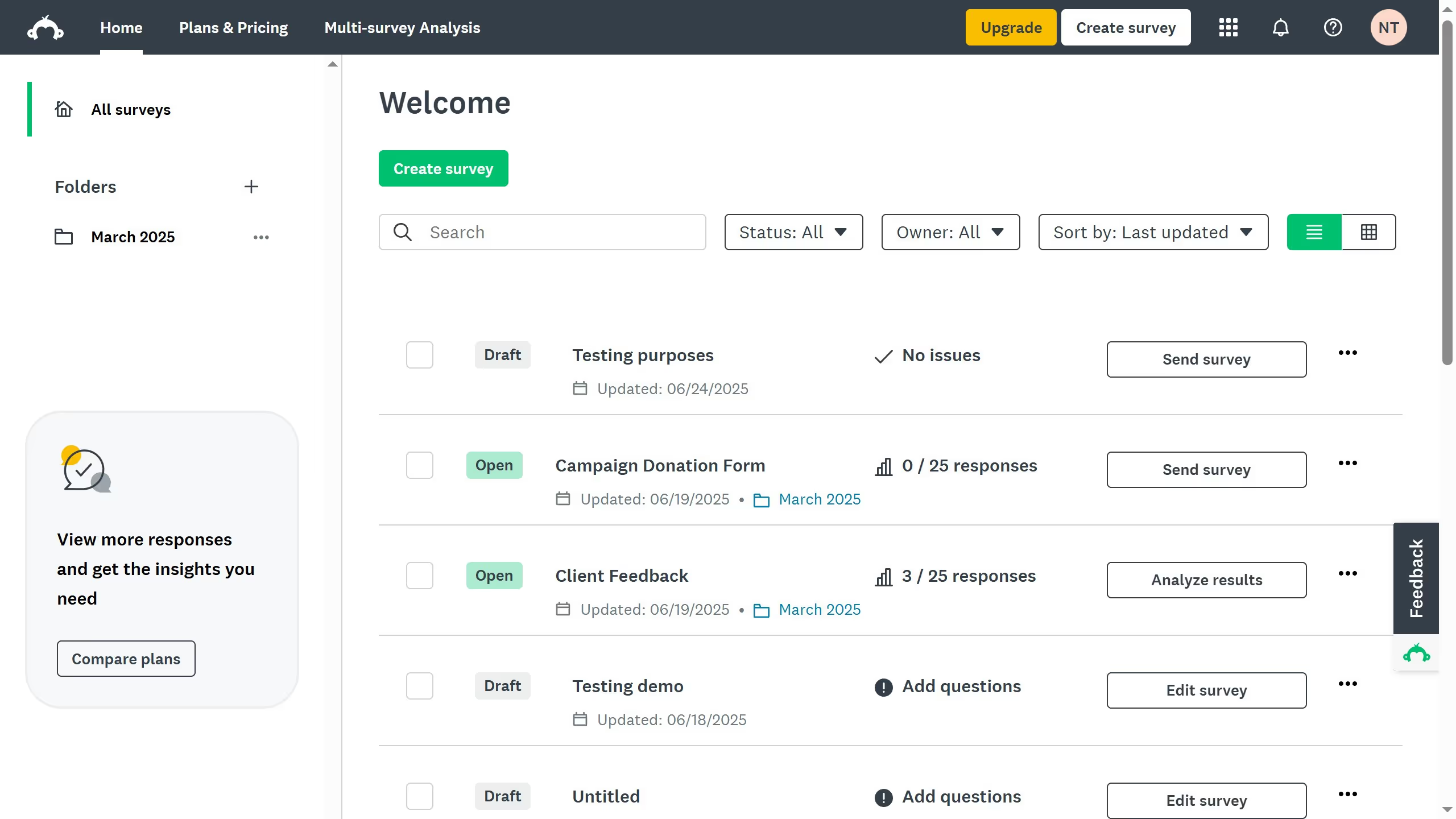
  1. On your SurveyMonkey dashboard, choose the survey you want to edit from your list
  2. Then click on "DESIGN SURVEY" tab in the survey navigation menu
  3. Find the question you want to change and click it
  4. Edit the question text, answer choices, or settings as needed
  5. Click "Save" to apply your changes
Create your own interactive guide with Guideflow

Why should you edit survey questions in SurveyMonkey

SurveyMonkey is a powerful online tool designed to effortlessly create and manage surveys.

Editing survey questions in SurveyMonkey is a streamlined process offering unparalleled flexibility and customization to refine your research.

This feature allows you to perfect your questions, ensuring they capture the exact data you need for insightful analysis.

Utilizing this feature enhances precision and boosts your survey's effectiveness, ultimately driving more reliable results.

Last update
June 23, 2026
Cursor MariaA cursor points to a button labeled "James."

Create your first demo in less than 30 seconds.