How to generate response reports in SurveyMonkey
Here is how to generate response reports in surveymonkey
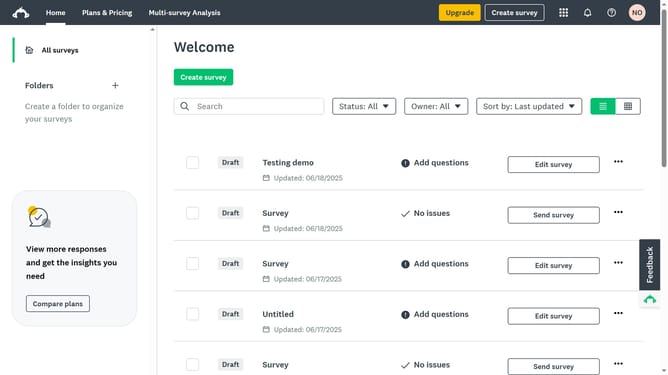
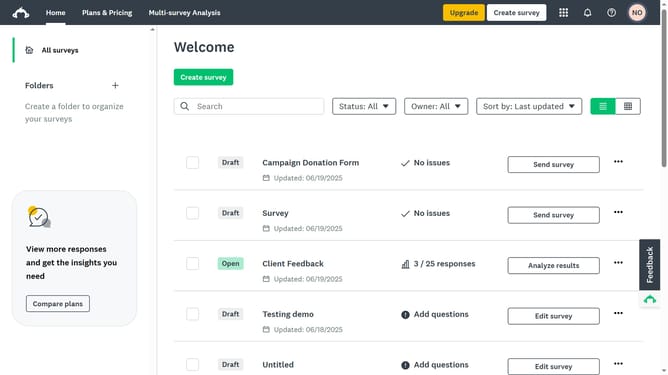
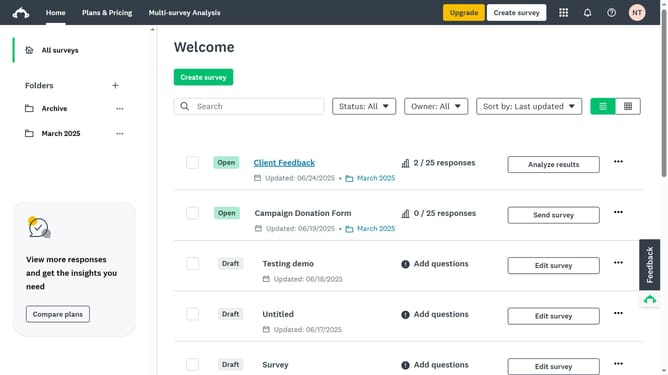
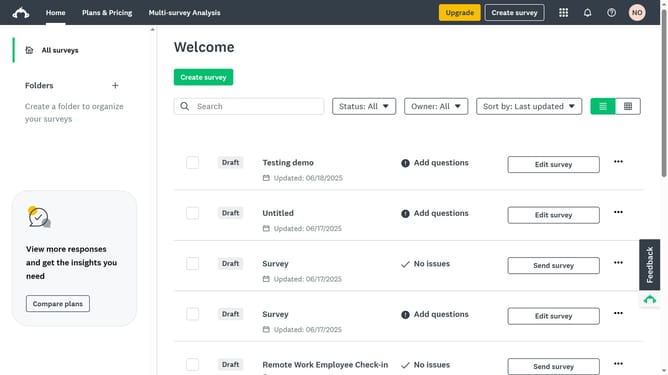
- First click the survey for which you want to generate a report
- Then click on the "ANALYZE RESULTS" tab in the survey navigation menu
- Next click on the "Individual Responses" tab in the analysis navigation menu
- Then click on the "Save as" button option in the top right corner
- Finally click on the "Export files" button in the top right toolbar
Why should you generate response reports in SurveyMonkey
SurveyMonkey is a powerful tool for creating and analyzing surveys quickly and effectively.
Generating response reports in SurveyMonkey allows you to easily access insightful data from your surveys. These reports provide a comprehensive overview of respondent feedback in a structured manner.
With the ability to generate response reports, you can identify trends, make data-driven decisions, and enhance strategies based on real-world insights. This feature helps streamline the data analysis process, offering a clear picture of survey results effortlessly.
Last update