SurveyMonkey
SurveyMonkey is an online survey and feedback collection platform for customer insights.
Website
Industry
Marketing
Share this article:

How to customize survey themes in SurveyMonkey

Here is how to customize survey themes in surveymonkey

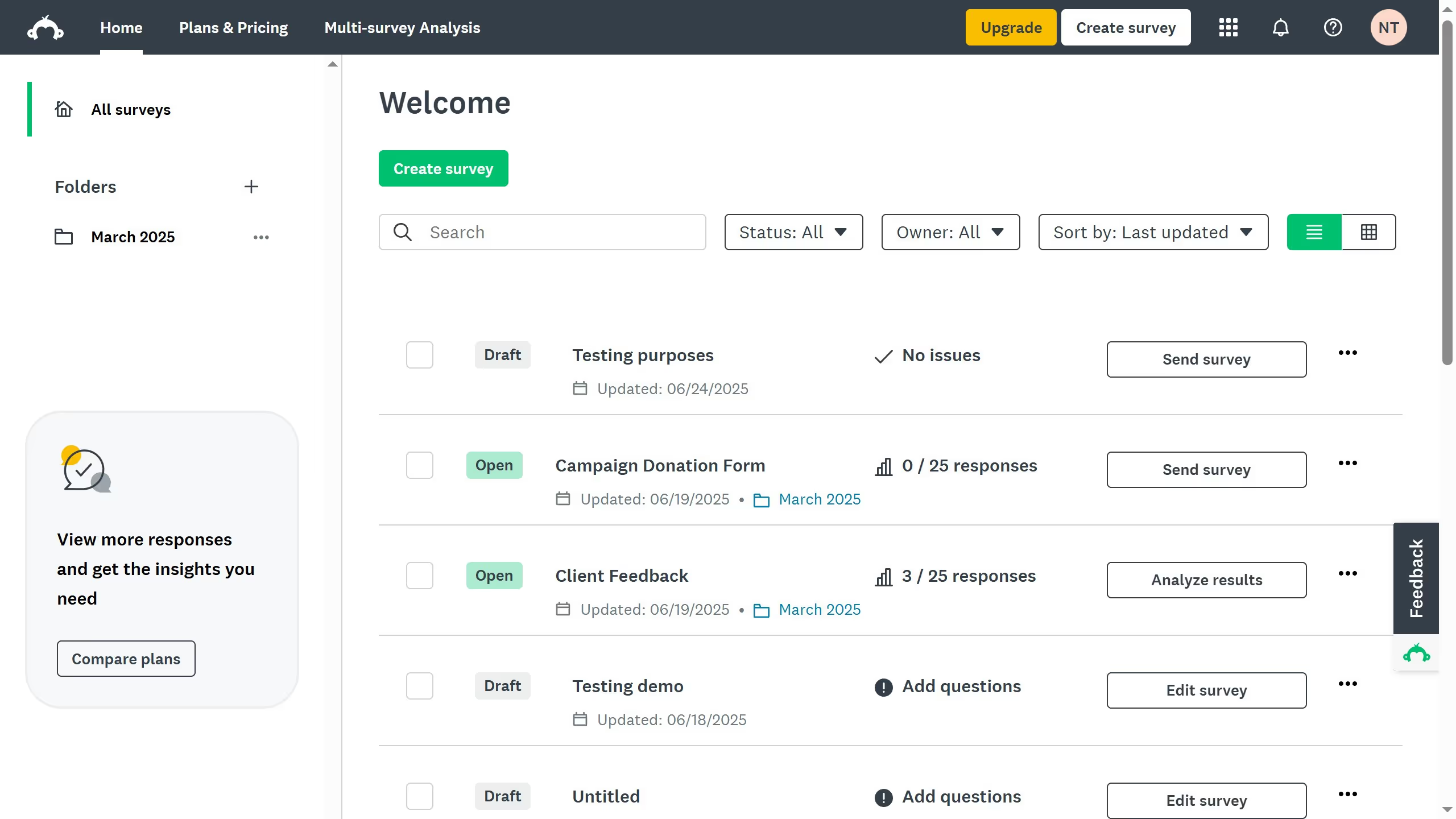
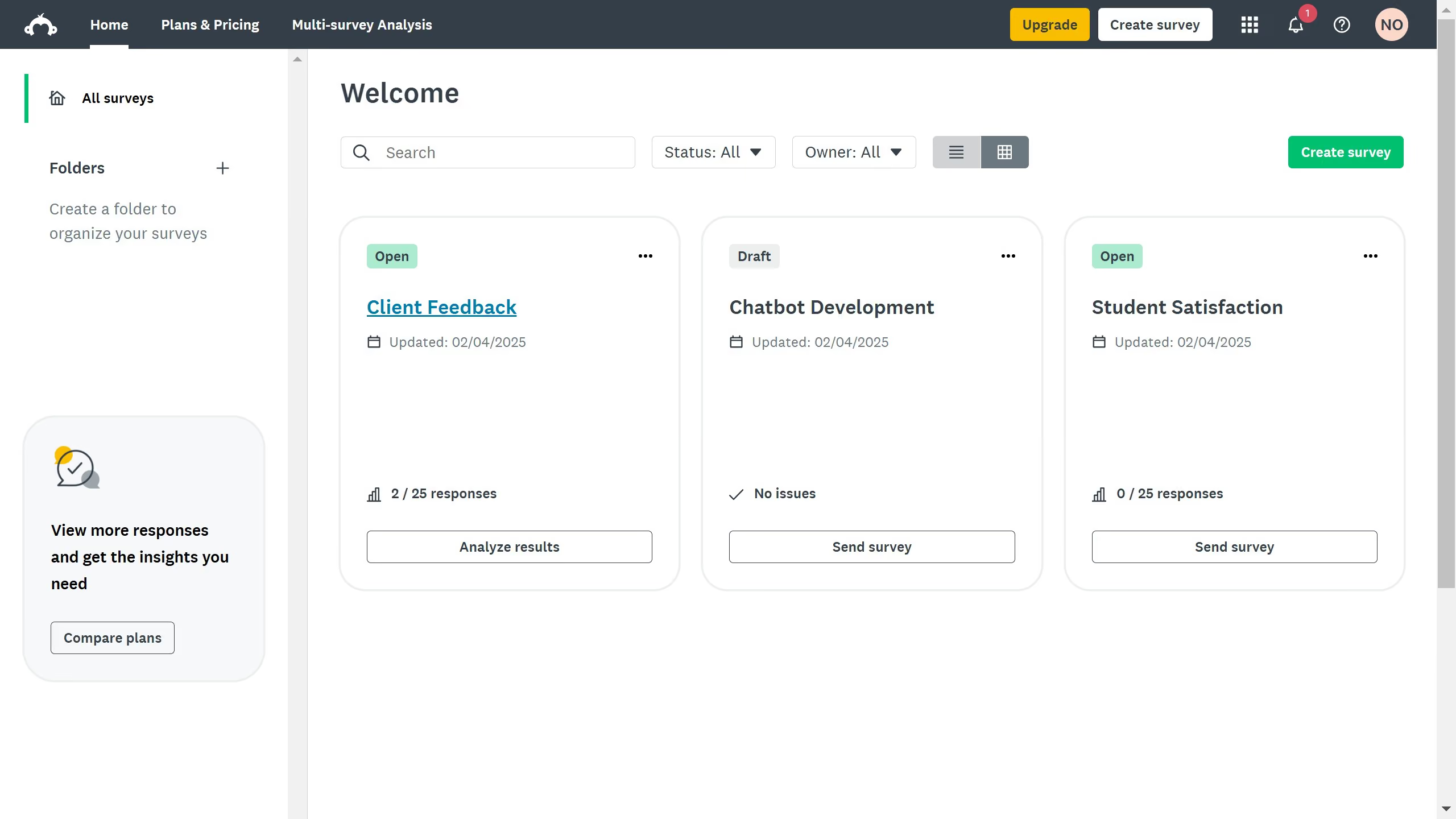
  1. On your SurveyMonkey dashboard, choose the survey you want to edit from your list
  2. Then click on "DESIGN SURVEY" tab in the survey navigation menu
  3. Click "Themes" in the left-hand panel
  4. Select "Customize" to open the theme editor

Create your own interactive guide with Guideflow

Why should you customize survey themes in SurveyMonkey

SurveyMonkey is a versatile platform designed to streamline the creation and analysis of surveys.

Customizing survey themes in SurveyMonkey allows users to create unique and visually appealing surveys that reflect their brand identity or personal style.

This feature provides the flexibility to modify colors, fonts, and backgrounds, enhancing the participant's engagement and the overall survey experience.

Personalized themes not only make surveys more attractive but also can improve response rates, ensuring valuable feedback is gathered efficiently.


Last update
June 23, 2026
Cursor MariaA cursor points to a button labeled "James."

Create your first demo in less than 30 seconds.