SurveyMonkey
SurveyMonkey is an online survey and feedback collection platform for customer insights.
Website
Industry
Marketing
Share this article:

How to add a language for surveys in SurveyMonkey

Here is how to add a language for surveys in surveymonkey

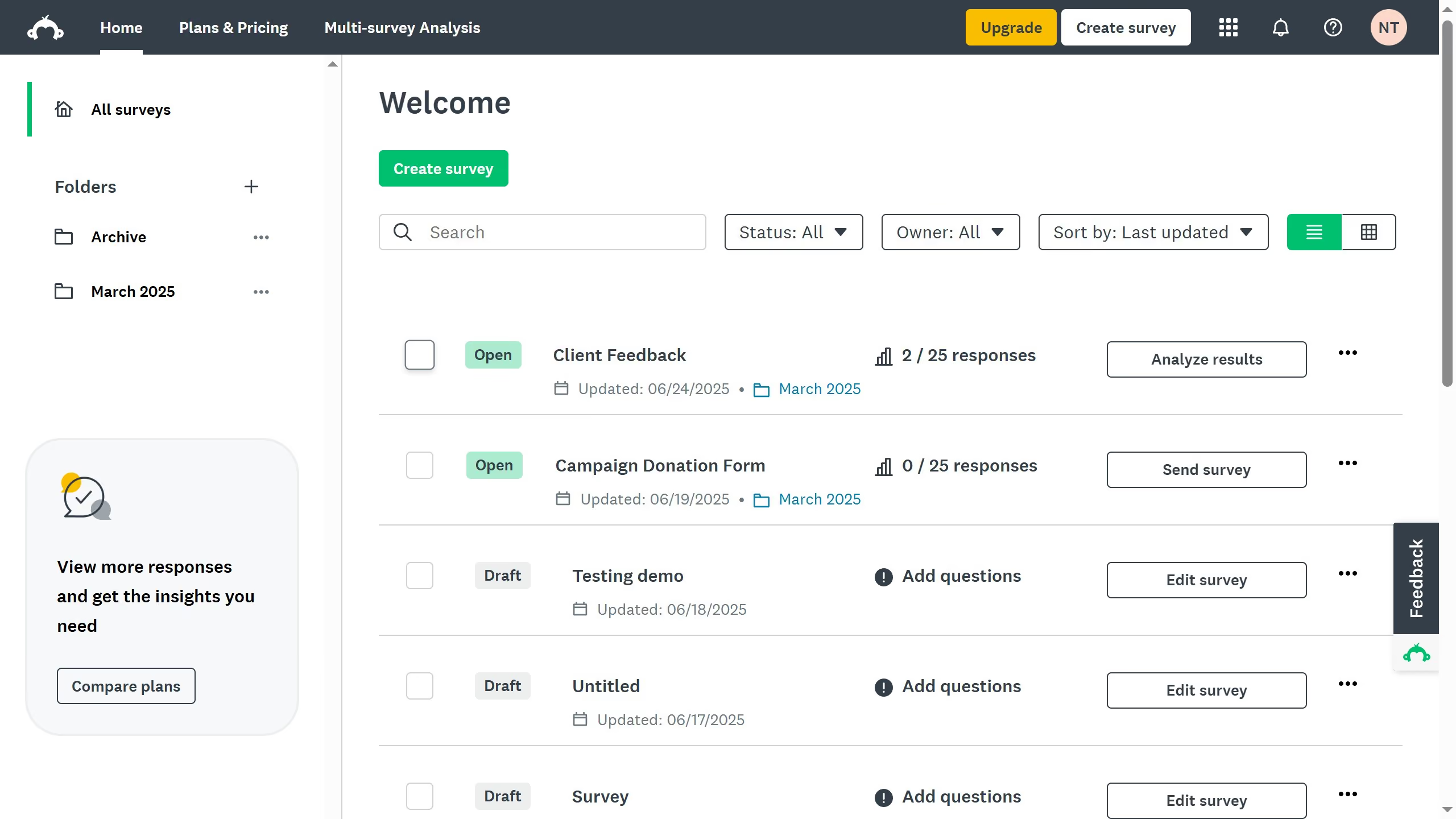
  1. On your SurveyMonkey dashboard, choose the survey you want to edit from your list
  2. Next click on the "DESIGN SURVEY" tab in the top navigation menu
  3. Click “Options” in the top-right corner of the survey editor
  4. Scroll down from the left dropdown menu and click "Language"
  5. Click "+ Language" to proceed
  6. Click "+ Language" and select your target language
  7. Click the dropdown to browse the list of languages
  8. Select the language you want to add
  9. Click "Add" to save the added language
  10. Finally click "Done" to save changes

Create your own interactive guide with Guideflow

Why should you add a language for surveys in SurveyMonkey

SurveyMonkey is a premier tool for crafting insightful surveys to gather essential data.

Adding a language to surveys in SurveyMonkey can significantly enhance accessibility and reach. This feature allows you to engage a broader audience by overcoming language barriers, ensuring every participant feels included.

By incorporating multiple languages, you tap into diverse demographics, yielding richer responses that broaden your insights and support informed decision-making.

This adaptability champions inclusivity, fostering a deeper connection with your audience across the globe.


Last update
June 23, 2026
Cursor MariaA cursor points to a button labeled "James."

Create your first demo in less than 30 seconds.