SurveyMonkey
SurveyMonkey is an online survey and feedback collection platform for customer insights.
Website
Industry
Marketing
Share this article:

How to close a SurveyMonkey survey

Here is how to close a surveymonkey survey

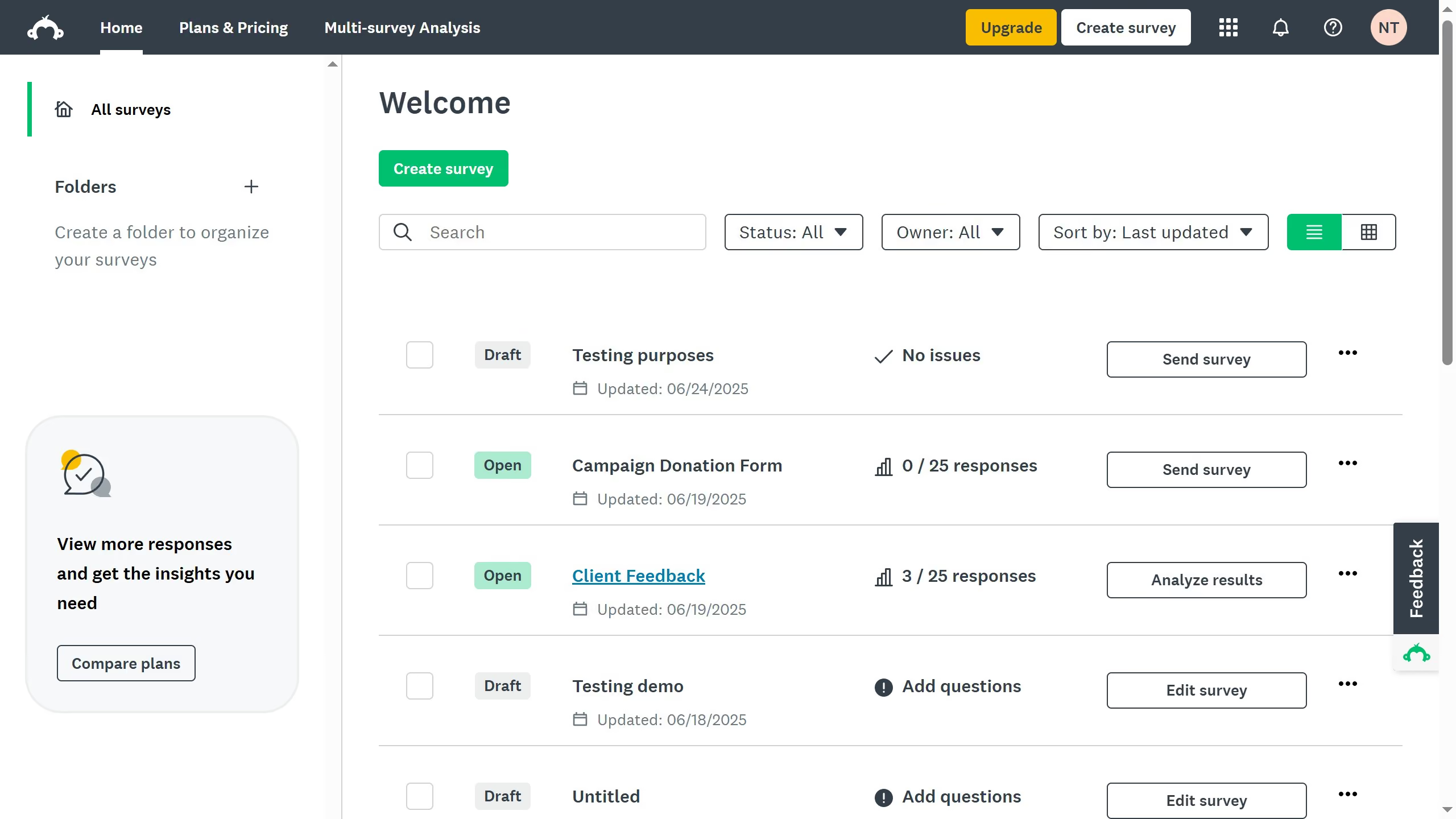
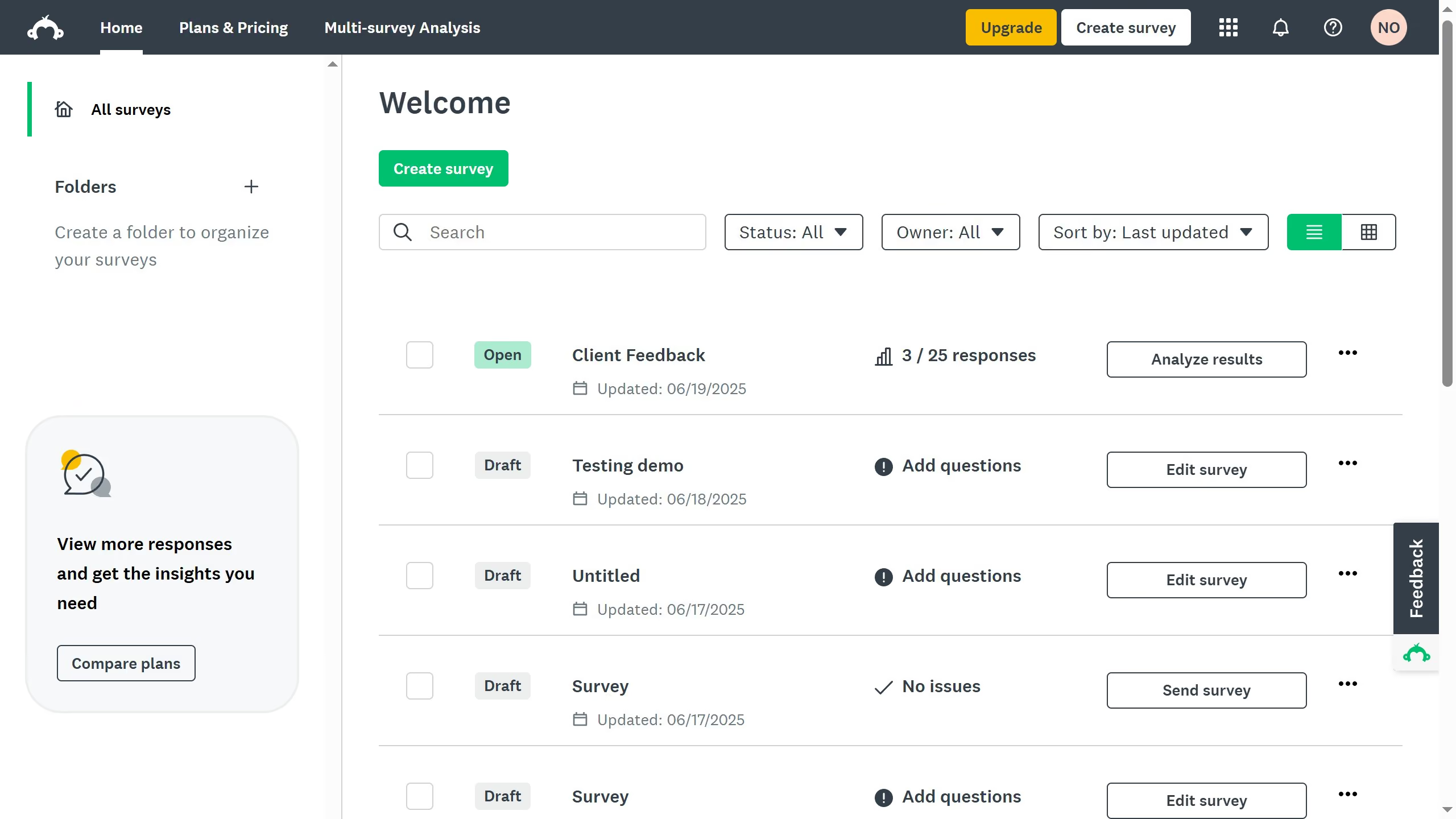
  1. First select a survey in your home page and click on it
  2. Then click on the "Collect Responses" tab
  3. Next find an active collector and click the three-dot (...)
  4. Select "Close collector" to stop receiving responses
  5. Then click on "Close collector" button in the confirmation dialog to complete closing the collector
  6. The survey is now closed, and no further responses can be submitted

Create your own interactive guide with Guideflow

Why should you close a SurveyMonkey survey

SurveyMonkey is a dynamic online tool designed to create and analyze surveys with ease.

Closing a SurveyMonkey survey ensures that you've gathered all the responses you need and are ready to start analyzing the results without receiving further input.

This feature is particularly beneficial for maintaining data integrity and ensuring that your analysis is based solely on a finalized set of information.

By closing your survey when ready, you manage your workflow efficiently, keeping your project on track and focused.


Last update
June 23, 2026
Cursor MariaA cursor points to a button labeled "James."

Create your first demo in less than 30 seconds.