SurveyMonkey
SurveyMonkey is an online survey and feedback collection platform for customer insights.
Website
Industry
Marketing
Share this article:

How to track survey respondents in SurveyMonkey

Here is how to track survey respondents in surveymonkey

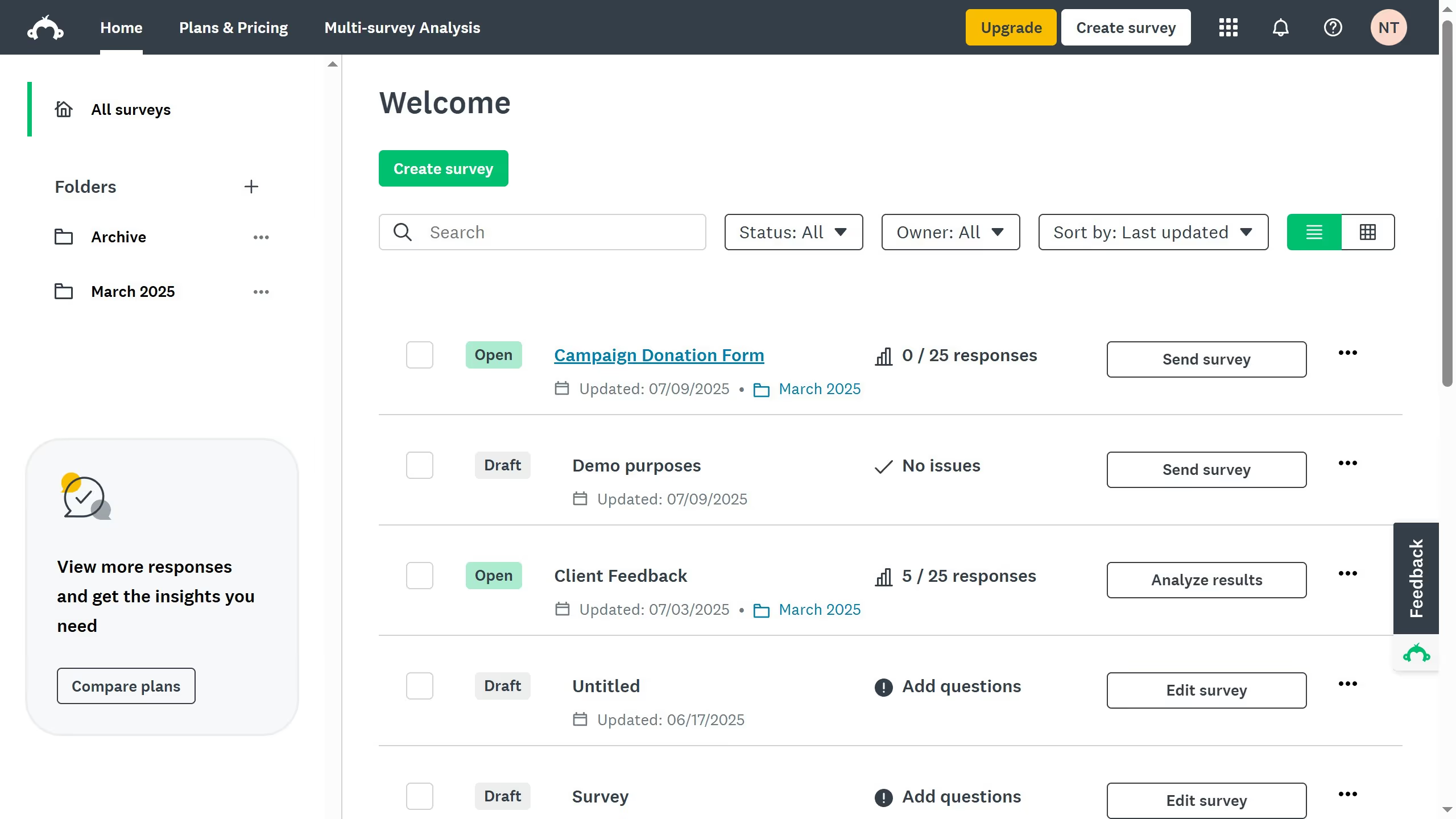
  1. First, select an existing surve and click the three-dots (...)
  2. Select "Analyze results" from the dropdown menu
  3. Then click "Individual Responses" to view data for each respondent
  4. Next click on the expand arrow icon in the responses table to view details
  5. This way, you can efficiently track and identify each respondent’s answers in your SurveyMonkey survey

Create your own interactive guide with Guideflow

Why should you track survey respondents in SurveyMonkey

SurveyMonkey is a leading platform for creating and analyzing online surveys with ease and efficiency.

Tracking survey respondents in SurveyMonkey empowers businesses to gather meaningful insights by linking responses to specific individuals.

This feature provides valuable context such as demographics or preferences, ensuring more personalized and targeted analysis.

Using this tool enhances data accuracy, helping organizations make informed decisions based on comprehensive respondent information.


Last update
June 23, 2026
Cursor MariaA cursor points to a button labeled "James."

Create your first demo in less than 30 seconds.