SurveyMonkey
SurveyMonkey is an online survey and feedback collection platform for customer insights.
Website
Industry
Marketing
Share this article:

How to edit a draft survey in SurveyMonkey

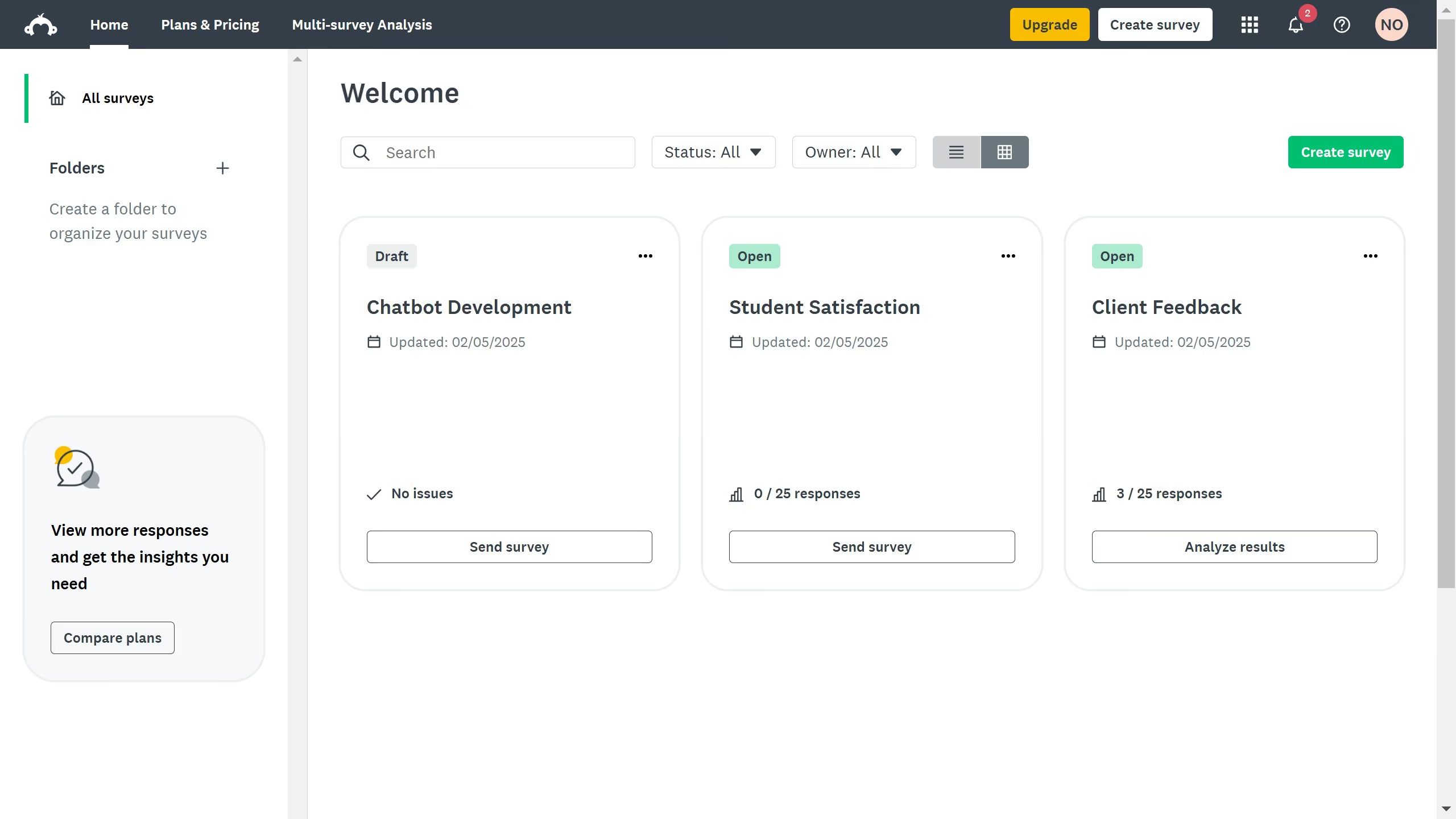
Here is how to edit a draft survey in surveymonkey

  1. Find the draft survey you want to edit and click its title
  2. Then click on the "DESIGN SURVEY" tab in the top navigation menu
  3. Click on any question to edit text, options, or settings directly
  4. You can also customize the survey's style using the Themes and Settings bar
  5. Once you're done editing, click “Preview & Score” to test how your survey appears and works

Create your own interactive guide with Guideflow

Why should you edit a draft survey in SurveyMonkey

SurveyMonkey is a dynamic platform designed to simplify and optimize the process of collecting valuable feedback through surveys.

Editing a draft survey in SurveyMonkey is a seamless feature that grants users the flexibility to refine their questions and survey structure effortlessly. This ability ensures that the survey aligns perfectly with the intended goal, enhancing the quality of data collected.

By offering the option to tweak and polish drafts before deployment, users can ensure clarity and coherence, resulting in more effective and meaningful insights.


Last update
June 23, 2026
Cursor MariaA cursor points to a button labeled "James."

Create your first demo in less than 30 seconds.