How to monitor response trends in SurveyMonkey
Here is how to monitor response trends in surveymonkey
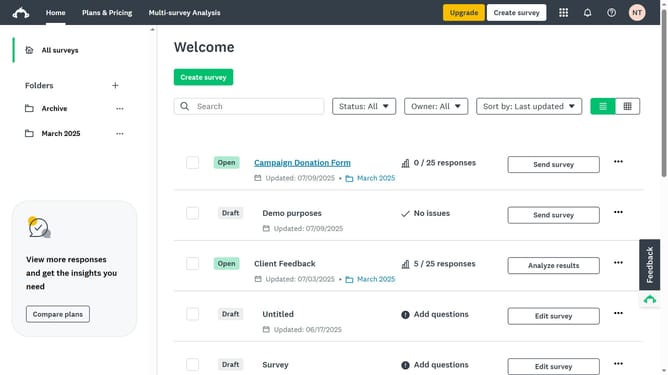
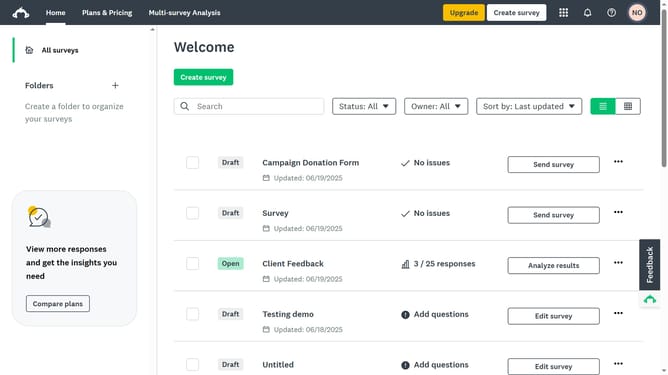
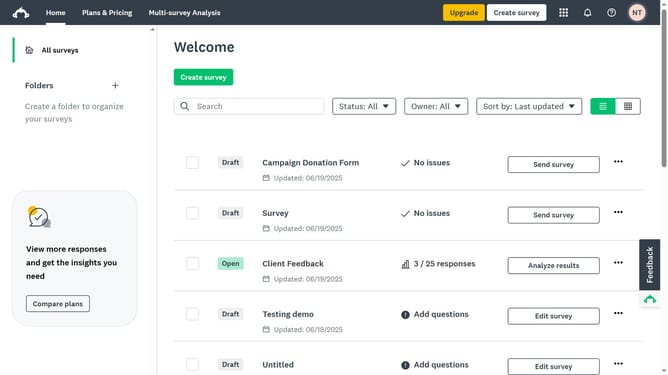
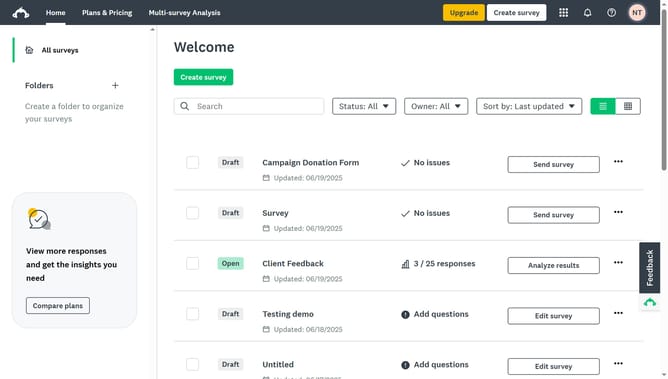
- First click the survey you want to track in the main survey list
- Then click on "ANALYZE RESULTS" tab in the survey navigation menu
- Next click on "Insights and Data Trends" tab in the analysis section
- Finally scroll down to the "Trends" section to view the response trends over time
Why should you monitor response trends in SurveyMonkey
SurveyMonkey is a powerful online tool designed to create, distribute, and analyze surveys swiftly.
Monitoring response trends in SurveyMonkey allows users to access vital insights about survey data over time. This feature helps identify patterns, understand shifts in respondent attitudes, and measure the impact of implemented changes.
By using this feature, businesses and researchers can make informed decisions with greater precision. SurveyMonkey's trend monitoring is an invaluable asset for continual improvement and strategic development.
Last update