SurveyMonkey
SurveyMonkey is an online survey and feedback collection platform for customer insights.
Website
Industry
Marketing
Share this article:

How to delete a SurveyMonkey profile

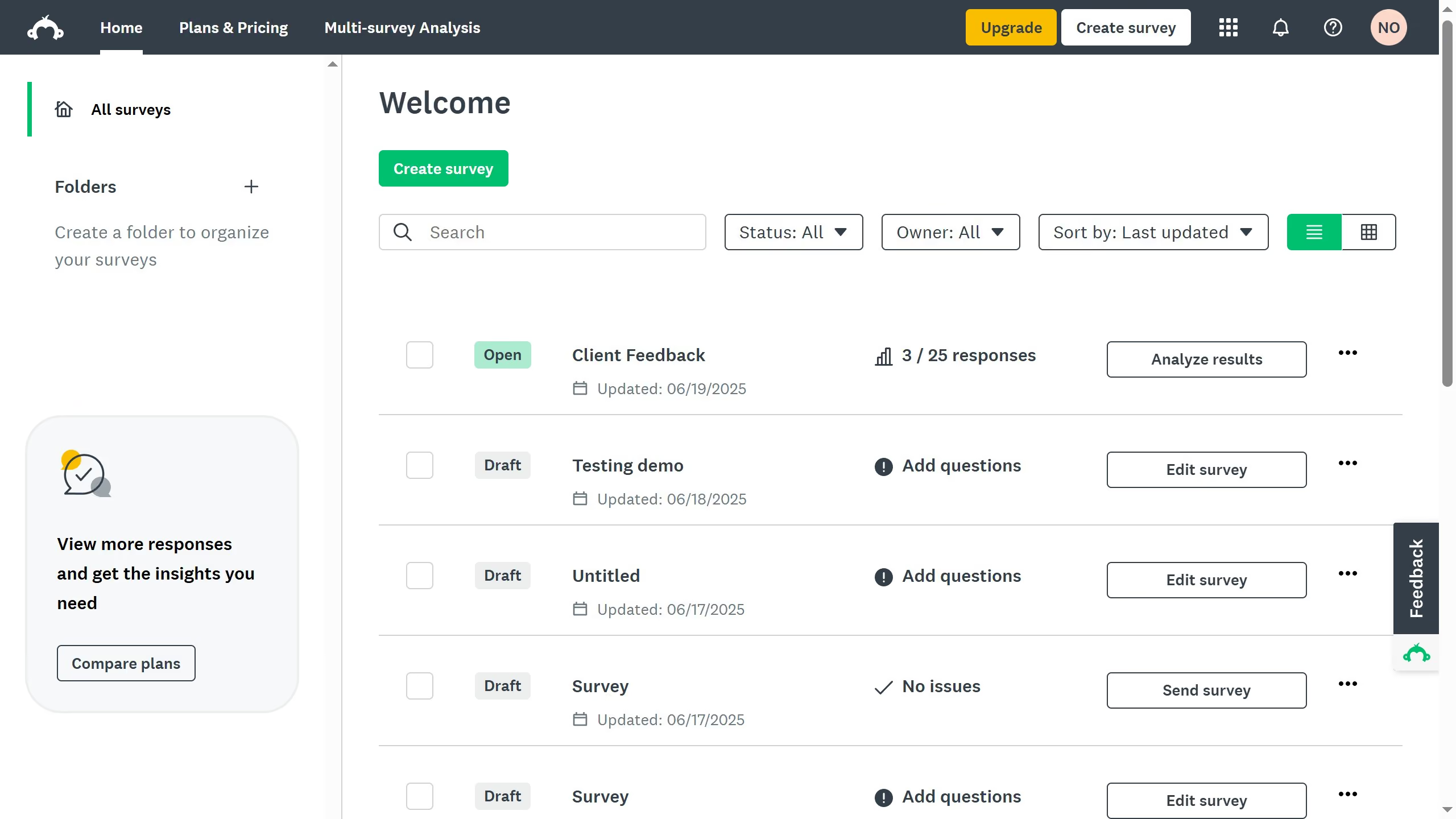
Here is how to delete a surveymonkey profile

  1. On your SurveyMonkey dashboard, click your profile icon
  2. Click "My account" from the dropdown menu
  3. Stay on the "Account Summary" tab
  4. Scroll down to the "General Preferences" section and click "Delete" under Profile
  5. Click the box to confirm in deleting all profile information
  6. Finally click "Delete" to confirm deletion

Create your own interactive guide with Guideflow

Why should you delete a SurveyMonkey profile

SurveyMonkey is an intuitive platform designed for creating and distributing surveys with ease.

The option to delete your SurveyMonkey profile empowers users with control over their personal data and online footprint. This feature ensures that your information is managed according to your preferences, bringing peace of mind.

Taking this step might benefit users who are looking to simplify their digital presence or switch to other survey tools, ensuring that their accounts reflect only current and necessary information.


Last update
June 23, 2026
Cursor MariaA cursor points to a button labeled "James."

Create your first demo in less than 30 seconds.