How to hide survey results from respondents in SurveyMonkey
Here is how to hide survey results from respondents in surveymonkey
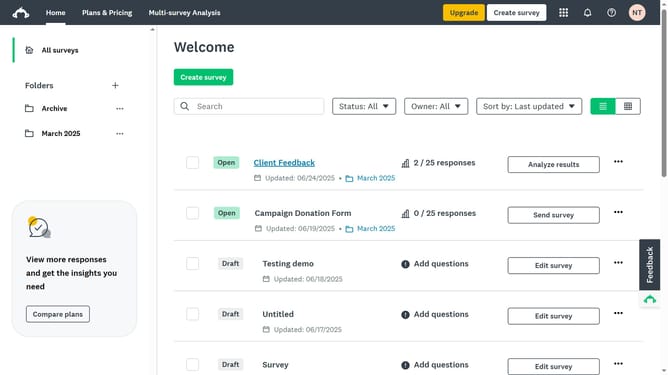
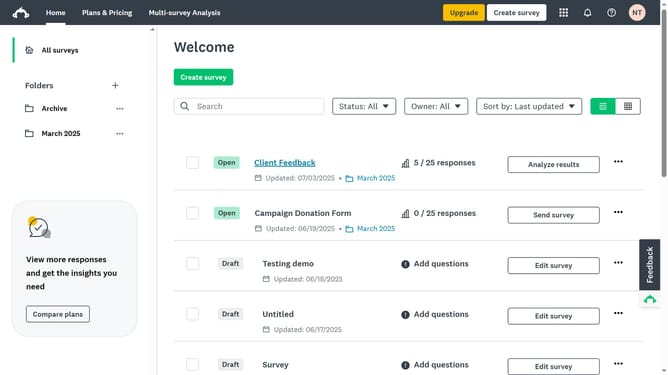
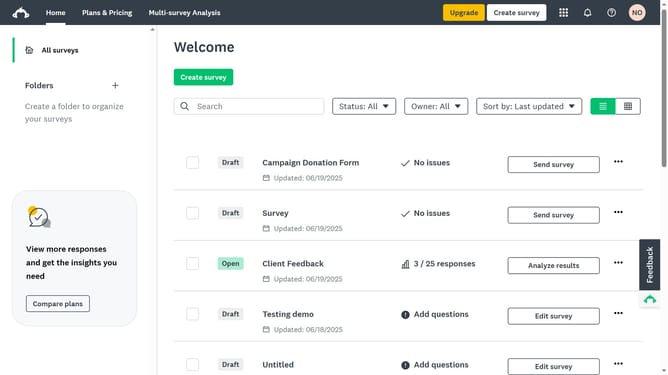
- First click the survey you want to edit
- Then click on the "COLLECT RESPONSES" tab in the top navigation menu
- Next select the collector you’re using
- Click the "Instant results" option in the settings list
- Toggle the setting "Off" to prevent participants to view a summary after completing the survey
Why should you hide survey results from respondents in SurveyMonkey
SurveyMonkey is a powerful tool designed to gather insights through online surveys seamlessly.
Among its versatile features is the ability to hide survey results from respondents, ensuring privacy and data integrity.
This feature is especially beneficial as it prevents bias, encouraging honest responses without the influence of others' opinions.
By maintaining the confidentiality of responses, researchers can derive more accurate and reliable data for insightful decision-making.
Last update