SurveyMonkey
SurveyMonkey is an online survey and feedback collection platform for customer insights.
Website
Industry
Marketing
Share this article:

How to use skip logic in SurveyMonkey

Here is how to use skip logic in surveymonkey

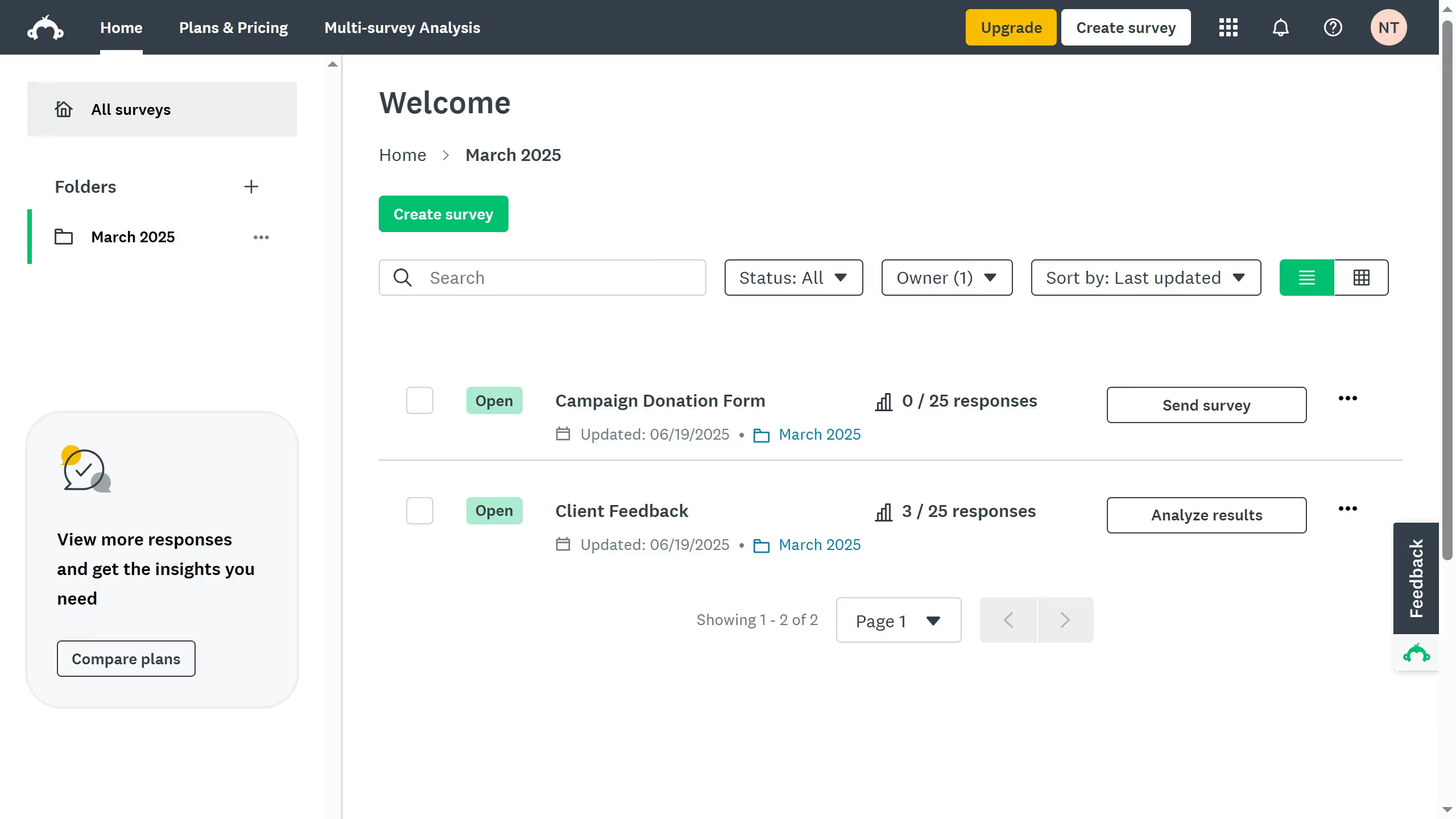
  1. First in your dashboard select an existing survey and click the three-dots (...)
  2. Then select "Edit survey" from the dropdown menu
  3. Select the question where you want to apply skip logic and click "Logic"
  4. Select a response and set a rule
  5. Choose the next question, section, or survey end page based on the respondent's answer
  6. After setting up the skip logic, click "Save" to apply the changes
  7. Click "Preview Survey" to test the skip logic
  8. You have successfully added skip logic to your survey, allowing for a more personalized experience based on respondent answers

Create your own interactive guide with Guideflow

Why should you use skip logic in SurveyMonkey

SurveyMonkey is a versatile tool designed to create and analyze surveys with ease.

One of its standout features is skip logic, which enhances survey efficiency by adapting the survey path based on respondents' previous answers.

Using skip logic optimizes the respondent's experience, ensuring they only see questions relevant to them.

This not only reduces survey fatigue but also improves the quality and precision of the data collected, making results more actionable.

Last update
June 23, 2026
Cursor MariaA cursor points to a button labeled "James."

Create your first demo in less than 30 seconds.