How to disable quiz mode in SurveyMonkey
Here is how to disable quiz mode in surveymonkey
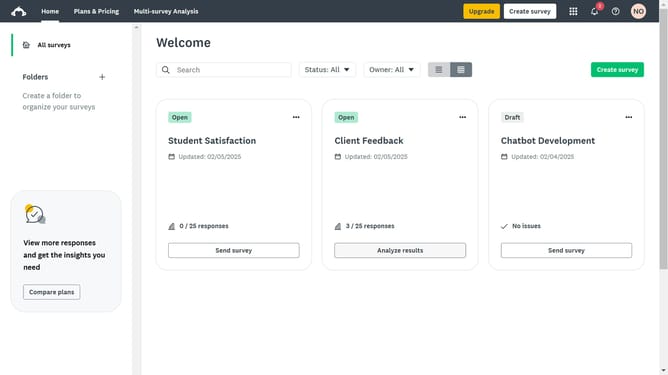
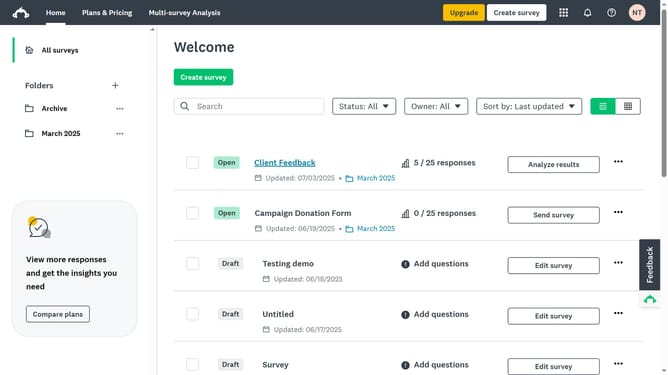
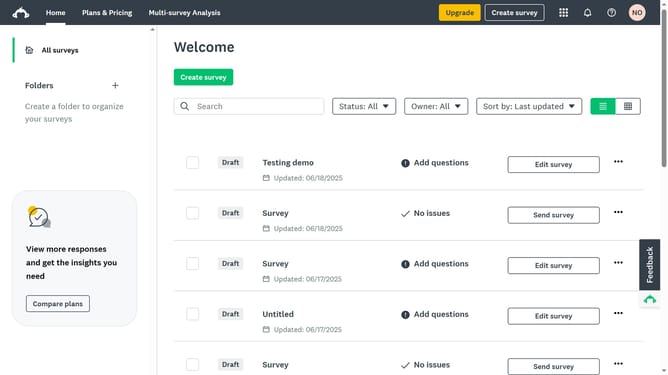
- From the dashboard, open the survey you want to edit
- Then click on the "DESIGN SURVEY" tab in the top navigation menu
- Next click on the "Options" button in the design toolbar
- Then click on the "Quiz" option in the settings panel
- Finally toggle off the option "Enable quiz mode" to turn off quiz mode in your survey
Why should you disable quiz mode in SurveyMonkey
SurveyMonkey, a leading platform for creating surveys and quizzes, offers versatility in gathering feedback and insights.
Disabling quiz mode in SurveyMonkey transforms your project by removing the scoring feature, perfect for when assessments and scores aren't necessary. This flexibility means you can focus on gathering qualitative insights and detailed opinions without associating them with right or wrong answers.
This approach can enhance client relationships and employee feedback processes, providing a more engaging and open-ended experience for participants.
Last update