SurveyMonkey
SurveyMonkey is an online survey and feedback collection platform for customer insights.
Website
Industry
Marketing
Share this article:

How to share individual response data with team members in SurveyMonkey

Here is how to share individual response data with team members in surveymonkey

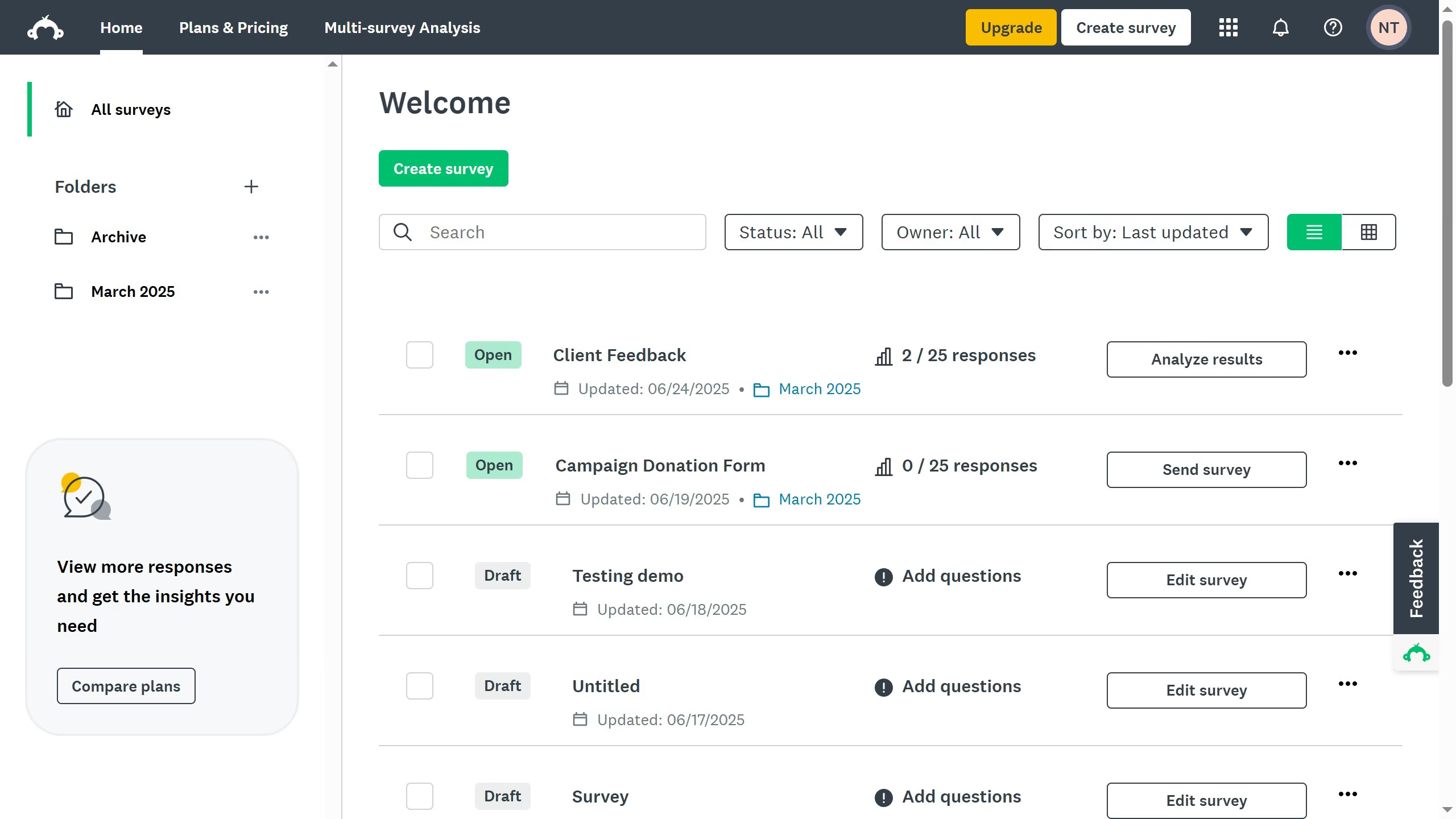
  1. First click the survey you want to open
  2. Then click on the "ANALYZE RESULTS" tab
  3. Next click on the "Individual Responses" tab
  4. Then click on the "Share" button in the top toolbar
  5. Next click on "New shared data link" option from the Share dropdown menu
  6. Then click on "GET LINK" button in the Share Data dialog
  7. Finally copy the generated web link URL and share it to your teammates

Create your own interactive guide with Guideflow

Why should you share individual response data with team members in SurveyMonkey

SurveyMonkey is a premier tool designed to streamline the process of gathering and analyzing feedback through surveys.

One notable feature is its ability to share individual response data effortlessly with team members, enhancing collaborative insights. This capability ensures that specific feedback is accurately communicated and interpreted by stakeholders, fostering informed decision-making without the bottleneck of funneling information through a single point of contact.

By sharing individual responses, team members can engage more effectively with the data, leading to collaborative strategies that address specific concerns and harness opportunities.


Last update
June 23, 2026
Cursor MariaA cursor points to a button labeled "James."

Create your first demo in less than 30 seconds.