SurveyMonkey
SurveyMonkey is an online survey and feedback collection platform for customer insights.
Website
Industry
Marketing
Share this article:

How to delete excess responses in SurveyMonkey

Here is how to delete excess responses in surveymonkey

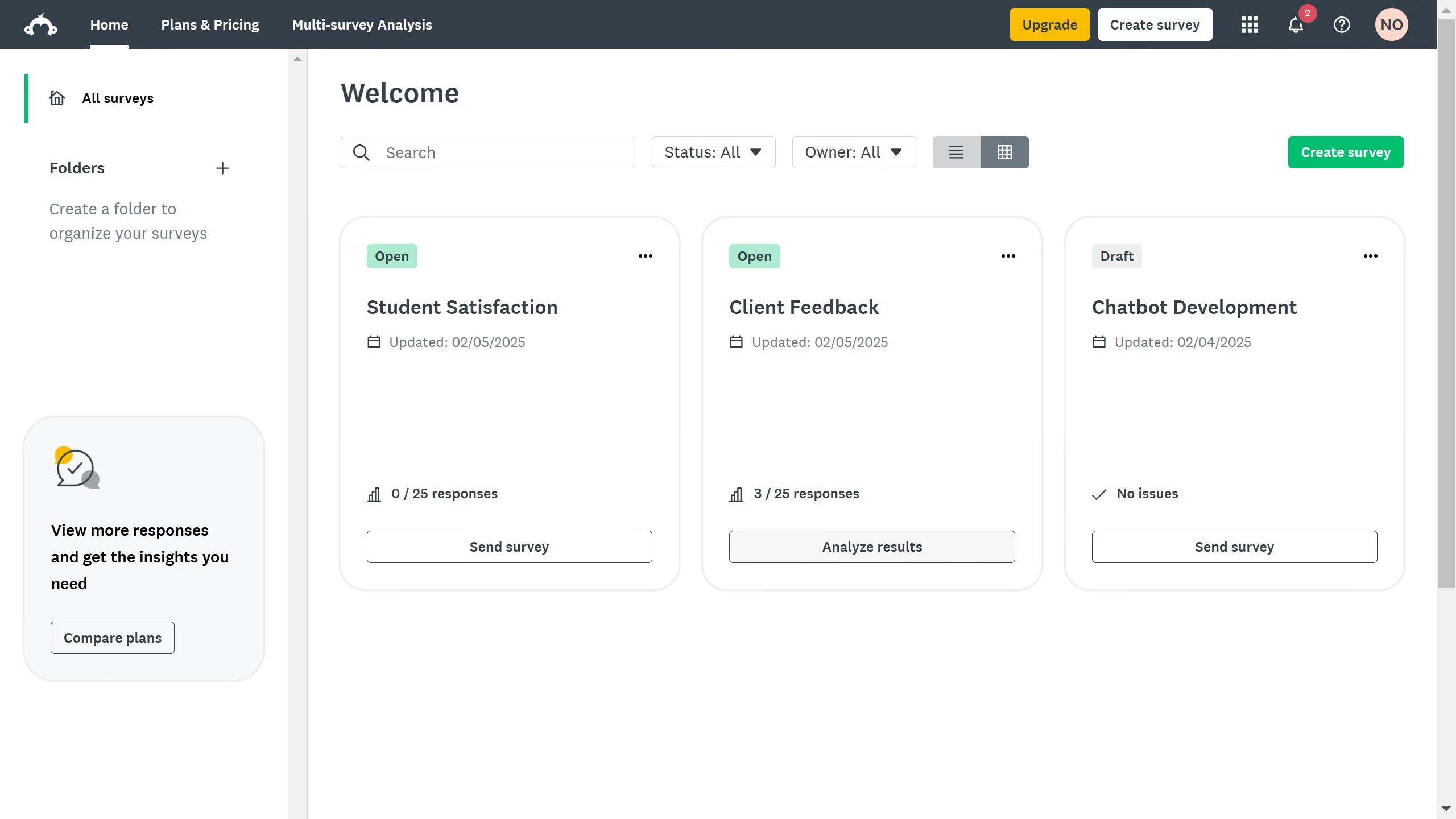
  1. On your SurveyMonkey dashboard, click your profile icon
  2. Click "My account" from the dropdown menu
  3. Stay on the "Account Summary" tab
  4. Scroll down to the "Data Features" section and click "Delete" under the "Delete responses over account limit"
  5. Click the box to acknowledge the deletion
  6. Finally click the "Delete Responses" to save changes

Create your own interactive guide with Guideflow

Why should you delete excess responses in SurveyMonkey

SurveyMonkey is a versatile tool designed to gather insights and feedback through online surveys.

A noteworthy feature is its ability to delete excess responses, optimizing the quality of the data collected.

Streamlining your data by removing unnecessary responses can enhance accuracy and save time during analysis.

This function is crucial for maintaining a focused dataset, ensuring your survey outcomes are both relevant and actionable.

Last update
June 23, 2026
Cursor MariaA cursor points to a button labeled "James."

Create your first demo in less than 30 seconds.