SurveyMonkey
SurveyMonkey is an online survey and feedback collection platform for customer insights.
Website
Industry
Marketing
Share this article:

How to add mobile surveys in SurveyMonkey

Here is how to add mobile surveys in surveymonkey

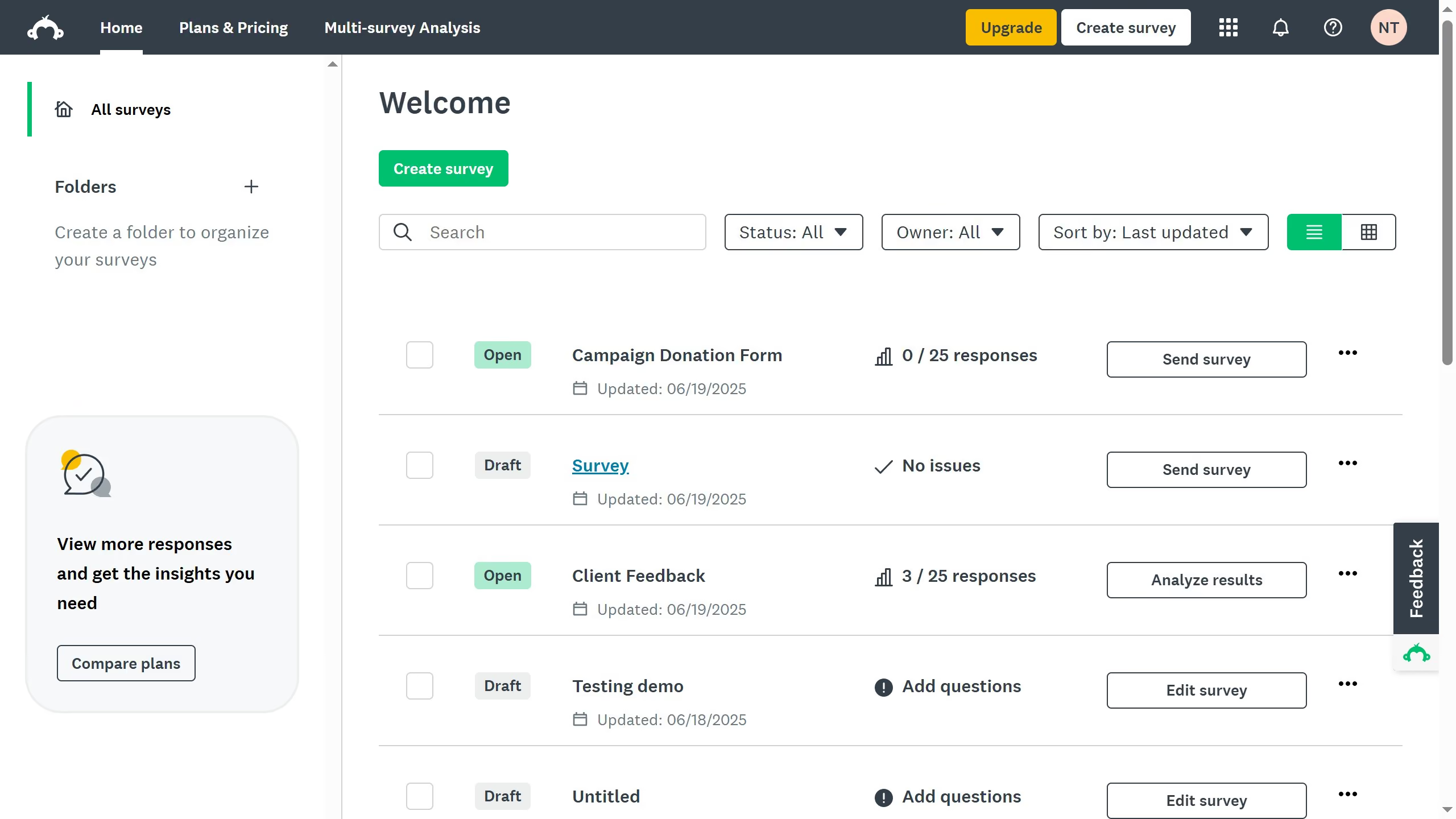
  1. On your SurveyMonkey dashboard, choose the survey you want to edit from your list
  2. Next click on the "COLLECTOR RESPONSES" tab in the top navigation menu
  3. Scroll down  to the “Add a new collector" section and click the "Text Message" to send mobile-optimized survey

Create your own interactive guide with Guideflow

Why should you add mobile surveys in SurveyMonkey

SurveyMonkey is a versatile platform designed to create and analyze surveys with ease.

Adding mobile surveys in SurveyMonkey is a seamless feature that enhances the reach and accessibility of surveys. This functionality allows respondents to participate using their smartphones or tablets, ensuring engagement from a broader audience.

The benefit of using mobile-friendly surveys lies in the convenience it provides, making it easier for users to respond on-the-go. This can lead to higher response rates and richer insights.


Last update
June 23, 2026
Cursor MariaA cursor points to a button labeled "James."

Create your first demo in less than 30 seconds.