How to enable password protection for your survey in SurveyMonkey
Here is how to enable password protection for your survey in surveymonkey
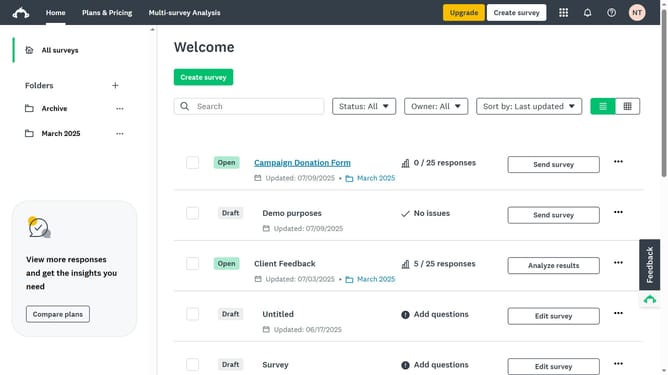
- First click the survey you want to edit
- Then click on the "COLLECT RESPONSES" tab in the top navigation menu
- Next select the collector you’re using
- Click on "Show advanced options" link at the bottom of the settings panel
- Click on the "Password protection" option in the advanced settings list
- Select the "On, only respondents with the password may take your survey" radio button
- Enter the desired password in the password input field
Why should you enable password protection for your survey in SurveyMonkey
SurveyMonkey is a tool that empowers you to gather feedback seamlessly with customized surveys.
One standout feature is the ability to enable password protection, adding an extra layer of security to your survey.
Using password protection ensures that only intended participants can access your survey, safeguarding sensitive data and maintaining the integrity of responses.
This feature is essential for confidential surveys, providing peace of mind that your information is secure and reaching the right audience.
Last update