SurveyMonkey
SurveyMonkey is an online survey and feedback collection platform for customer insights.
Website
Industry
Marketing
Share this article:

How to add a Likert scale in SurveyMonkey

Here is how to add a likert scale in surveymonkey

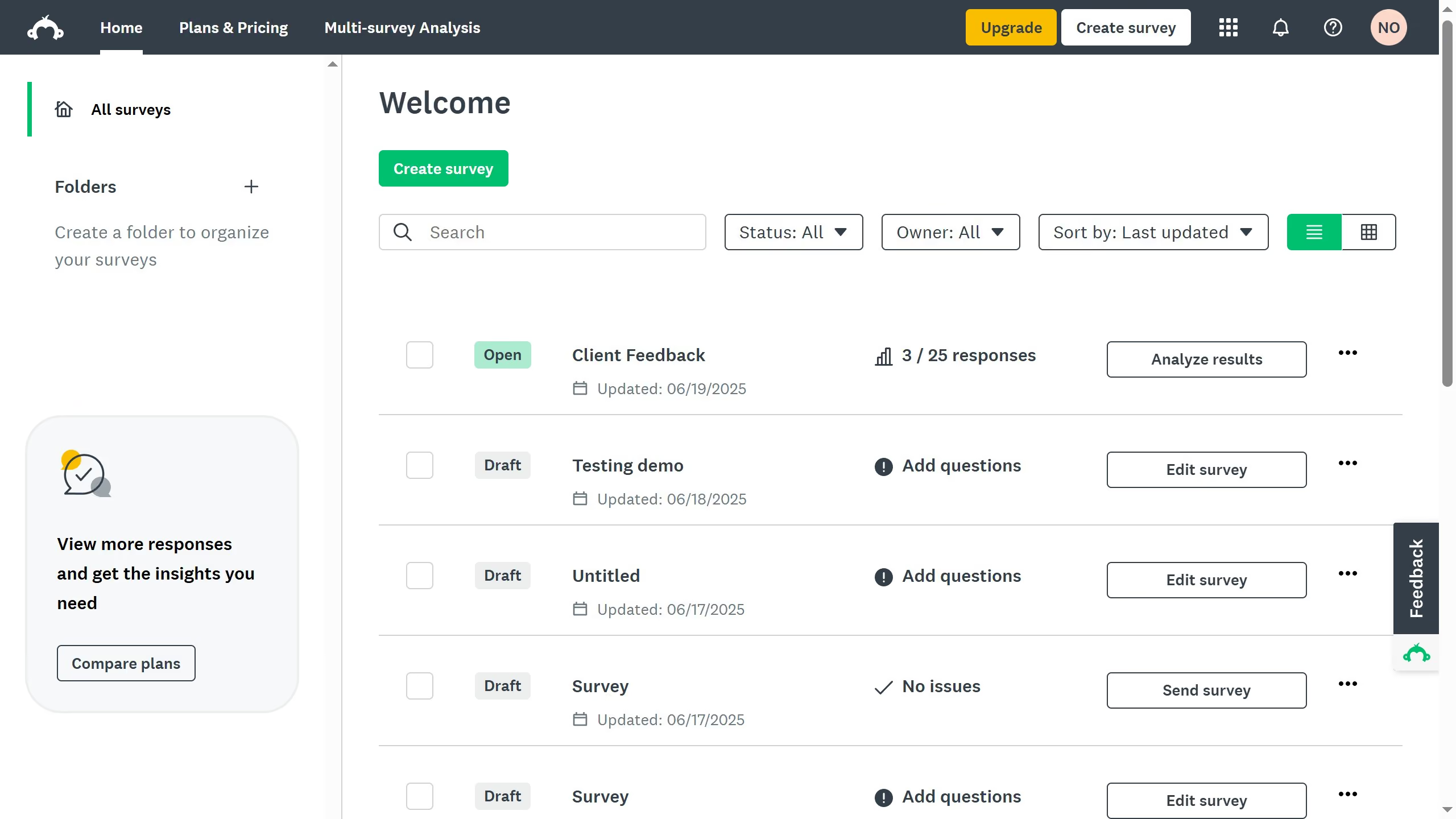
  1. First in your dashboard select an existing survey and click the three-dots (...)
  2. Then select "Edit survey" from the dropdown menu
  3. In "Design Survey" tab, click on the dropdown arrow next to "New question" button
  4. Select "Matrix / Rating Scale" option from the question type menu
  5. Next enter the main question
  6. Under the "Rows" section, input the items or statements you want respondents to rate
  7. Under the "Columns" section, enter the answer choices, representing the Likert scale options
  8. Then click "Save" to add it to your survey
  9. You have successfully added a Likert Scale question to your survey

Create your own interactive guide with Guideflow

Why should you add a Likert scale in SurveyMonkey

SurveyMonkey is a powerful tool for creating personalized surveys to gather insightful feedback.

Adding a Likert scale to your SurveyMonkey design enhances its effectiveness by allowing respondents to express their opinions across a range of values easily.

This feature facilitates nuanced data collection, enabling a deeper understanding of attitudes and preferences.

Employing a Likert scale helps convert qualitative insights into quantitative data, streamlining analysis and improving decision-making processes.


Last update
June 23, 2026
Cursor MariaA cursor points to a button labeled "James."

Create your first demo in less than 30 seconds.