SurveyMonkey
SurveyMonkey is an online survey and feedback collection platform for customer insights.
Website
Industry
Marketing
Share this article:

How to edit profile details in SurveyMonkey

Here is how to edit profile details in surveymonkey

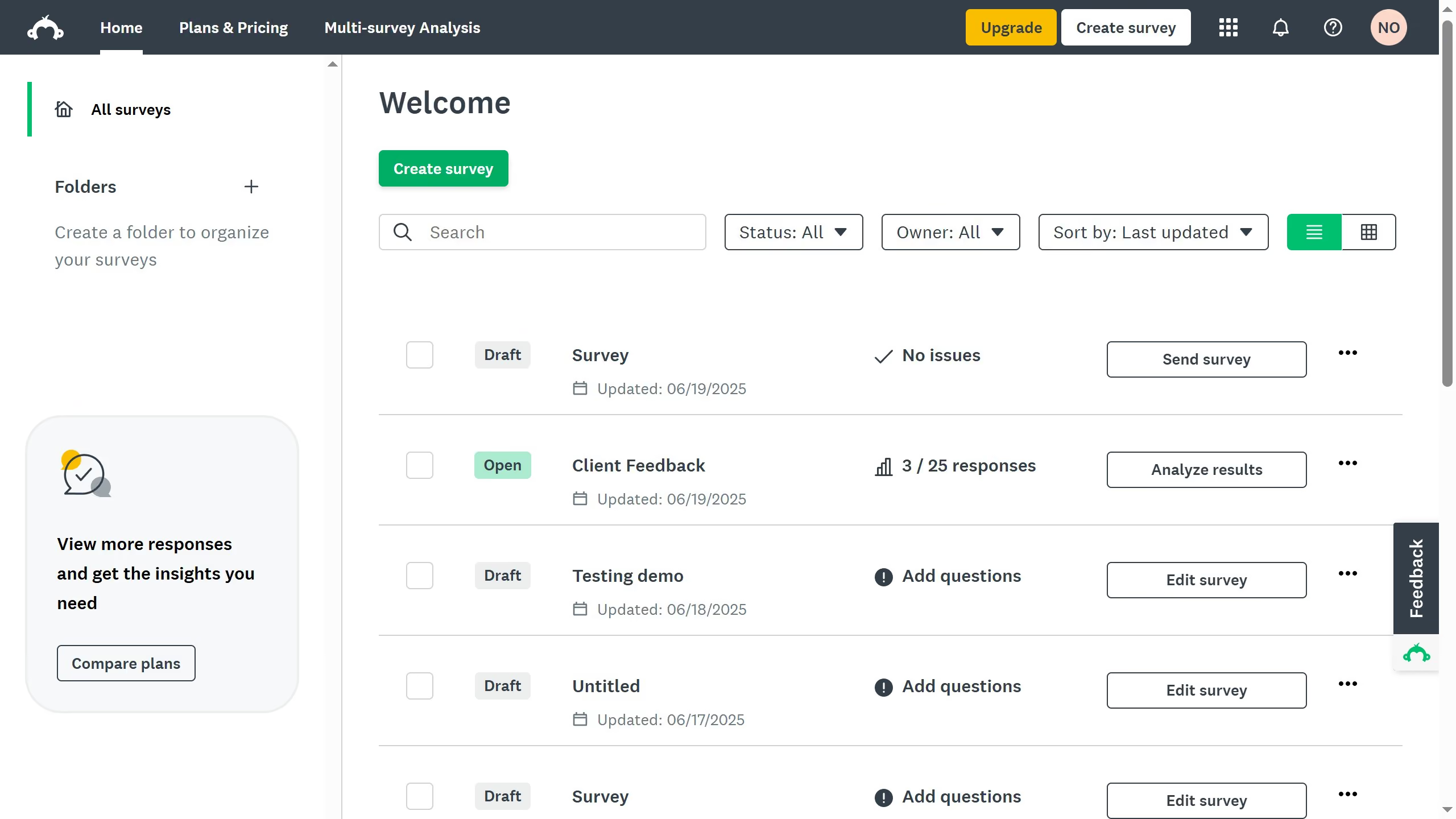
  1. On your SurveyMonkey dashboard, click your profile icon
  2. Click "My account" from the dropdown menu
  3. Scroll down to the "Profile" tab, locate the fields you want to update
  4. Scroll down to the "General Preferences" section and click "Edit" under emails and newsletters
  5. Enter the details you want to edit
  6. Once you're done editing, hit "Change Name" to save changes

Create your own interactive guide with Guideflow

Why should you edit profile details in SurveyMonkey

SurveyMonkey is a versatile tool designed for creating and analyzing surveys with ease and efficiency.

Editing your profile details in SurveyMonkey is essential to ensure that your account accurately reflects your professional identity and preferences.

By keeping your profile up-to-date, you enhance communication and receive more relevant suggestions, boosting your overall user experience.

These simple adjustments help tailor the platform to better meet your needs, making every interaction more personalized and efficient.


Last update
June 23, 2026
Cursor MariaA cursor points to a button labeled "James."

Create your first demo in less than 30 seconds.