SurveyMonkey
SurveyMonkey is an online survey and feedback collection platform for customer insights.
Website
Industry
Marketing
Share this article:

How to remove a page break in SurveyMonkey

Here is how to remove a page break in surveymonkey

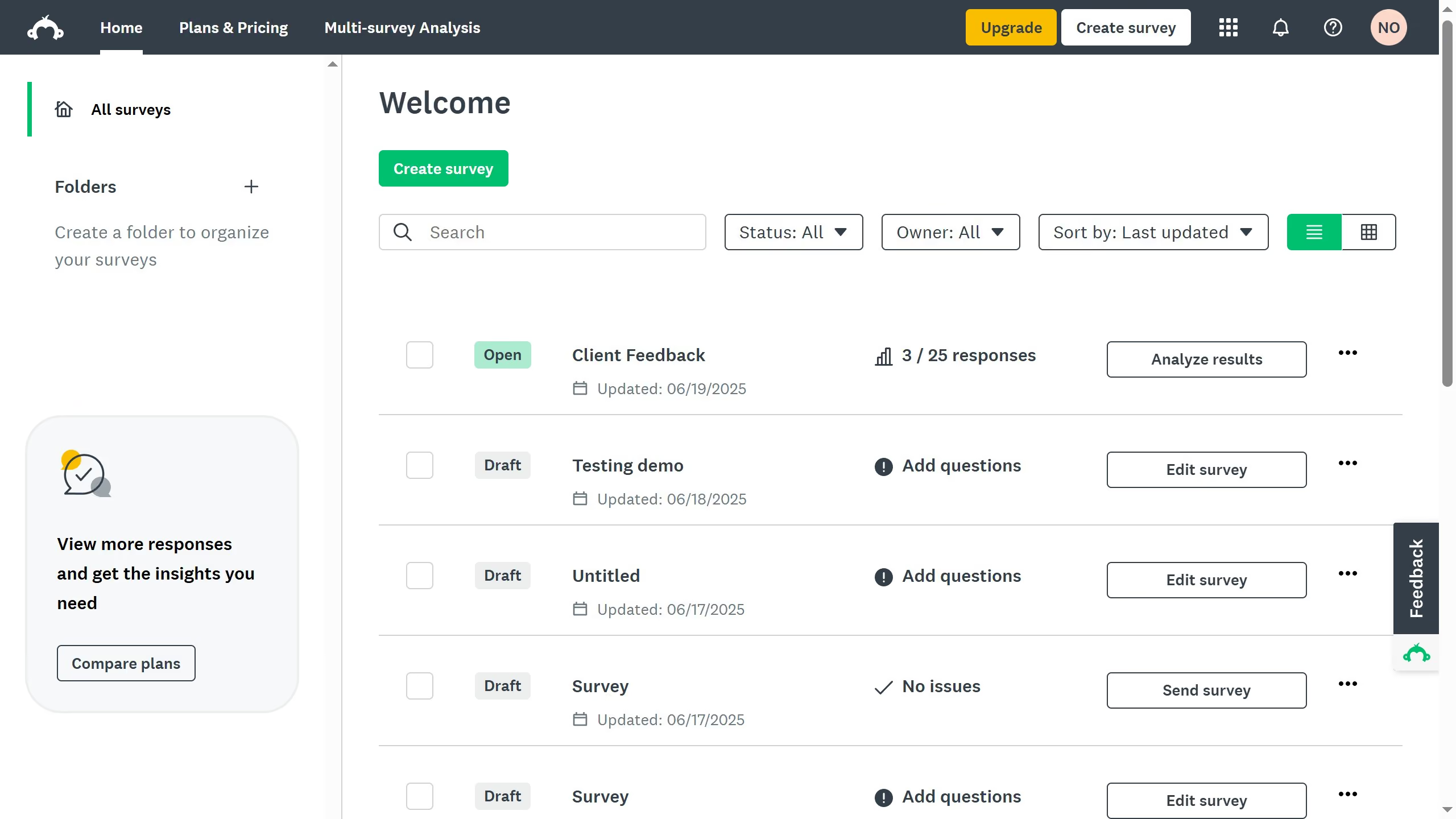
  1. First choose the survey you want to edit and click on the three dots (...)
  2. Then select "Edit survey" from the dropdown menu
  3. In the "Design Survey", find the page break you want to remove
  4. Next click "More Actions" and select "Delete Page"
  5. Since page breaks cannot be undone, you can choose to either move the questions to another page
  6. Then click "Delete" to confirm
  7. The page break has been successfully removed, and the questions have been moved to the page above

Create your own interactive guide with Guideflow

Why should you remove a page break in SurveyMonkey

SurveyMonkey empowers users to create insightful surveys that engage and inform.

Removing a page break in SurveyMonkey is a straightforward feature that enhances the flow of your survey. By eliminating unnecessary interruptions, it allows respondents to enjoy a smooth and uninterrupted experience.

This feature can lead to increased participation and more accurate data collection by maintaining the respondent's focus. Streamlined surveys are key to obtaining reliable insights, making the task of page break removal a valuable one for users striving for simplicity and clarity.


Last update
June 23, 2026
Cursor MariaA cursor points to a button labeled "James."

Create your first demo in less than 30 seconds.