How to integrate Slack in SurveyMonkey
Here is how to integrate slack in surveymonkey
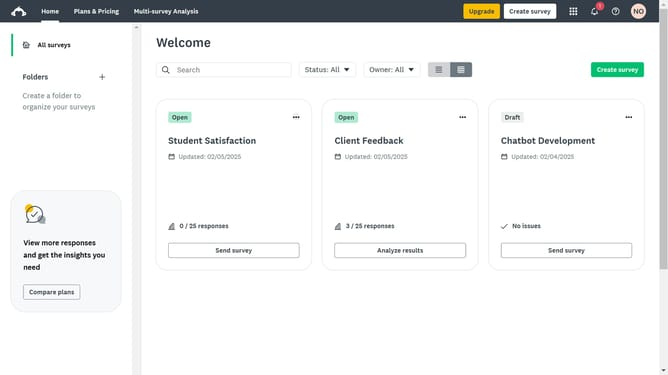
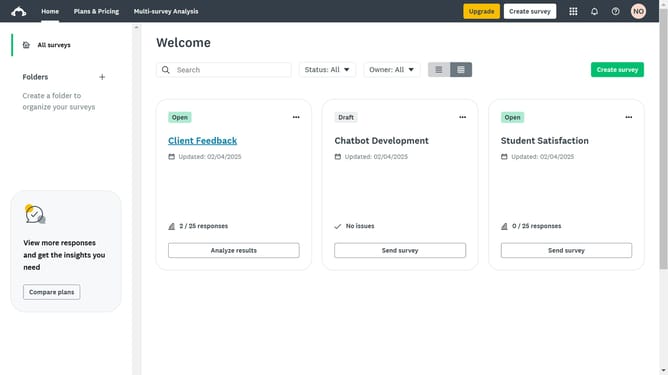
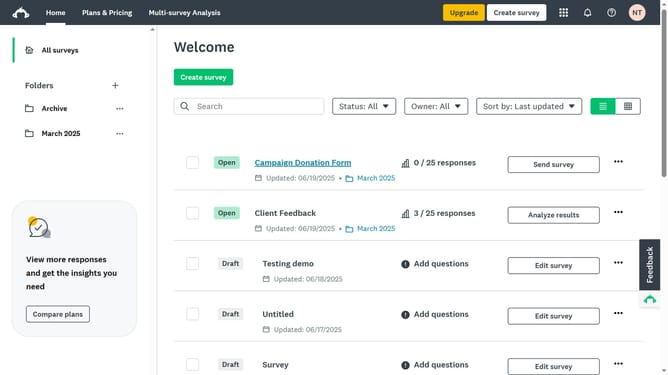
- First click on the grid menu icon in the top navigation bar
- Then click on "Apps & integrations" option in the products dropdown menu
- Next enter "Slack" into the App Directory search field
- Then click on the "Slack" integration card in the search results
- Finally click the "Install" button on the Slack integration details page
Why should you integrate Slack in SurveyMonkey
SurveyMonkey is an intuitive platform designed to seamlessly create and analyze surveys for actionable insights.
Integrating Slack with SurveyMonkey brings real-time collaboration and instant notifications to your survey experience.
By connecting these two powerful tools, teams can effortlessly receive survey results and updates, fostering a more responsive and dynamic workplace.
This integration ensures that feedback doesn't get lost and allows for swift communication amongst team members, driving informed decision-making.
Last update