SurveyMonkey
SurveyMonkey is an online survey and feedback collection platform for customer insights.
Website
Industry
Marketing
Share this article:

How to hide survey results from respondents in SurveyMonkey

Here is how to hide survey results from respondents in surveymonkey

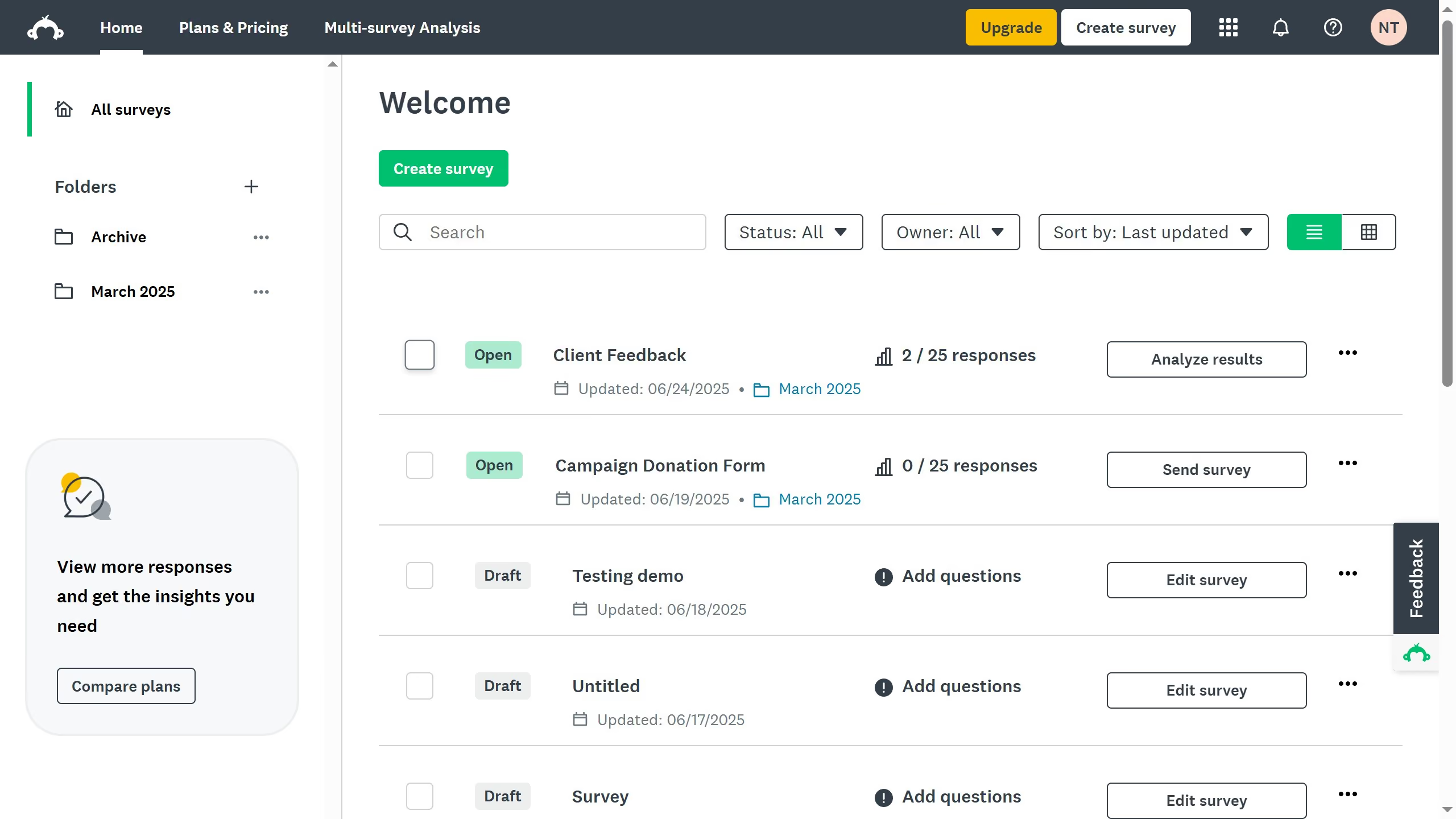
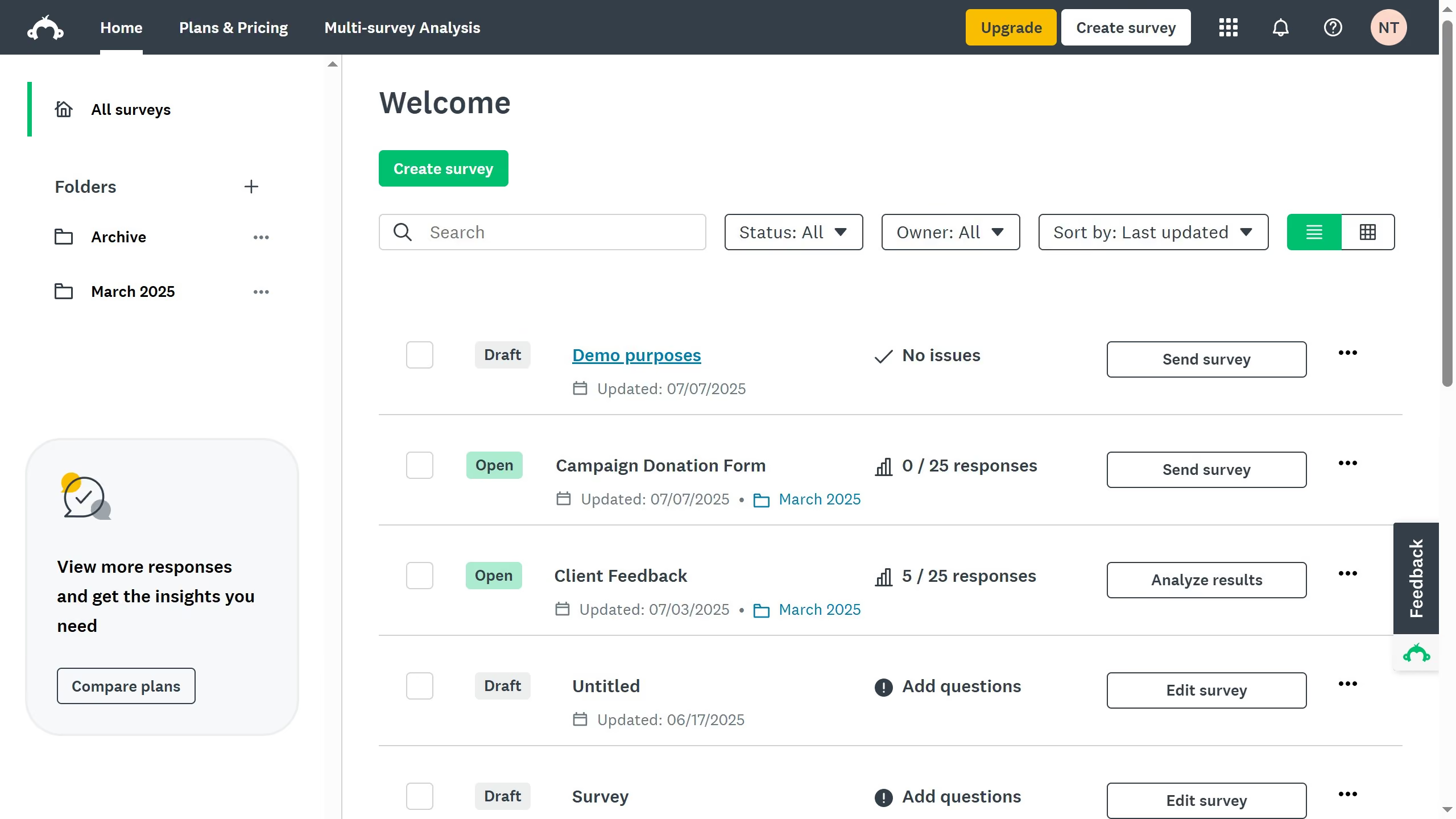
  1. First open the survey you want to update
  2. Then click on the "COLLECT RESPONSES" tab in the main navigation menu
  3. Next click the collector you want to edit
  4. Then click on the "Instant results" option in the settings panel
  5. Toggle the setting "Off" to prevent respondents from viewing survey results

Create your own interactive guide with Guideflow

Why should you hide survey results from respondents in SurveyMonkey

SurveyMonkey, a powerful online tool, helps individuals and businesses easily create and analyze surveys.

One valuable feature is the ability to hide survey results from respondents. This ensures the anonymity and integrity of the responses, encouraging honest feedback without influencing participants with others' answers.

Keeping survey results private can lead to more reliable data collection, allowing for unbiased decision-making and the creation of more effective strategies based on genuine input.

This feature is especially beneficial for sensitive topics, ensuring all contributors feel secure and respected.


Last update
June 23, 2026
Cursor MariaA cursor points to a button labeled "James."

Create your first demo in less than 30 seconds.