SurveyMonkey
SurveyMonkey is an online survey and feedback collection platform for customer insights.
Website
Industry
Marketing
Share this article:

How to insert a page break in SurveyMonkey

Here is how to insert a page break in surveymonkey

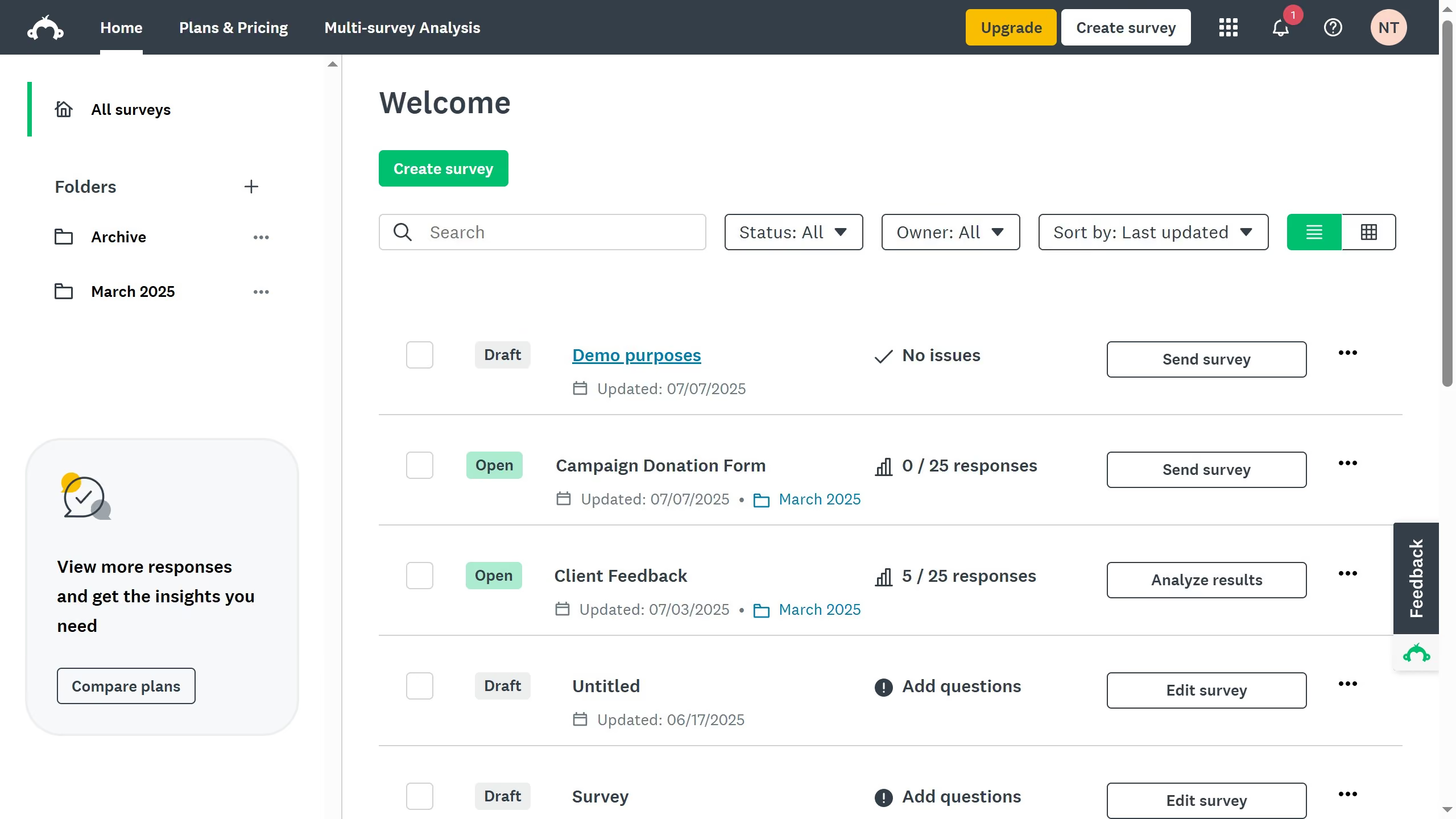
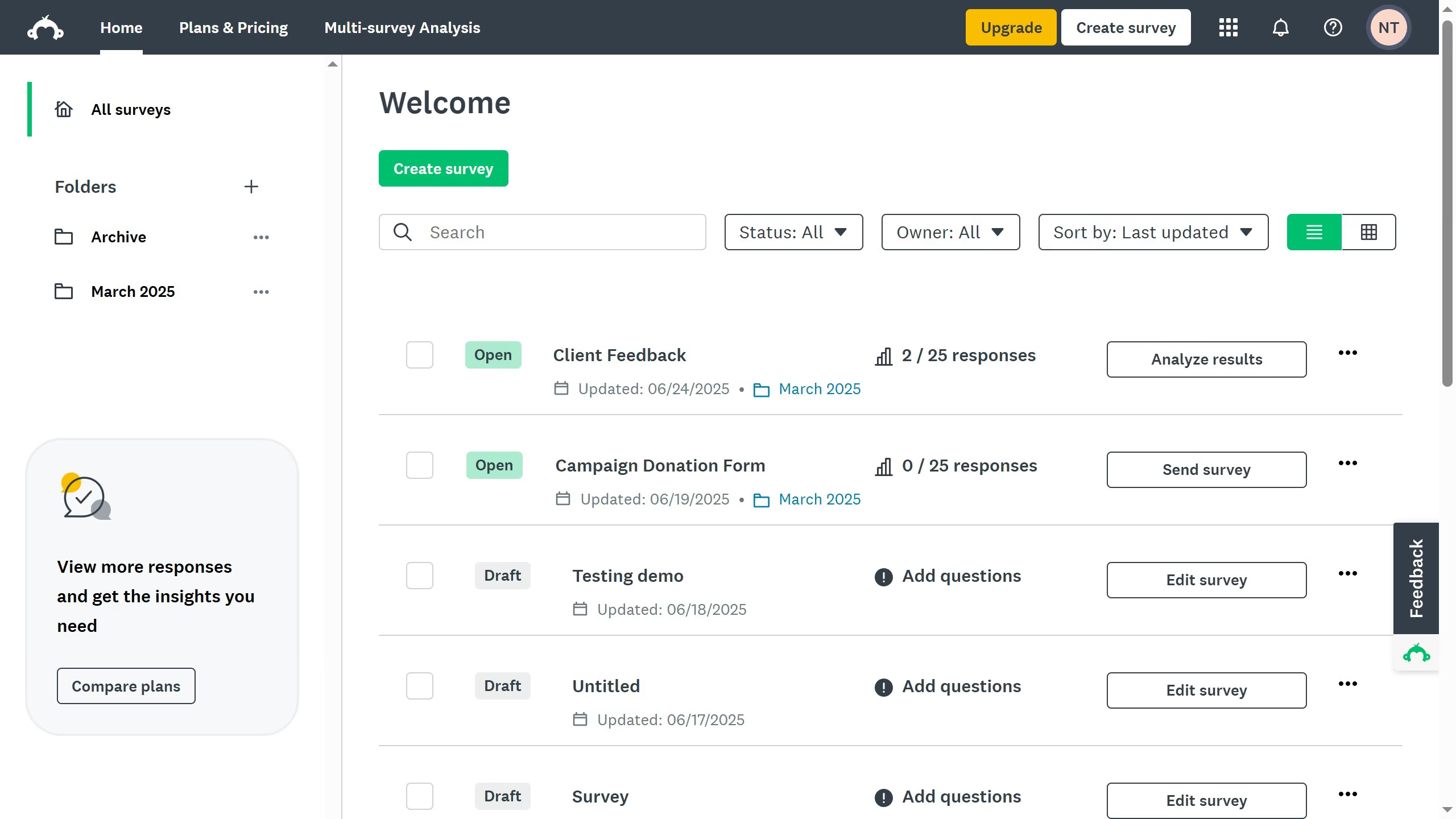
  1. First, select an existing survey and click the three-dots (...)
  2. Then select "Edit survey" from the dropdown menu
  3. In the "Design Survey" tab, hover over the spot where you want to add a page break and click "New Page Break"
  4. The page break has been successfully added, improving the structure and readability of your survey

Create your own interactive guide with Guideflow

Why should you insert a page break in SurveyMonkey

SurveyMonkey is a dynamic tool designed to streamline the process of creating engaging surveys.

Incorporating a page break in SurveyMonkey can significantly enhance the respondent's experience. By using this feature, you can divide lengthy surveys into more digestible sections.

This separation not only reduces cognitive load for respondents but also maintains their interest and attention. Ultimately, it contributes to higher completion rates and more reliable data collection.

Utilize page breaks to create structured, respondent-friendly surveys that deliver valuable insights effortlessly.


Last update
June 23, 2026
Cursor MariaA cursor points to a button labeled "James."

Create your first demo in less than 30 seconds.