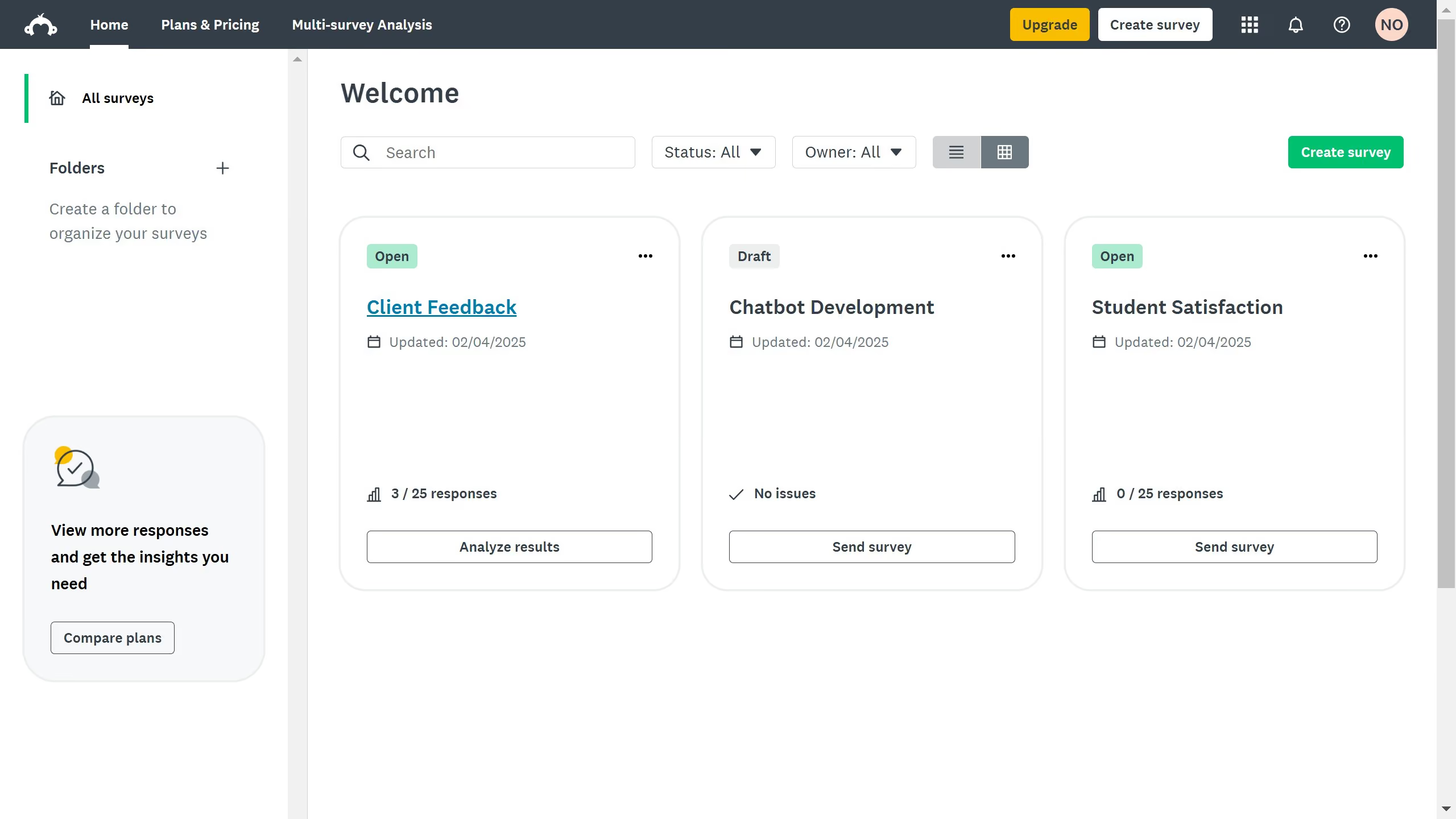
Here is how to randomize questions in surveymonkey
- On your SurveyMonkey dashboard, choose the survey you want to edit from your list
- Then click on "DESIGN SURVEY" tab in the top navigation menu
- Next click on the "Logic" button in the design toolbar
- Then click on "Question randomization" option in the logic menu
- Next click on a page in the page selector
- Click "Next" to proceed
- Next click on "Randomize questions" radio button in the format options
- Finally click on "Apply" button to save the question randomization settings