SurveyMonkey
SurveyMonkey is an online survey and feedback collection platform for customer insights.
Website
Industry
Marketing
Share this article:

How to filter survey results in SurveyMonkey

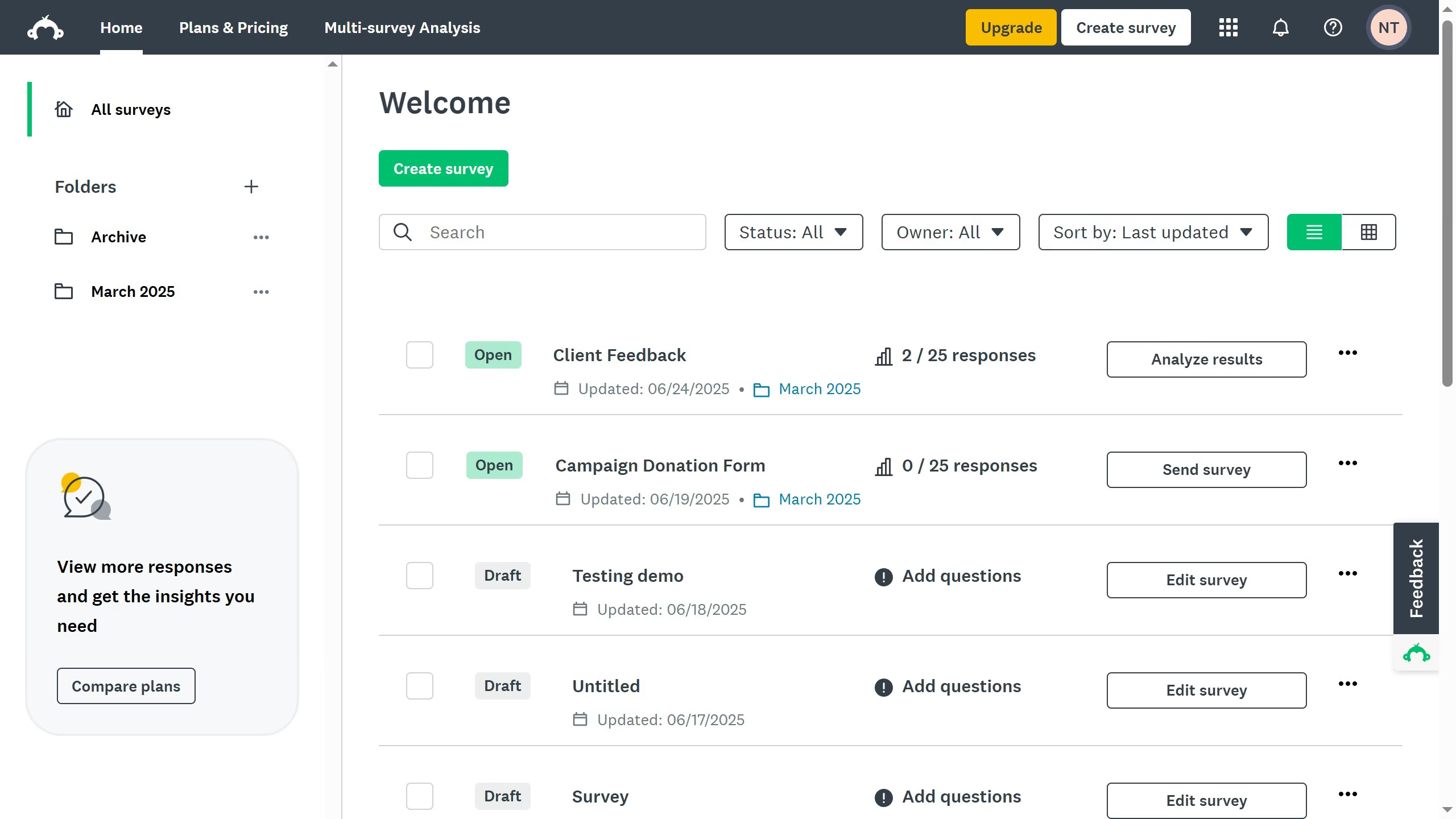
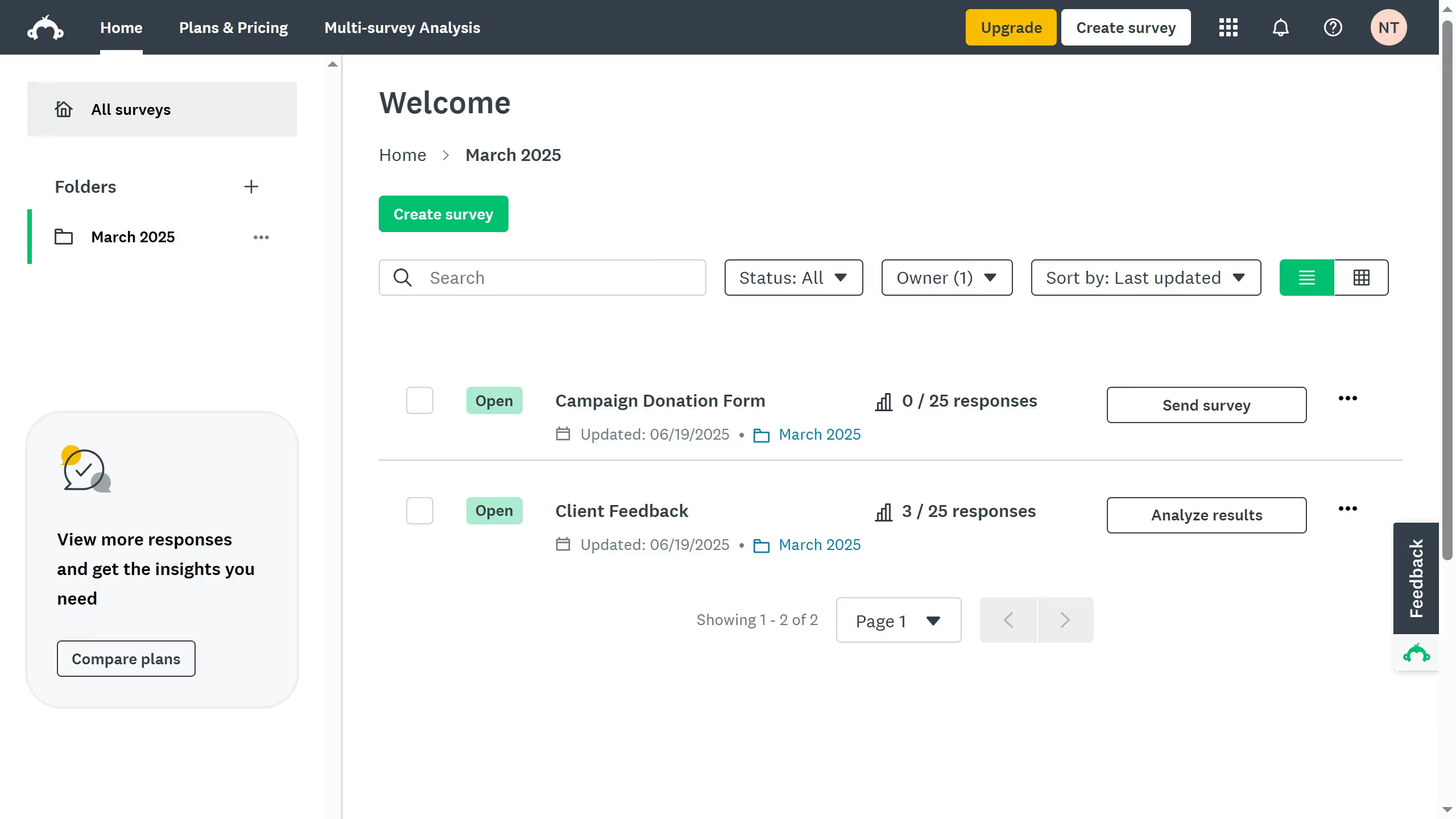
Here is how to filter survey results in surveymonkey

  1. On your SurveyMonkey dashboard, choose the survey you want to edit from your list
  2. Click the "ANALYZE RESULTS" tab at the top
  3. Click on the "+ FILTER" button in the Rules panel
  4. Choose a filter type, such as question and answer, collector, or custom data
  5. Next select on what you want to filter from the collector options
  6. Finally click "Apply" to view the filtered results

Create your own interactive guide with Guideflow

Why should you filter survey results in SurveyMonkey

SurveyMonkey is a powerful tool for creating and analyzing surveys with ease and efficiency.

When it comes to analyzing data, filtering survey results in SurveyMonkey is a game-changer. This feature allows users to segment responses based on specific criteria, providing precise insights tailored to particular needs.

By using filters, you can focus on and analyze subsets of data, making decision-making more informed and strategic. It helps avoid information overload, ensuring you only see the data that's most relevant to your goals.

This not only saves time but also enhances the depth and relevance of your insights, leading to more targeted actions and better outcomes.


Last update
June 23, 2026
Cursor MariaA cursor points to a button labeled "James."

Create your first demo in less than 30 seconds.