How to turn off IP restrictions in SurveyMonkey
Here is how to turn off ip restrictions in surveymonkey
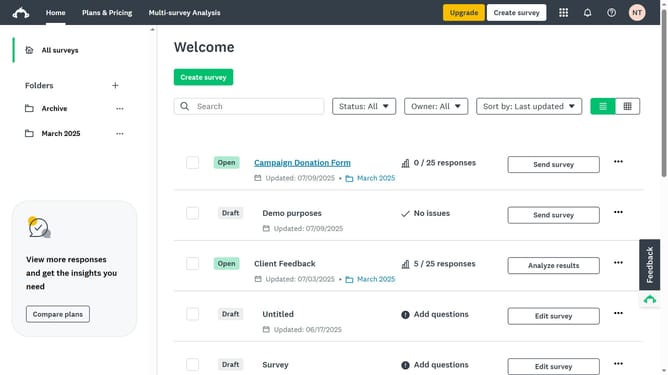
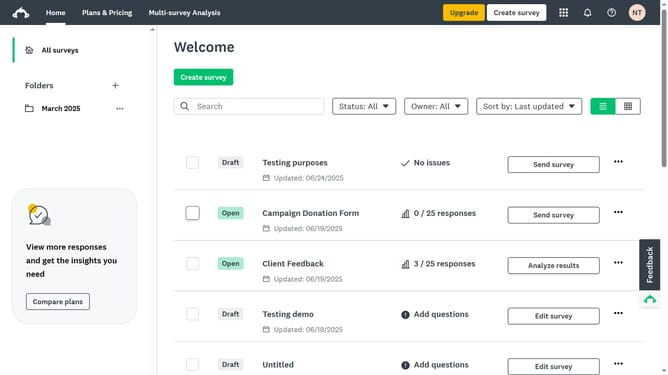
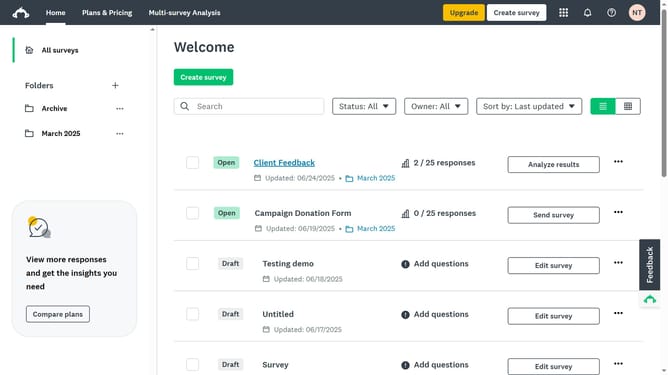
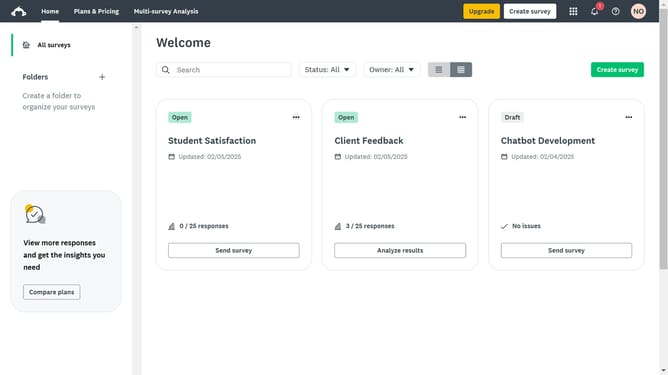
- First click on the survey you want to edit
- Then click on the "COLLECT RESPONSES" tab in the survey navigation menu
- Next click the collector you want to edit in the collectors list
- Scroll down and click on "Show advanced options" link
- Then click on the "IP restrictions" dropdown to expand the options
- Finally select the "Off, no IP addresses are restricted from taking your survey" radio button
Why should you turn off IP restrictions in SurveyMonkey
SurveyMonkey empowers businesses and individuals to gather valuable insights through easy-to-create online surveys.
Turning off IP restrictions in SurveyMonkey allows a broader audience to access and participate in your surveys without geographical or network limitations.
This feature is particularly beneficial for global projects or remote teams, enhancing engagement and data diversity.
Embrace the flexibility to reach more respondents with varied perspectives, thus enriching the quality of your survey data.
Last update