How to make responses anonymous in SurveyMonkey
Here is how to make responses anonymous in surveymonkey
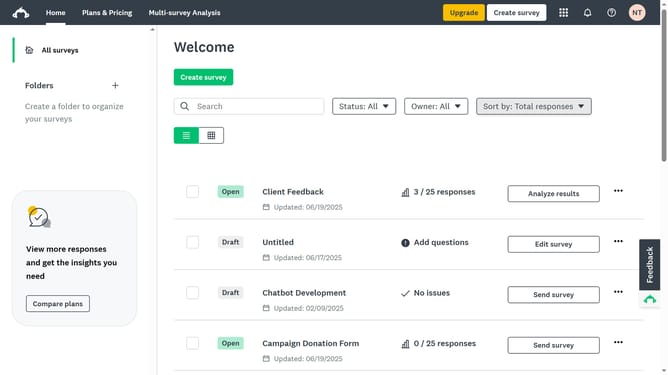
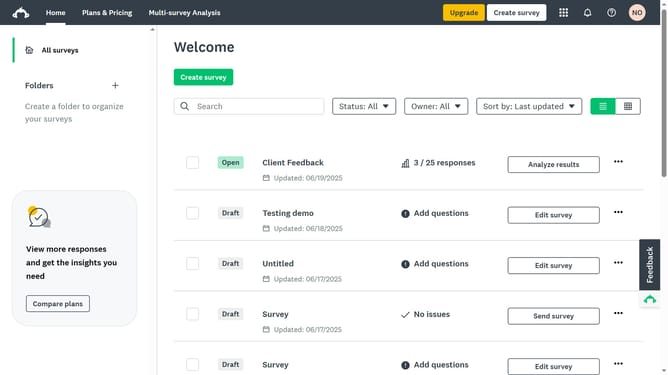
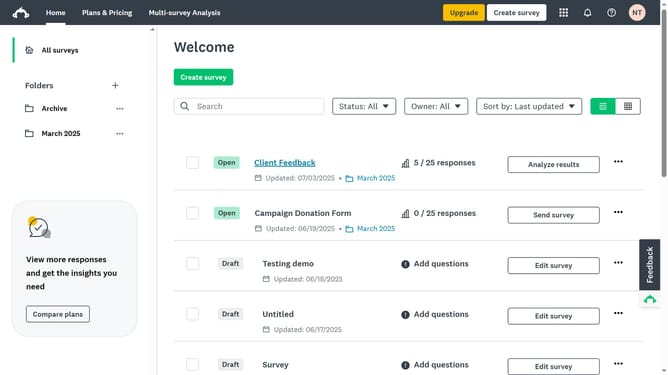
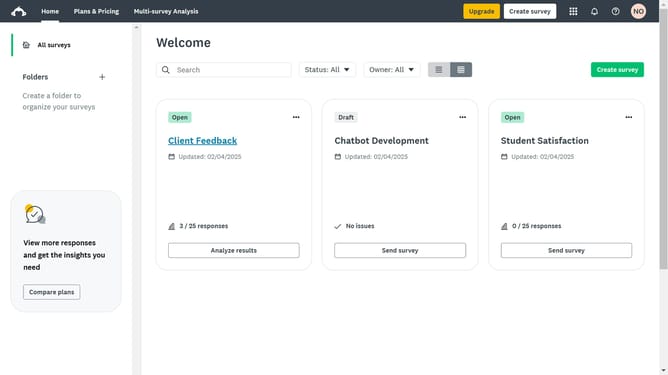
- First click the survey you want to edit
- Then click on the "COLLECT RESPONSES" tab in the top navigation menu
- Next select the collector you’re using
- Click the "Anonymous responses" option in the settings list
- Toggle the setting “On” to prevent IP addresses from being recorded with responses
Why should you make responses anonymous in SurveyMonkey
SurveyMonkey is a robust tool for creating insightful surveys easily.
Anonymizing responses in SurveyMonkey ensures participant privacy, boosting trust and authenticity.
By protecting identities, respondents feel more secure in expressing honest opinions, enhancing data accuracy.
This feature is essential for fostering open feedback, crucial for genuine insights and informed decision-making.
Last update