SurveyMonkey
SurveyMonkey is an online survey and feedback collection platform for customer insights.
Website
Industry
Marketing
Share this article:

How SurveyMonkey prevents multiple responses

Here is how surveymonkey prevents multiple responses

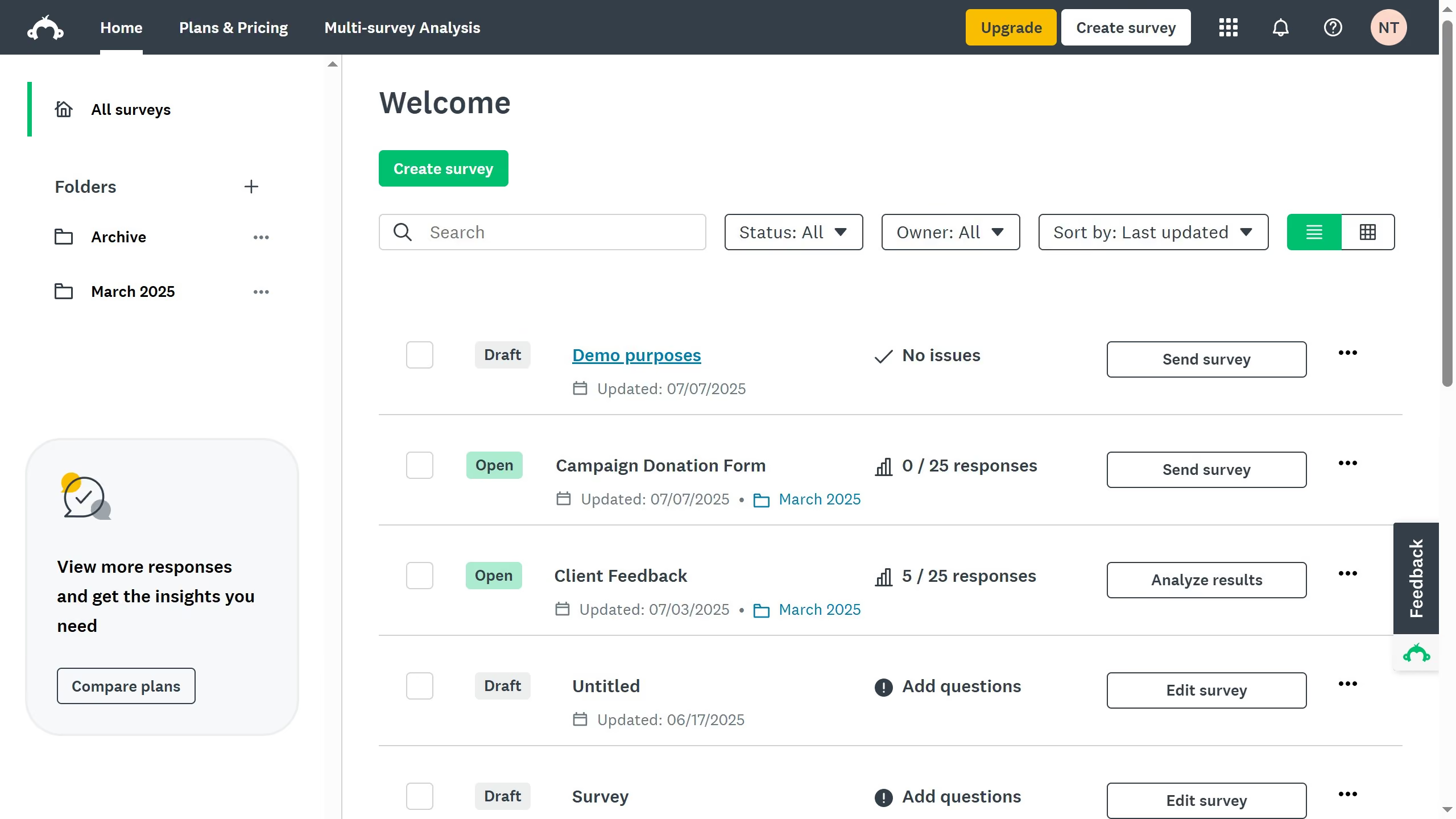
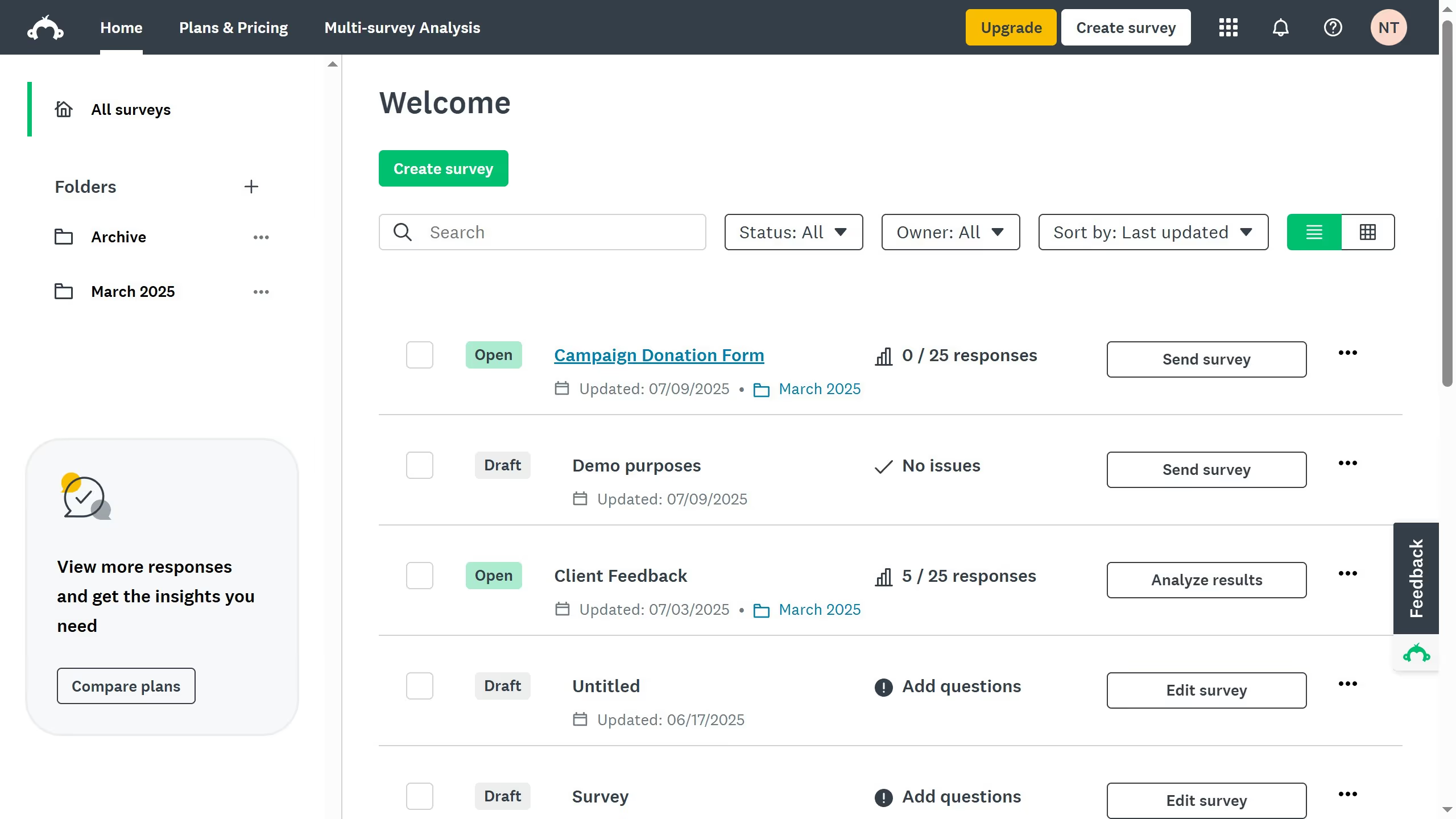
  1. First select a survey in your dashboard
  2. Then in summary, select a collector in the Collectors section
  3. Next scroll down to the response settings and click on "Multiple responses"
  4. Then turn it "OFF" to limit respondents to a single submission
  5. Finally, a confirmation message appears at the top right, now participants will only be able to submit one response to the survey

Create your own interactive guide with Guideflow

Why should youHow SurveyMonkey prevents multiple responses

SurveyMonkey is a leading online platform designed to create and analyze surveys effortlessly.

One of its standout features is the ability to prevent multiple responses from the same participant.

This is essential for ensuring the authenticity and reliability of survey data, as it helps eliminate potential biases.

By using cookies and tracking respondent IP addresses, SurveyMonkey efficiently deters duplicate entries, preserving the survey’s integrity.

This provides businesses with accurate data, enhancing decision-making processes.

Last update
June 23, 2026
Cursor MariaA cursor points to a button labeled "James."

Create your first demo in less than 30 seconds.