How to sort surveys by last updated in SurveyMonkey
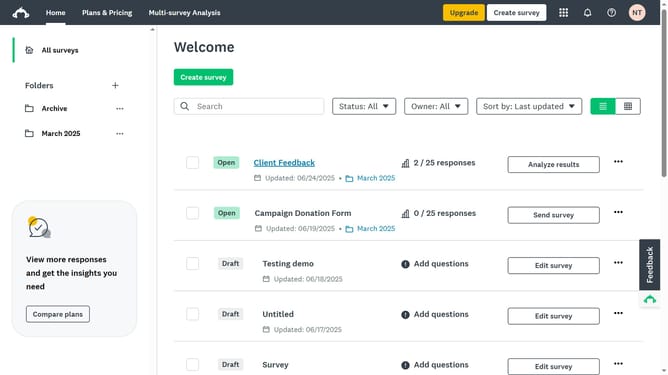
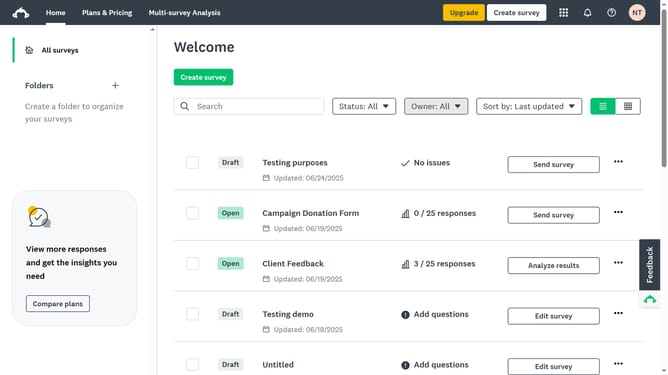
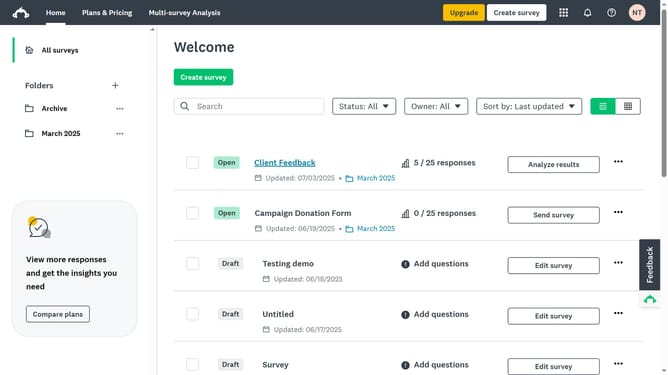
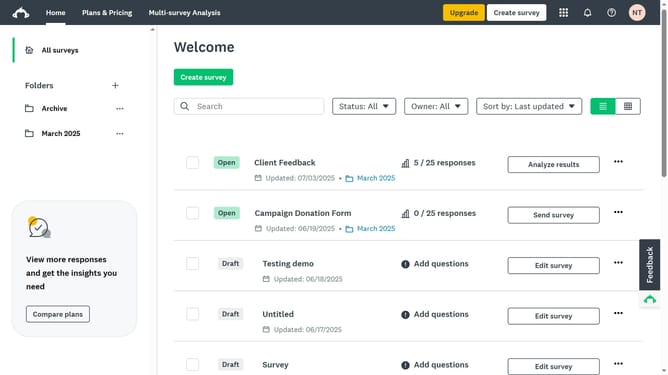
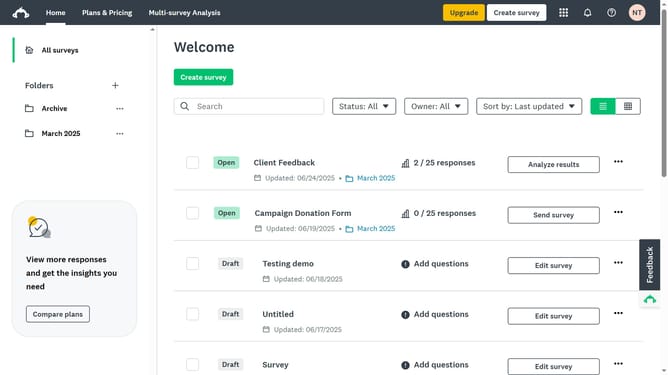
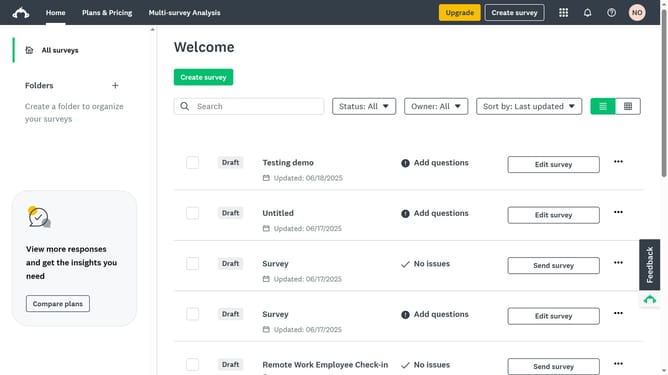
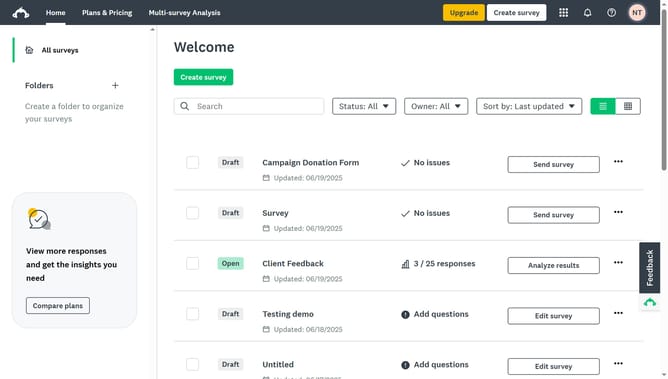
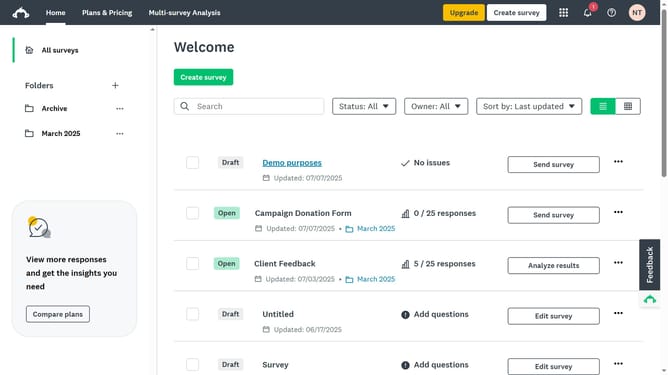
Here is how to sort surveys by last updated in surveymonkey
- Click the sorting dropdown near the top-right of your survey list
- Then click on "Last updated" option in the sort dropdown menu
- Finally click on "Newest first" option in the Order section of the sort dropdown menu
Why should you sort surveys by last updated in SurveyMonkey
SurveyMonkey is a dynamic platform designed to simplify the creation and analysis of online surveys for informed decision-making.
A valuable feature in SurveyMonkey is the ability to sort surveys by their last updated date. This feature enables users to prioritize and access the most recent survey data effortlessly.
By sorting surveys based on the latest updates, users can easily manage their workflow, ensuring they are always referencing the most current information. This feature enhances efficiency and helps maintain organized records.
Last update