SurveyMonkey
SurveyMonkey is an online survey and feedback collection platform for customer insights.
Website
Industry
Marketing
Share this article:

How to organize contacts in SurveyMonkey

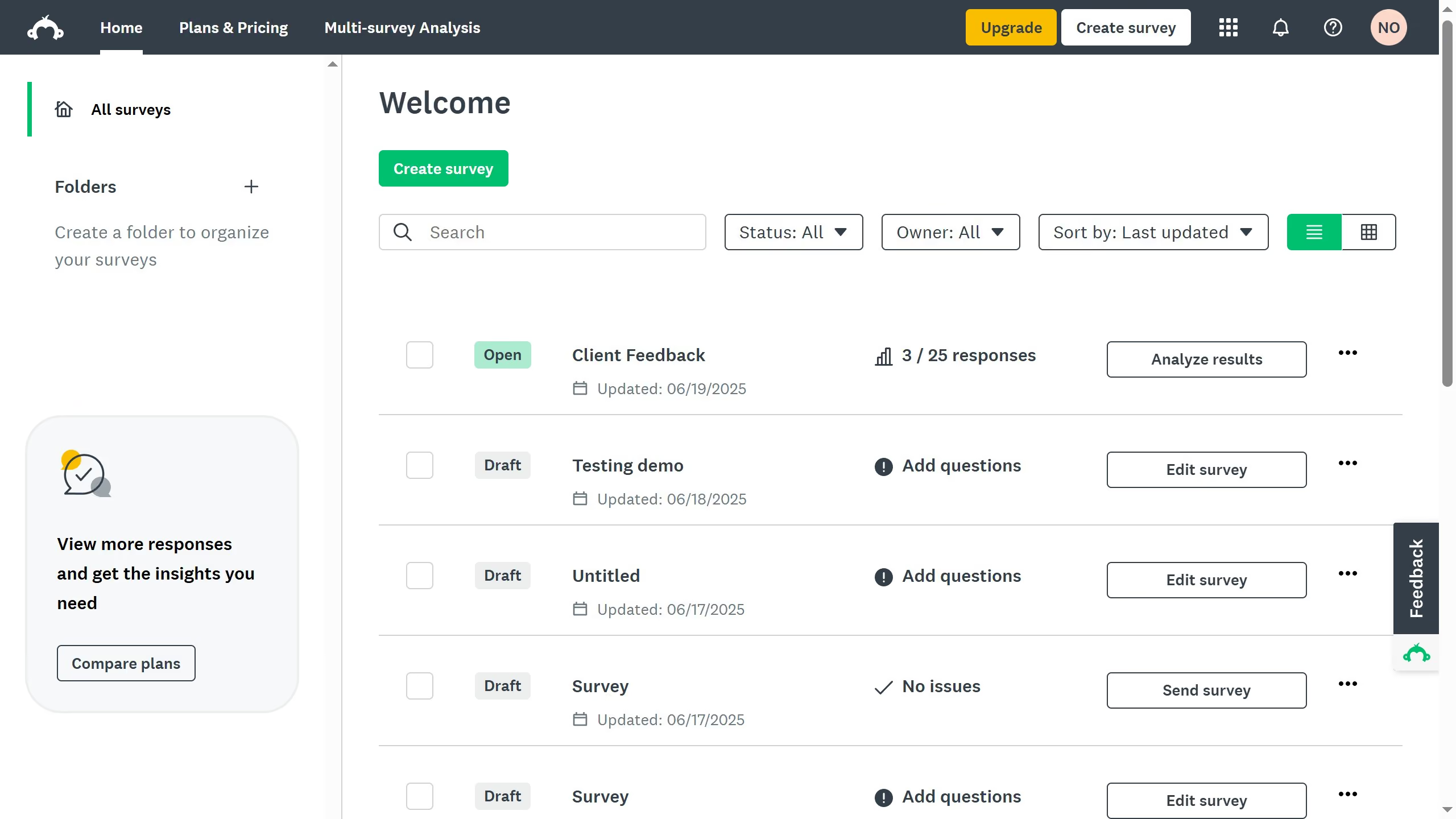
Here is how to organize contacts in surveymonkey

  1. On your SurveyMonkey dashboard, click your profile icon at the top right corner
  2. Click "Contacts" from the dropdown menu
  3. Click the checkboxes next to the contacts you want to organize
  4. Click "Add to Group" at the top
  5. Then choose an existing group or create a new one to keep your list organized

Create your own interactive guide with Guideflow

Why should you organize contacts in SurveyMonkey

SurveyMonkey is a versatile platform that transforms the way you gather and analyze feedback.

One remarkable feature is its contact organization capability. This allows users to efficiently manage and streamline their contact lists, making it easier to distribute surveys and track responses.

By organizing contacts, you can segment your audience based on various criteria, ensuring each survey reaches the right people. This not only enhances targeting but also improves the relevance and quality of your data collection process.


Last update
June 23, 2026
Cursor MariaA cursor points to a button labeled "James."

Create your first demo in less than 30 seconds.