SurveyMonkey
SurveyMonkey is an online survey and feedback collection platform for customer insights.
Website
Industry
Marketing
Share this article:

How to extend survey deadlines in SurveyMonkey

Here is how to extend survey deadlines in surveymonkey

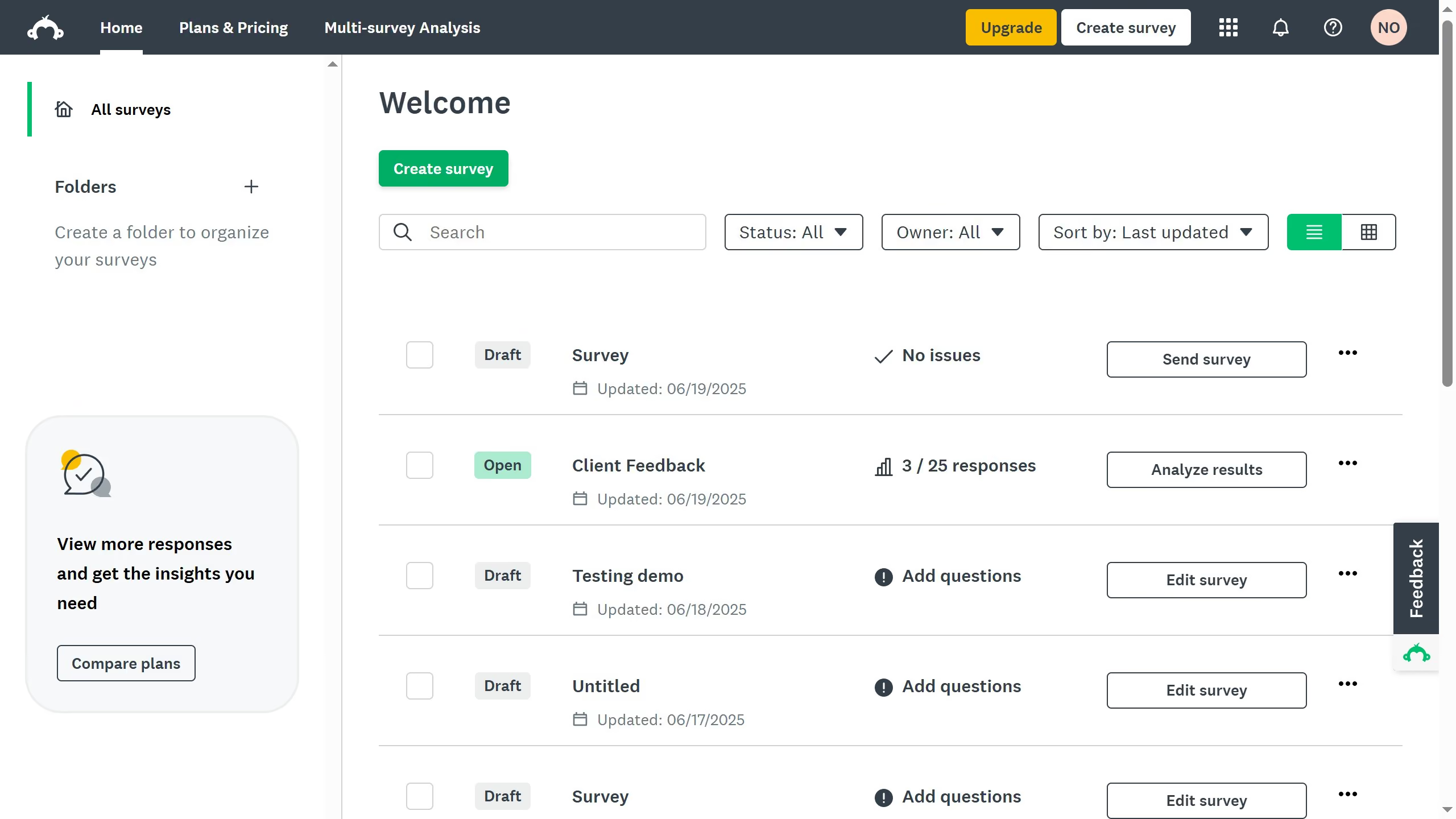
  1. First open the survey you want to edit
  2. Then click on the "COLLECT RESPONSES" tab
  3. Next click the collector you want to edit
  4. Then click on "Show advanced options" link at the bottom of the settings panel
  5. Next click on the "Cutoff date and time" setting dropdown
  6. Then click on the calendar icon to open the date picker
  7. Finally choose a new future date and time for the survey to remain open

Create your own interactive guide with Guideflow

Why should you extend survey deadlines in SurveyMonkey

SurveyMonkey is a dynamic tool designed to simplify the creation and analysis of surveys.

The ability to extend survey deadlines in SurveyMonkey is an invaluable feature that offers flexibility in gathering responses. It allows users to adapt to changing circumstances without losing valuable data.

By extending deadlines, you ensure higher participation rates, as respondents have more time to provide their feedback. This leads to more comprehensive data collection, ultimately contributing to more informed decision-making.

Utilize this feature for improved insights and better outcomes in your survey endeavors.

Last update
June 23, 2026
Cursor MariaA cursor points to a button labeled "James."

Create your first demo in less than 30 seconds.