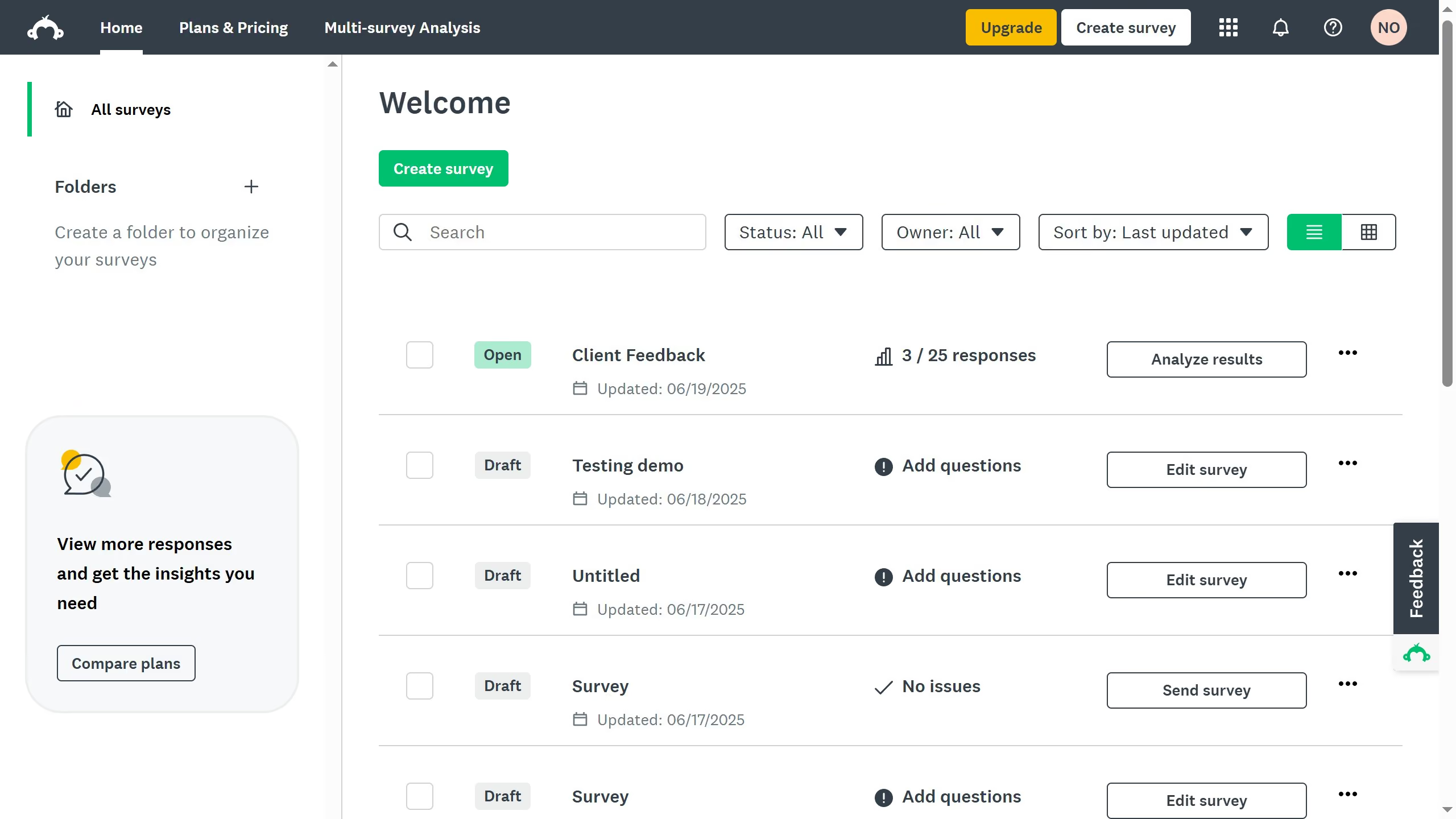
Here is how to post surveys on social media in surveymonkey
- On your SurveyMonkey dashboard, choose the survey you want to edit from your list
- Click the "COLLECT RESPONSES" tab at the top
- Choose "Send surveys your way" as your collection method
- Click the "Share a survey link" tab to generate the link for you to publish it on your chosen social media platform