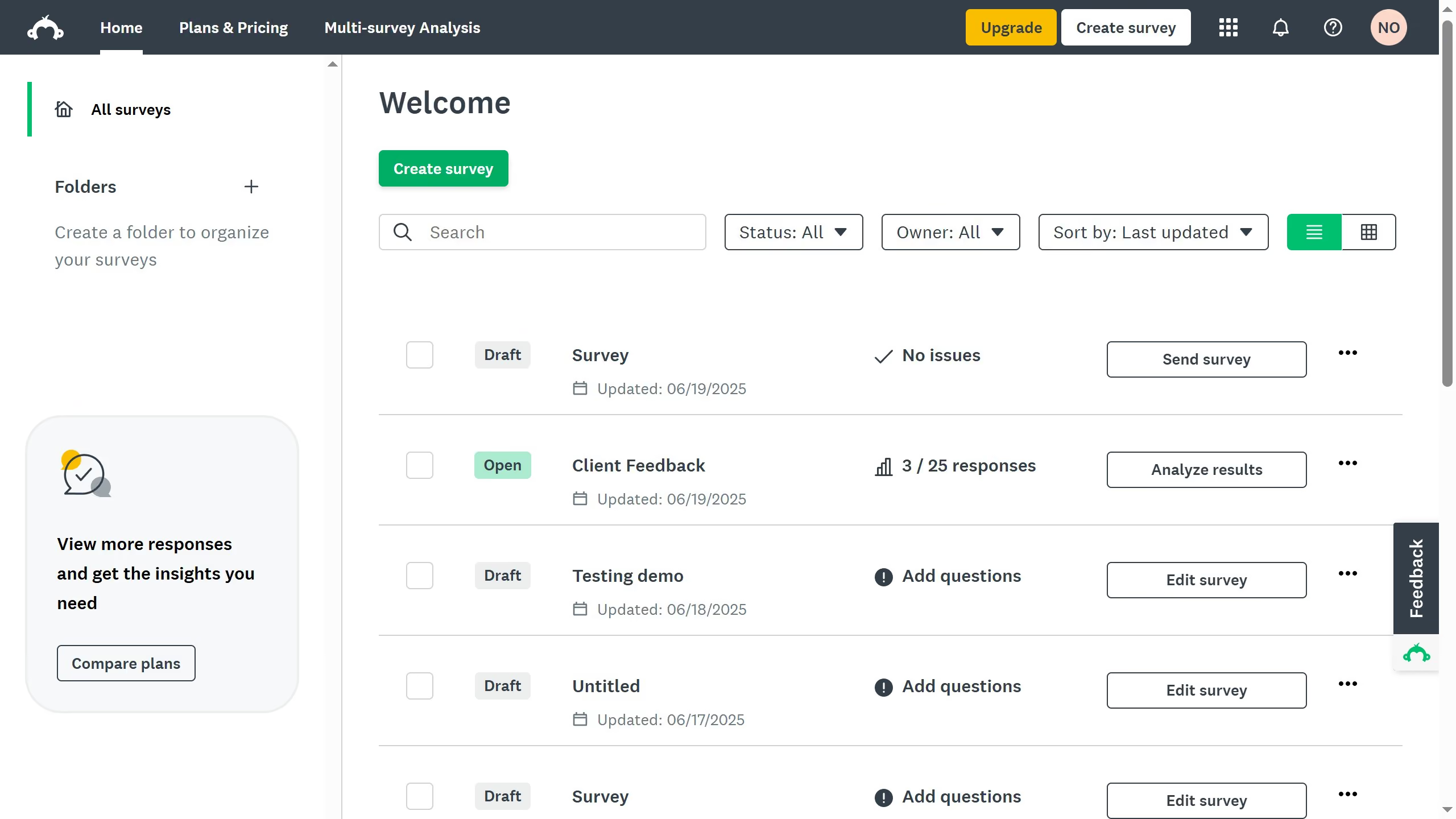
Here is how to enable benchmarks in surveymonkey
- On your SurveyMonkey dashboard, click your profile icon
- Click "My account" from the dropdown menu
- Stay on the "Account Summary" tab
- Scroll down to the "Data Features" section and click "Edit " under the "Access to benchmarks"
- Click the "On" button to enable
- Finally click "Save" to update the changes