SurveyMonkey
SurveyMonkey is an online survey and feedback collection platform for customer insights.
Website
Industry
Marketing
Share this article:

How to show survey results to respondents in SurveyMonkey

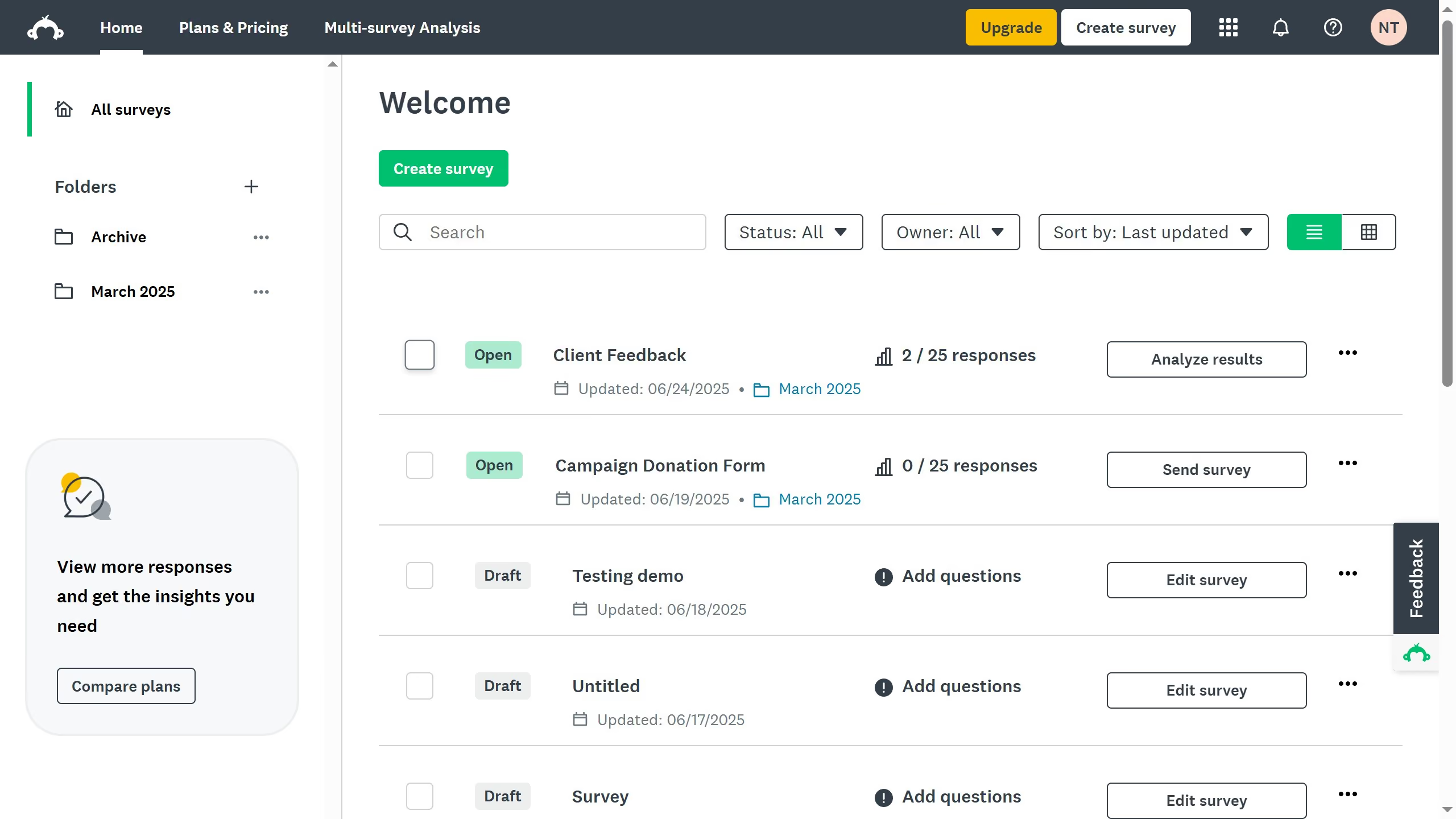
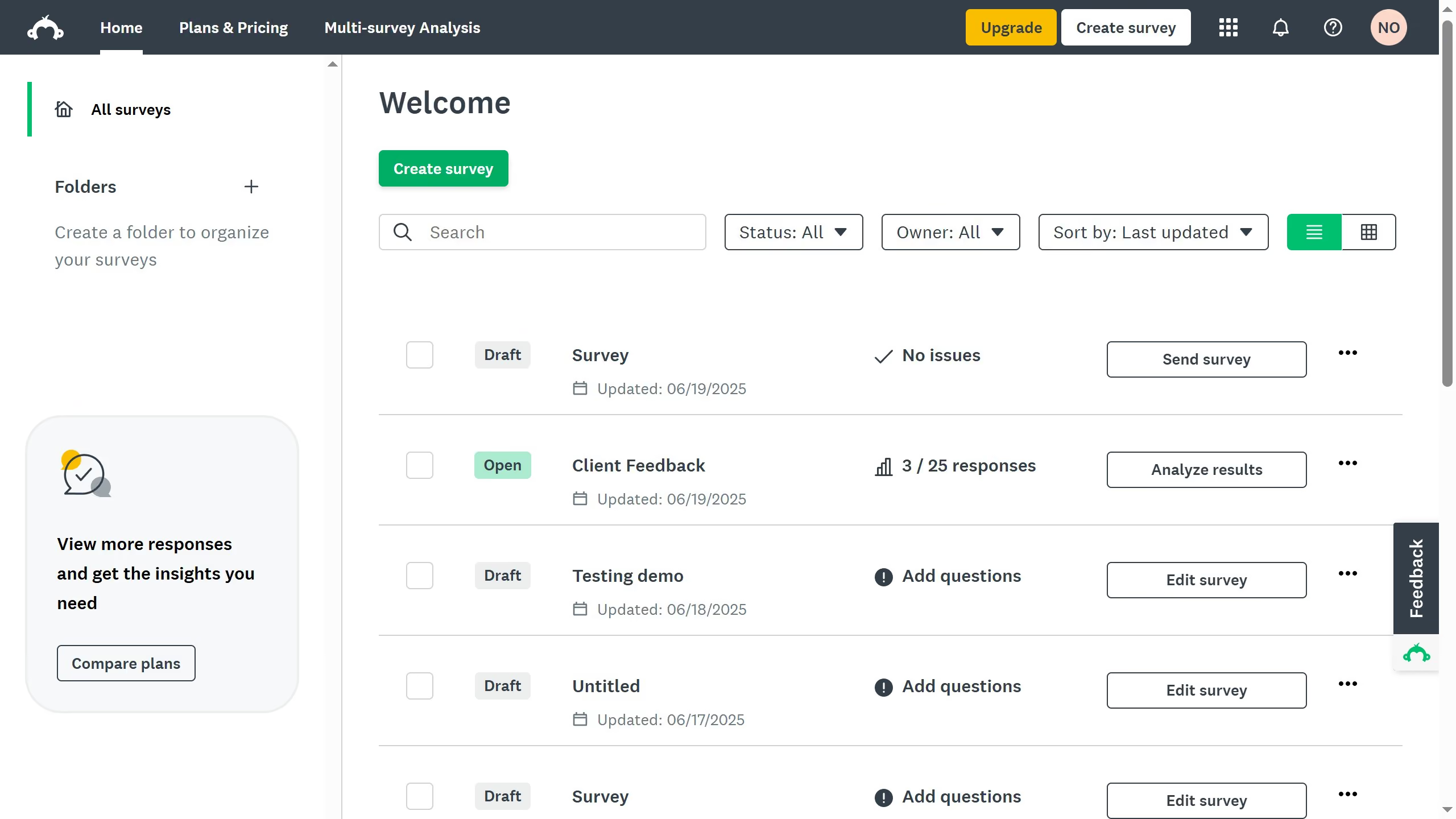
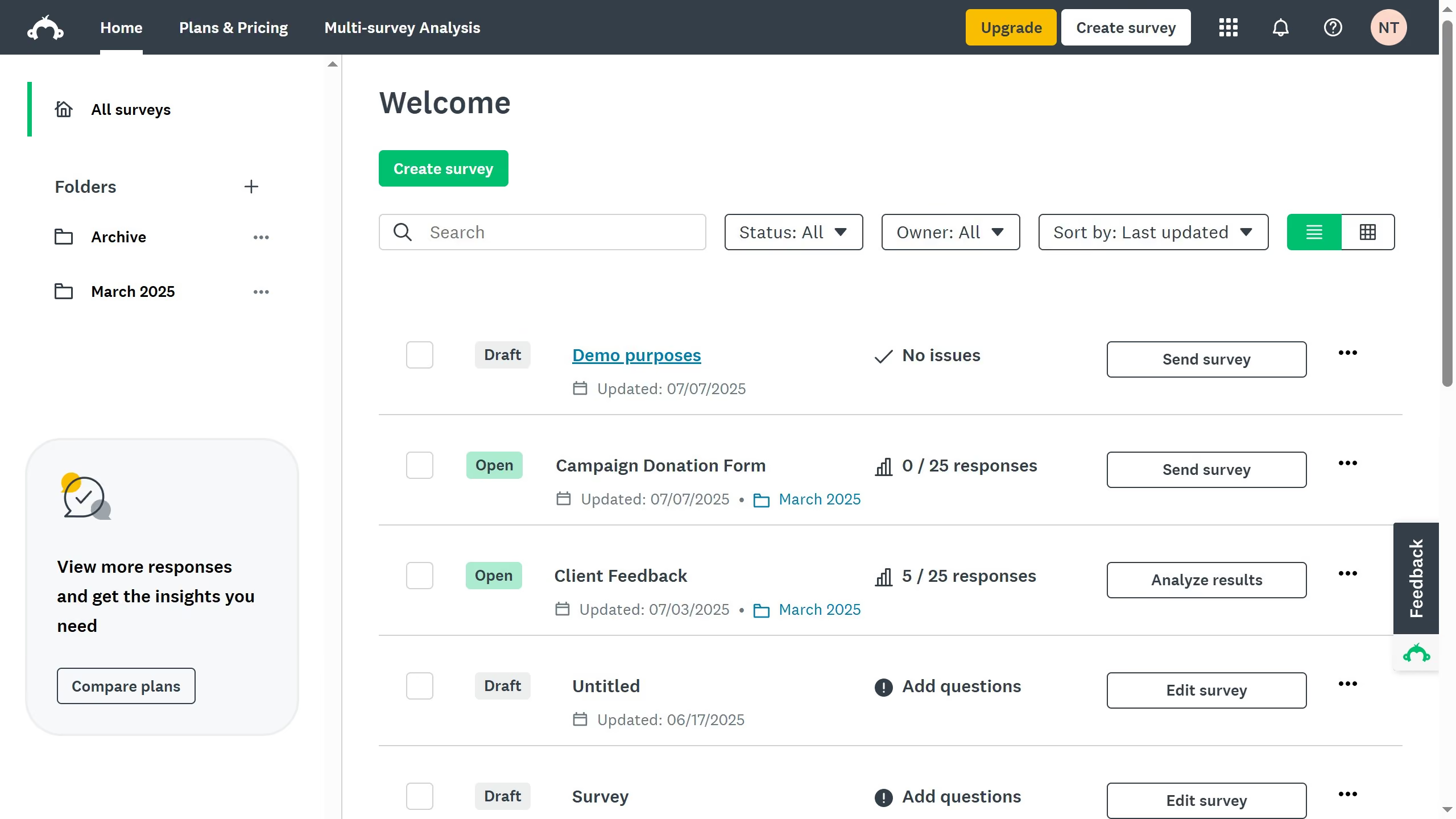
Here is how to show survey results to respondents in surveymonkey

  1. First open the survey you want to update
  2. Then click on the "COLLECT RESPONSES" tab in the main navigation menu
  3. Next click the collector you want to edit
  4. Then click on the "Instant results" option in the settings panel
  5. Toggle the setting "On" to display a summary after respondents complete the survey

Create your own interactive guide with Guideflow

Why should you show survey results to respondents in SurveyMonkey

SurveyMonkey is a versatile platform designed to simplify the creation and analysis of surveys for valuable insights.

Displaying survey results to respondents is a beneficial feature that fosters transparency and engagement in the survey process.

By showing results, participants feel acknowledged and gain a sense of contribution, enhancing overall survey reliability.

Additionally, this transparency builds trust and can encourage more meaningful responses in future surveys, ultimately refining data quality.


Last update
June 23, 2026
Cursor MariaA cursor points to a button labeled "James."

Create your first demo in less than 30 seconds.