SurveyMonkey
SurveyMonkey is an online survey and feedback collection platform for customer insights.
Website
Industry
Marketing
Share this article:

How to add open-ended questions in SurveyMonkey

Here is how to add open-ended questions in surveymonkey

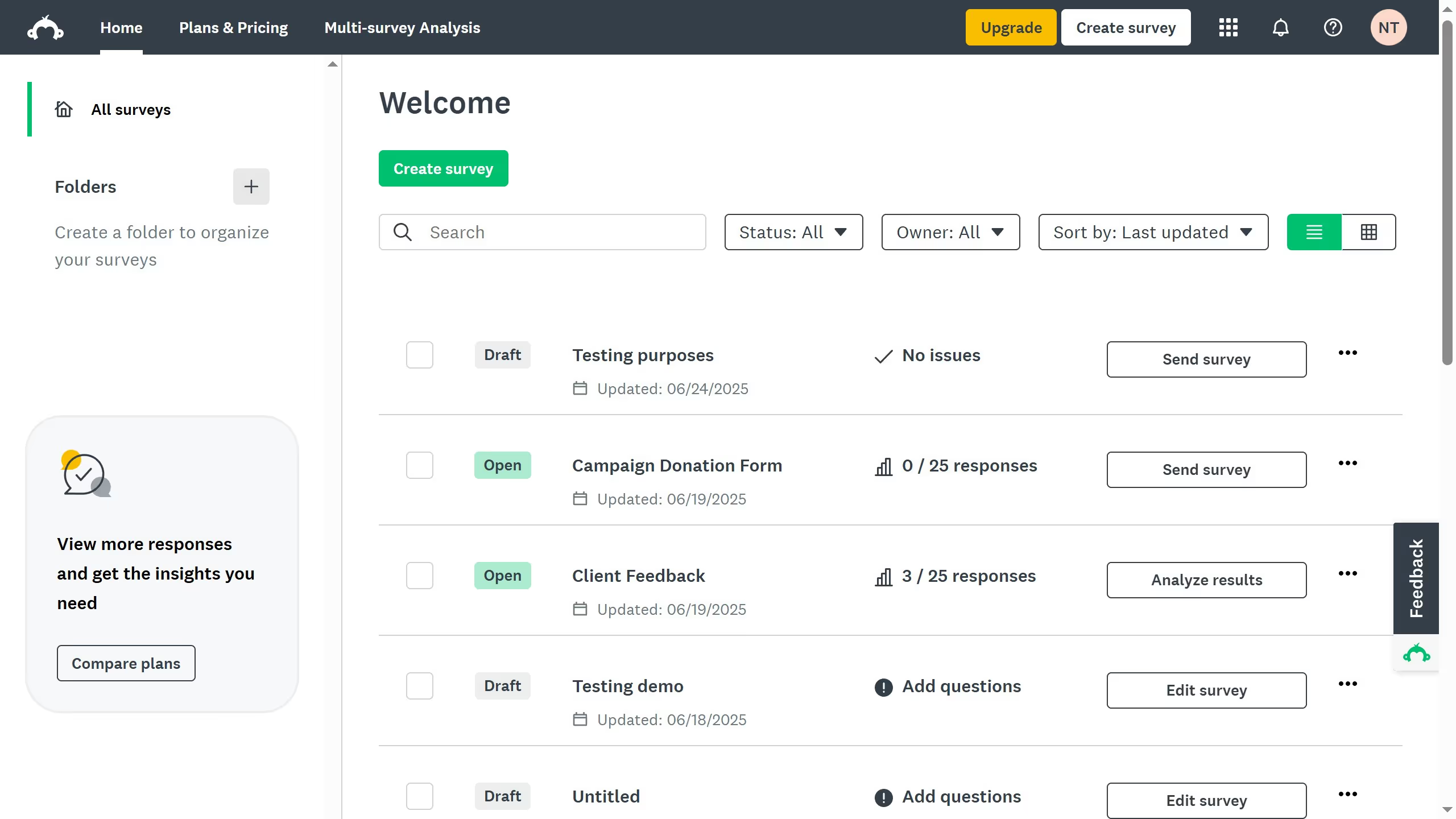
  1. On your SurveyMonkey dashboard, choose the survey you want to edit from your list
  2. Then click on "DESIGN SURVEY" tab in the survey navigation menu
  3. Scroll down and click “+ New Question” where you want to add a question
  4. Enter the question you would like to add
  5. Click and browse the list of question types in the right-hand panel
  6. Select either "Single Textbox" for short answers or "Comment Box" for longer responses
  7. Click "Save" to add it to your survey

Create your own interactive guide with Guideflow

Why should you add open-ended questions in SurveyMonkey

SurveyMonkey empowers individuals and businesses to create insightful surveys that drive decisions.

Adding open-ended questions in SurveyMonkey allows users to gather rich, qualitative data from respondents without restricting their expressions.

This feature is perfect for capturing detailed opinions, stories, and feedback, which can lead to profound insights into customer needs and preferences.

By utilizing open-ended questions, users can enhance the depth of their surveys and gain a comprehensive understanding of their audience.


Last update
June 23, 2026
Cursor MariaA cursor points to a button labeled "James."

Create your first demo in less than 30 seconds.