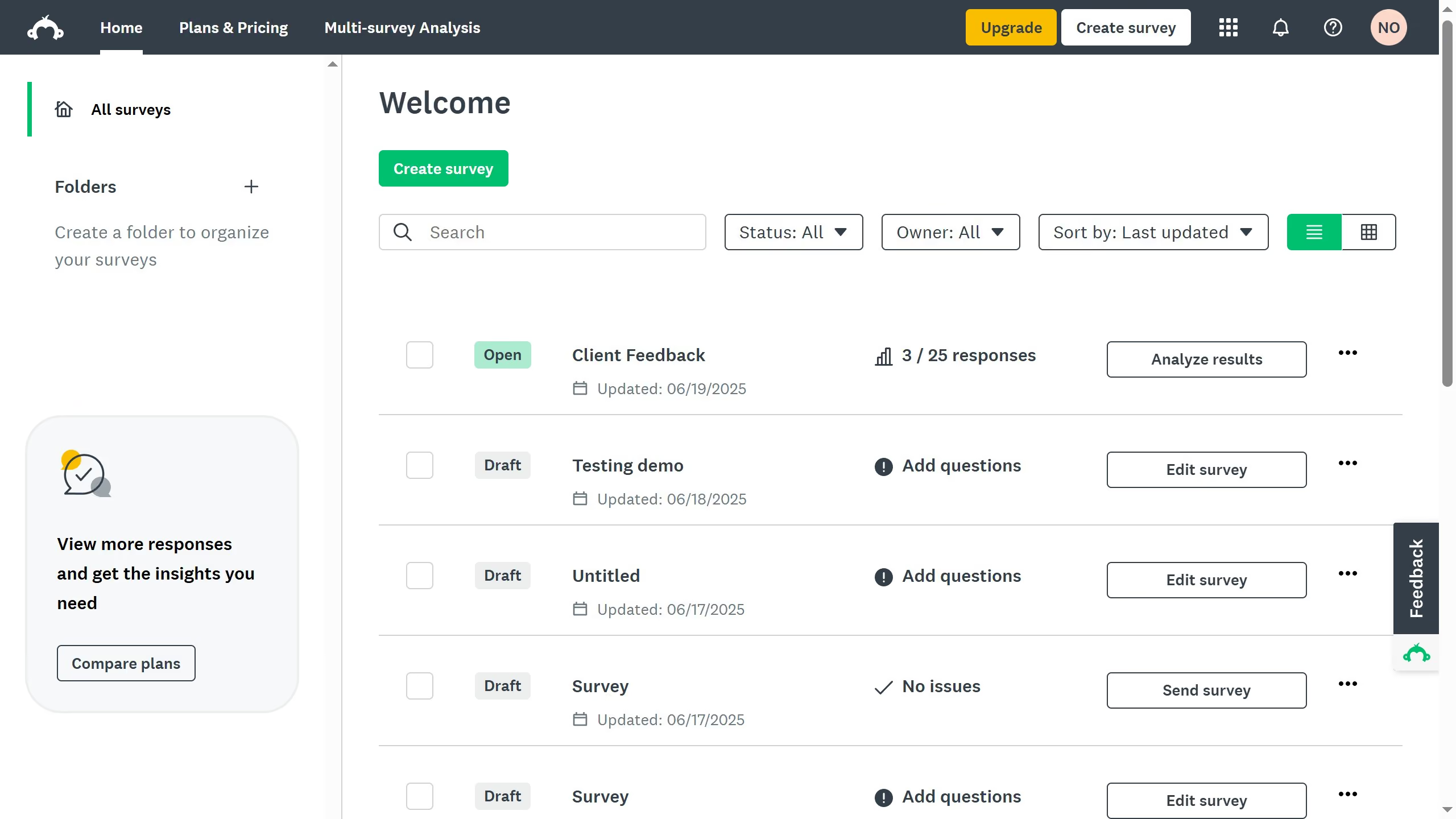
Here is how to upload a csv file in surveymonkey
- On your SurveyMonkey dashboard, click your profile icon at the top right corner
- Click "Contacts" from the dropdown menu
- Click the "Add Contacts" button
- Click the "Import multiple contacts" option from the dropdown menu
- Next, click the "CSV File" button
- Click "Choose File" and upload a prepared spreadsheet with one contact per row
- Finally click "Add contacts" to save and finish